199
EN
Playback
5
Adding Audio to Pictures (R)
You can record audio using the built-in stereo microphone or an optional external
microphone and add it to pictures. The recorded audio provides a simple replacement
for written notes about the pictures. Audio recordings can be up to 30 s long.
1
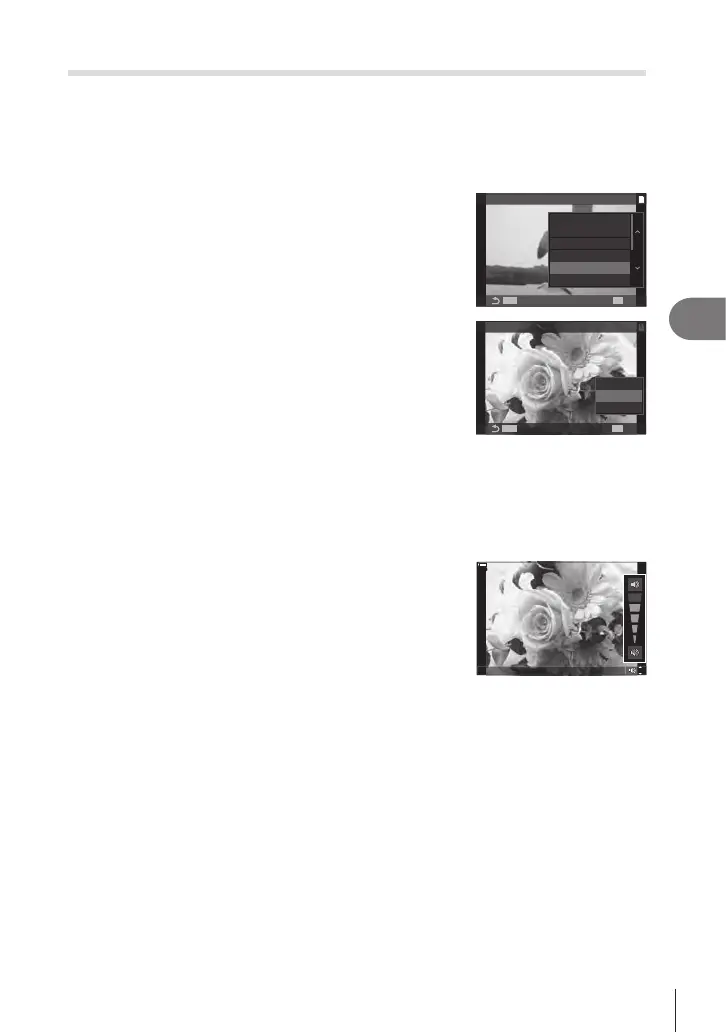
Display the image to which you want to add audio and press the Q button.
• Audio recording is not available with protected images.
2
Select [R] and press the Q button.
• To exit without adding audio, select [No].
1
JPEG
R
0
Rating
Share Order
JPEG Edit
Rotate
3
Select [R Start] and press the Q button to begin
recording.
4
Press the Q button to end recording.
• Pictures with audio are indicated by H icons and
indicators showing the recording rate.
• To delete recorded audio, select [Erase] in Step 3.
1
MENUMENU
OK
Erase
R
Start
No
R
%Audio is recorded at the rate selected for movies. The rate can be selected using [Sound
Recording Settings] (P. 180).
Audio Playback
Playback begins automatically when a picture with audio is displayed. To adjust the
volume:
1
Display the picture whose audio you want to play
back.
2
Press F or G.
• F button: Raise volume.
• G button: Lower volume.
0
%
0
%






 To Next Page