26
EN
Preparation
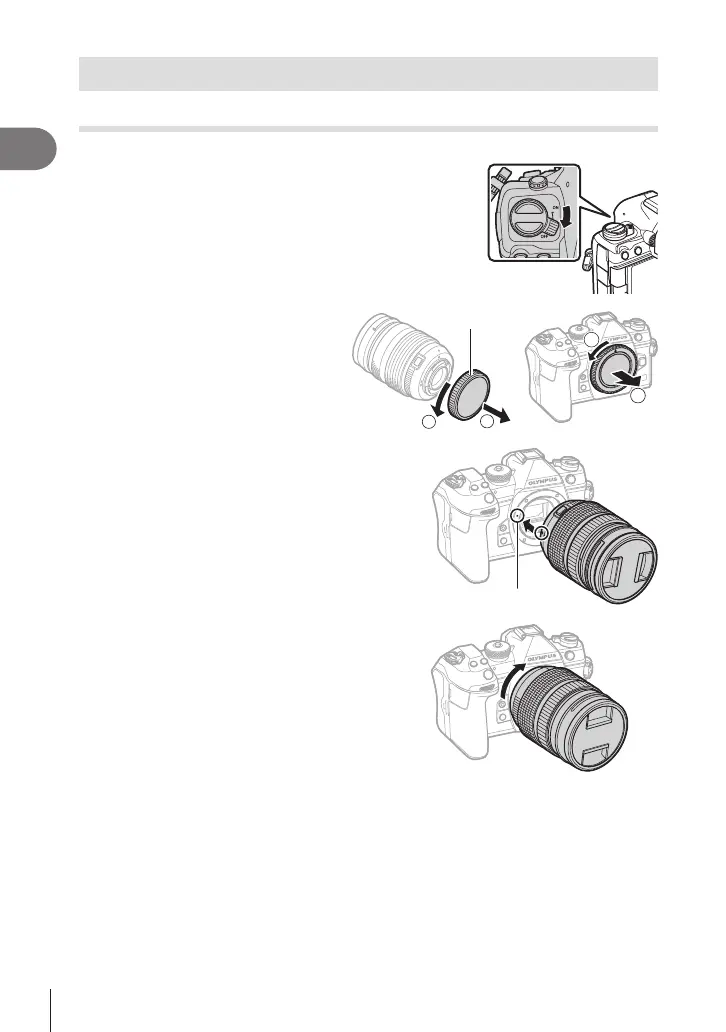
1
Attaching and removing lenses
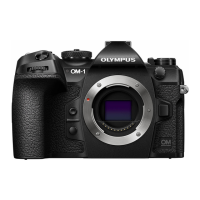
Attaching a lens to the camera
• See page 291 for information on compatible lenses.
1
Conrm that the ON/OFF lever is in the OFF
position.
2
Remove the rear cap of the lens
and the body cap of the camera.
Rear cap
2
1
3
Align the lens attachment mark (red) on
the camera with the alignment mark (red)
on the lens, then insert the lens into the
camera’s body.
Lens attachment mark
4
Rotate the lens clockwise until you hear it
click.
# Do not press the lens release button.
# Do not touch internal portions of the camera.






 To Next Page