11 - 23
11 EtherNet/IP Coupler Unit Functions
NX-series EtherNet/IP Coupler Unit User’s Manual (W536)
11-5 Restarting
11
11-5-3 Procedure for Restarting
The Sysmac Studio is used as an example to describe the operation to restart a Unit with Support Soft-
ware. For Support Software other than the Sysmac Studio, refer to the operation manual for the Sup-
port Software that you are using.
Use the following procedure to restart all of the Units in the Slave Terminal.
1 Go online, right-click the EtherNet/IP Coupler Unit in the Edit Slave Terminal Configuration Tab
Page, and select Restart.
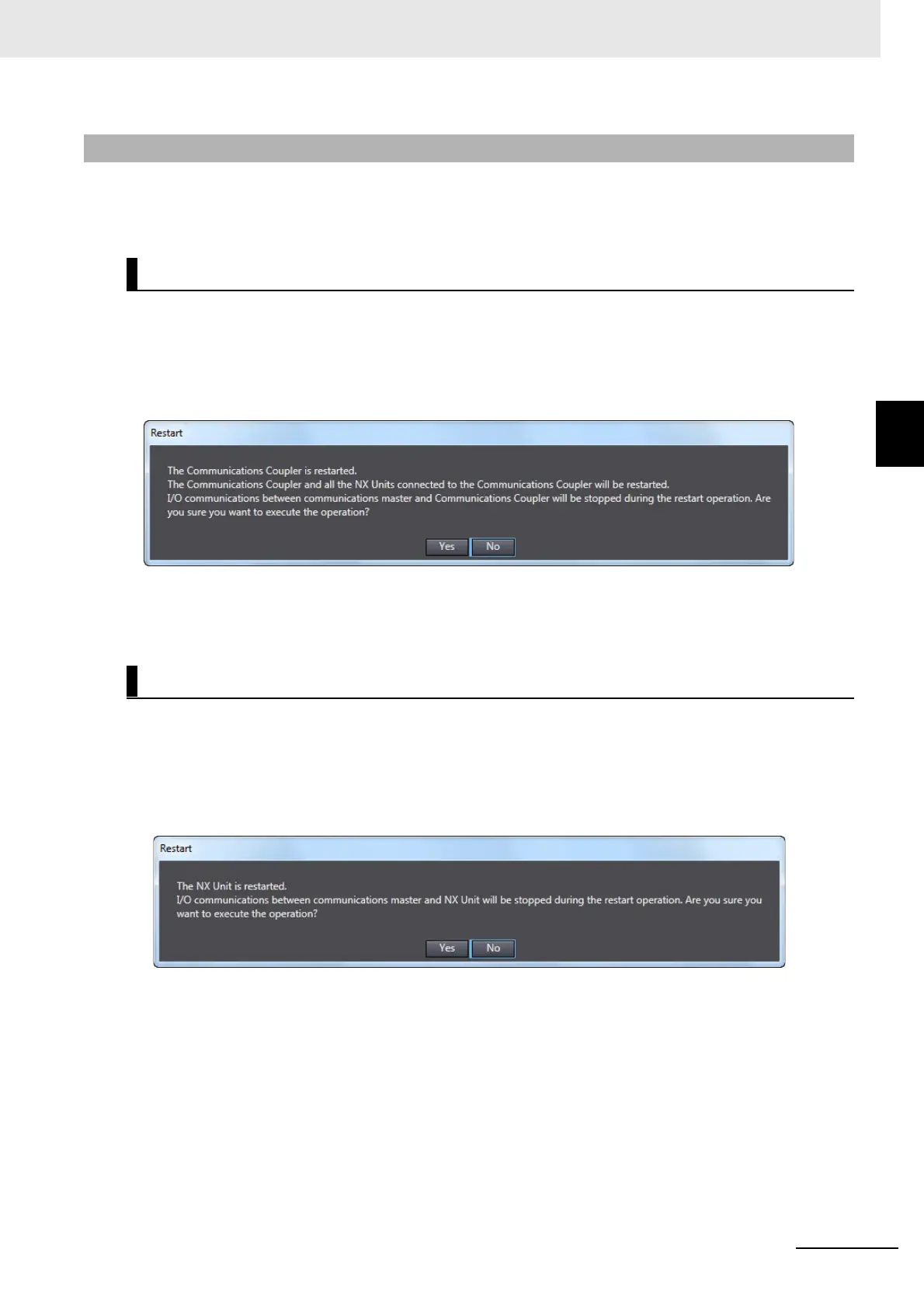
A Restart Confirmation Dialog Box is displayed.
2 Click the Yes button.
After the Units are restarted, a Restart Completion Dialog Box is displayed.
Use the following procedure to restart an NX Unit.
1 Go online, right-click the NX Unit to restart in the Edit Slave Terminal Configuration Tab Page,
and select Restart.
A Restart Confirmation Dialog Box is displayed.
2 Click the Yes button.
After the Unit is restarted, a Restart Completion Dialog Box is displayed.
11-5-3 Procedure for Restarting
Restarting the Slave Terminal
Restarting an NX Unit



 To Next Page