Appendices
A - 36
NX-series EtherNet/IP Coupler Unit User’s Manual (W536)
This section describes how to use EtherNet/IP Slave Terminals with the TCP/UDP message service.
Refer to the NX-series Safety Control Unit User’s Manual (Cat. No. Z930) for the procedures to use
Safety Control Units.
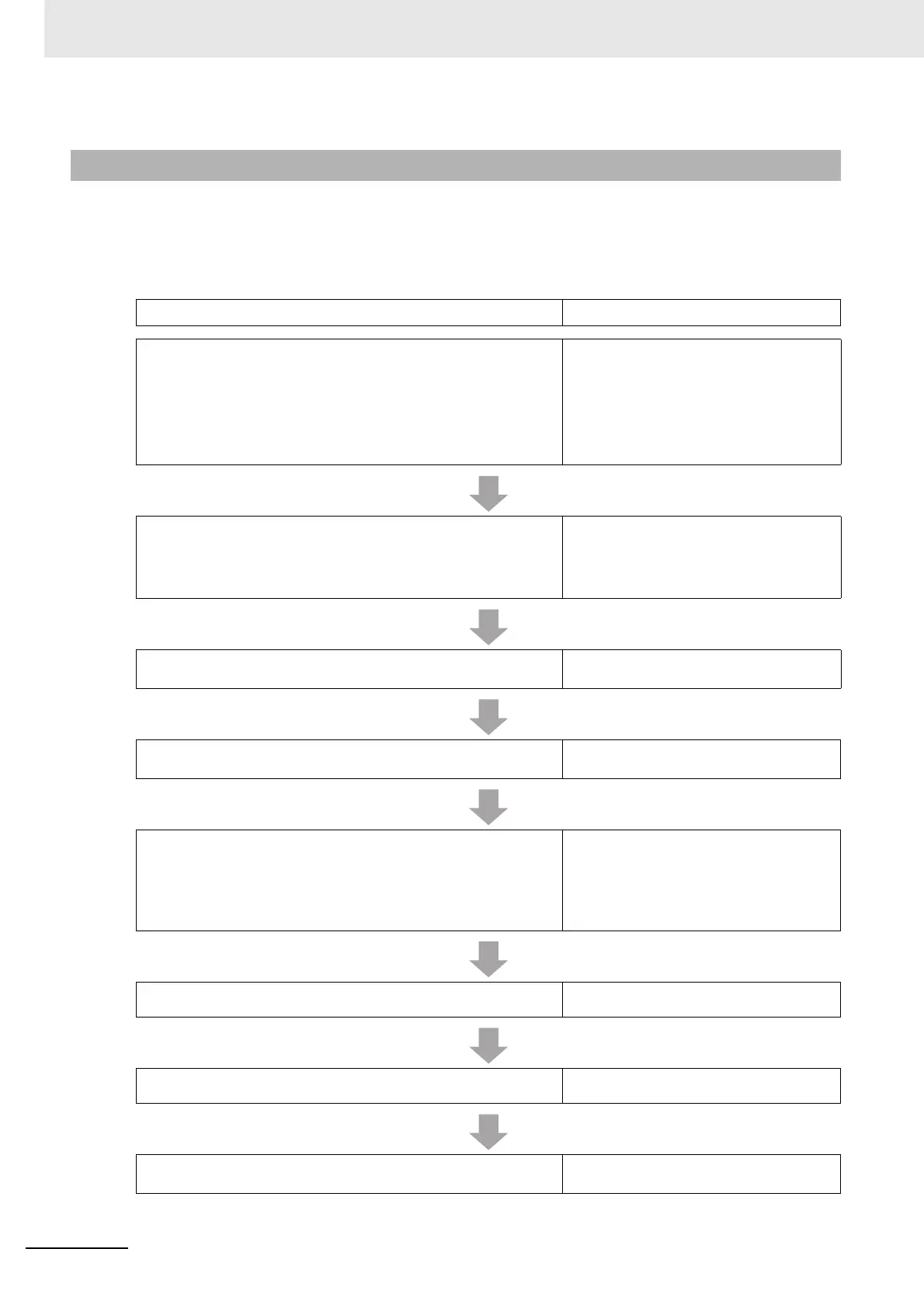
A-2-2 Setup Procedure for TCP/UDP Message Service
Procedure Sections
1. Preparing for Work
• 2-2-2 Types of NX Units on page 2-7
• 3-1 Specifications on page 3-2
• Section 5 Designing the Power Supply
System
• 6-1-3 Installation Orientation on page 6-8
• Manuals for the specific NX Units
2. Making Hardware Settings and Wiring the Slave Terminal
• 4-3 Hardware Switch Settings on page
4-8
• 6-1 Installing Units on page 6-2
• Section 7 Wiring
3. Configuring the Slave Terminal and Making the Operation Set-
tings
9-2 Setting Slave Terminal Parameters on
page 9-7
4. Transferring and Comparing EtherNet/IP Coupler Unit Parameter
Settings
9-3 Transferring and Comparing Settings
on page 9-28
5. Setting the EtherNet/IP Coupler Unit’s IP Address, Automatic
Clock and Port Number.
• 9-4 Setting IP Address on page 9-31
• 11-3-3 Automatic Clock Adjustment on
page 11-11
• A-2-5 TCP/IP and UDP/IP Port Number
Setting on page A-41
6. Checking Indicators
4-2 Indicators on page 4-5
7. Confirming Operation by Checking the Wiring
Manual for the specific NX Units
8. Creating and Confirming Operation of TCP/UDP Socket Commu-
nications Program with the TCP/UDP Message Service
Manual for the Controller



 To Next Page