11 - 15
11 EtherNet/IP Coupler Unit Functions
NX-series EtherNet/IP Coupler Unit User’s Manual (W536)
11-3 Event Logs
11
11-3-6 Exporting the Event Log
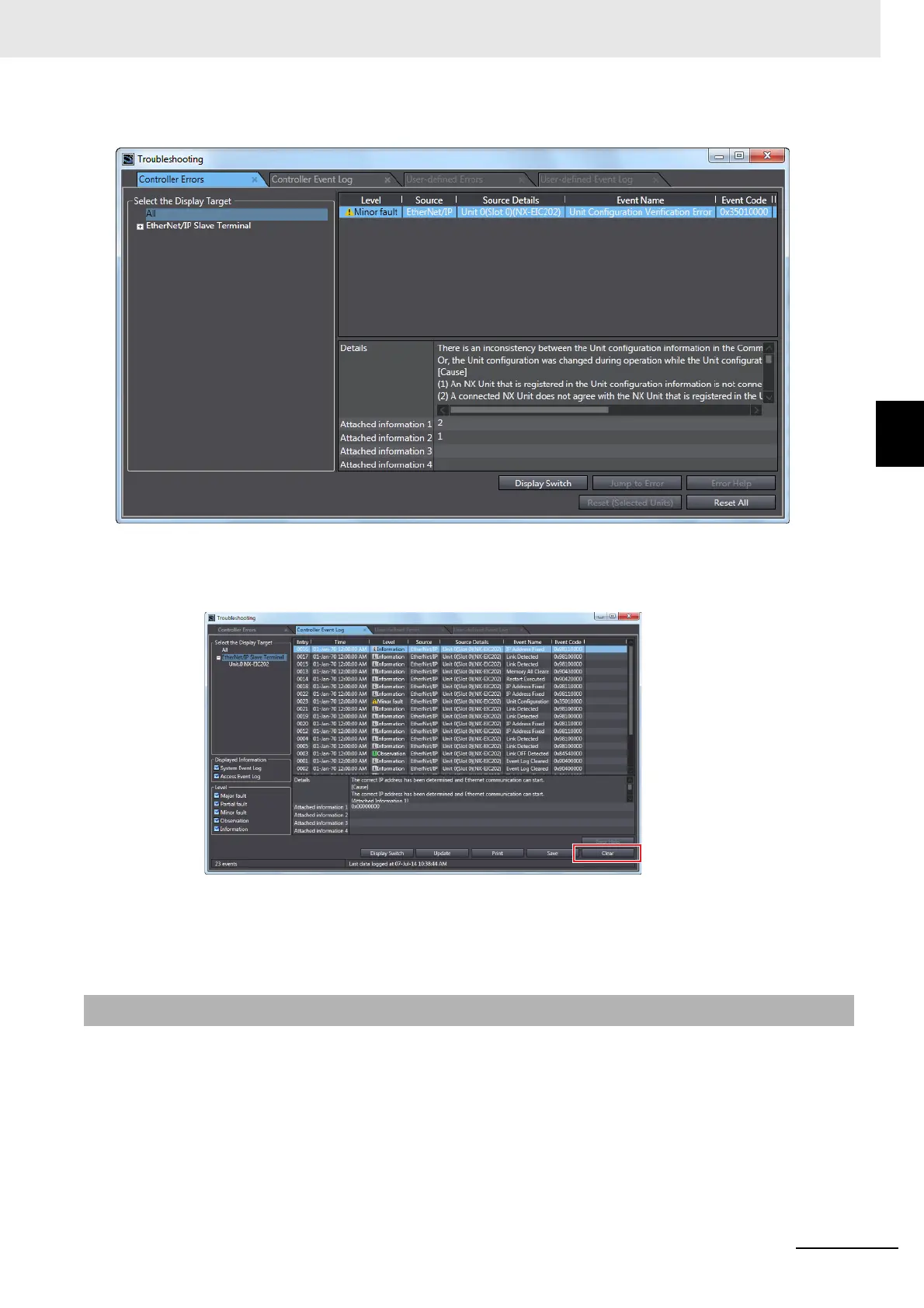
The following Troubleshooting Dialog Box is displayed.
2 In the Select the Display Target Area of the Controller Event Log Tab Page, select the Units to
clear and click the Clear button.
A confirmation dialog box is displayed.
3 Click the Yes button.
The selected events are cleared.
You can export the contents of the event log to a CSV file.
The event log for the EtherNet/IP Coupler Unit and NX Units is displayed as part of the Controller event
log. Use the Support Software. The operations are described by using the Sysmac Studio as an exam-
ple. For Support Software other than the Sysmac Studio, refer to the operation manual for the Support
Software that you are using.
1 Select Troubleshooting from the Tools Menu while online. You can also click the Trouble-
shooting button in the toolbar.
11-3-6 Exporting the Event Log



 To Next Page