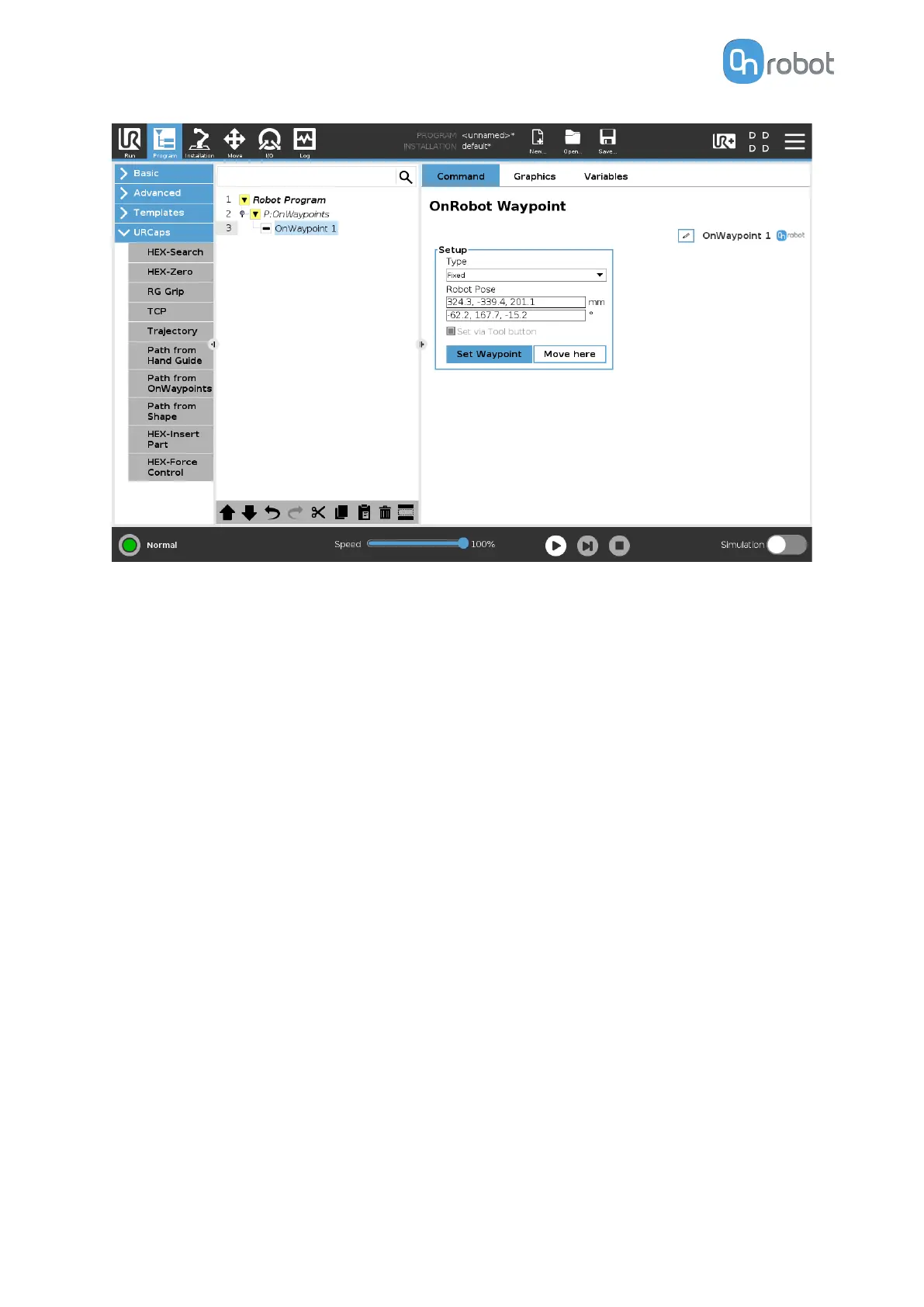
Type: The type of the waypoint. It can be set to Fixed.
Robot Pose: Coordinate and rotation values for the waypoint.
Set via Tool button: This checkbox allows the command to automatically get the Robot Pose
values when pressing the tool button. In this case, the LED of the Tool button turns to steady
green.
5.1.4.6. Trajectory
The Trajectory command
specifies the trajectory for the Sander, which is used to follow the
object.
The parameters that are set on this page
aect the robot motion properties, such as Speed,
Acceleration, and so on.
A complete trajectory can be composed of several paths obtained from a hand guide
learning,
specified independent waypoints or shapes, or a combination of these.
The generated trajectory is stored on the Compute Box.
OPERATION
112



 To Next Page