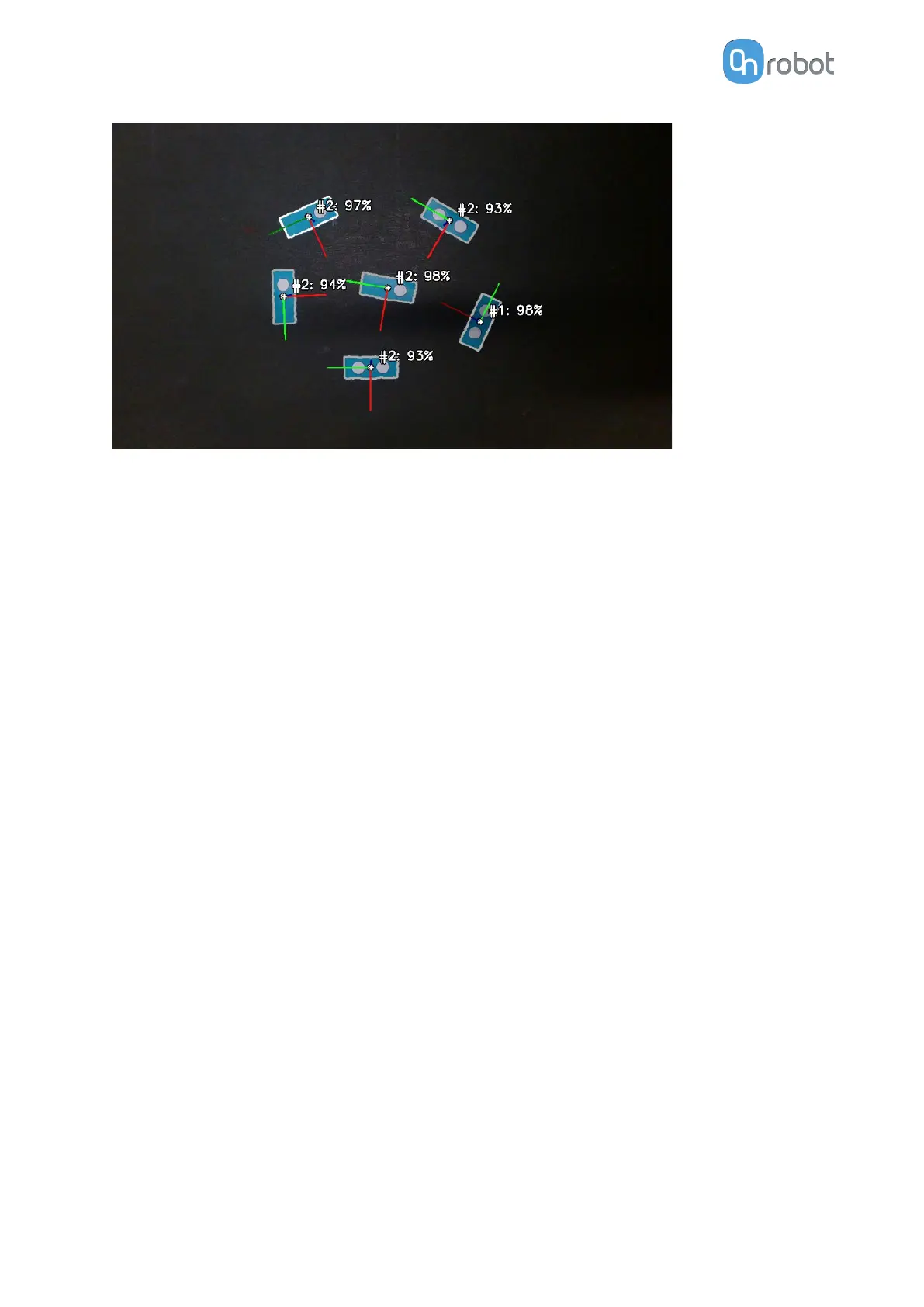
If such an application is required, it can still be solved with Eyes as follows:
1. Create two
dierent Eyes tasks:
•
Associate the
first task with the workpiece with more features (Workpiece 1 in the
Example).
•
Associate the second task with the workpiece with less features (Workpiece 2 in the
Example).
Each task locates only one of the workpieces.
2. In the robot program, do the following:
•
Locate and pick the items using the Eyes task, which is associated with the workpiece
with more features (Workpiece 1 in the Example).
•
Repeat the process using the second Eyes task, which is associated with the
workpiece with less features (Workpiece 2 in the Example).
3. All pieces are correctly classified and picked.
5.1.2.3. Set Parameters on Inspection by Using Workpiece’s Inner Features
The goal of an inspection task is to dierentiate between correct and defected workpieces.
Set the parameters so Eyes correctly identifies which parts of the object are defected.
Two types of defects can be
identified:
•
Defected areas due to color changing, displayed in cyan blue.
•
Defected edges or lines due to
dierences in edges, displayed in magenta.
Good practice:
•
Initially try to detect the defect on the workpiece with only one of the above types of
defects. Start from the one that fits better the expected defects on your workpiece.
•
Use both types of defect detection when the expected defects of your workpiece cannot
be detected by either of the above types.
The two types of defects are correctly displayed in the detailed view when the Color
dierence tolerance, the Minimum edge strength, and the Edge dierence tolerance
parameters are correctly adjusted.
OPERATION
98



 To Next Page