6.1.9. Web Client: Account Settings
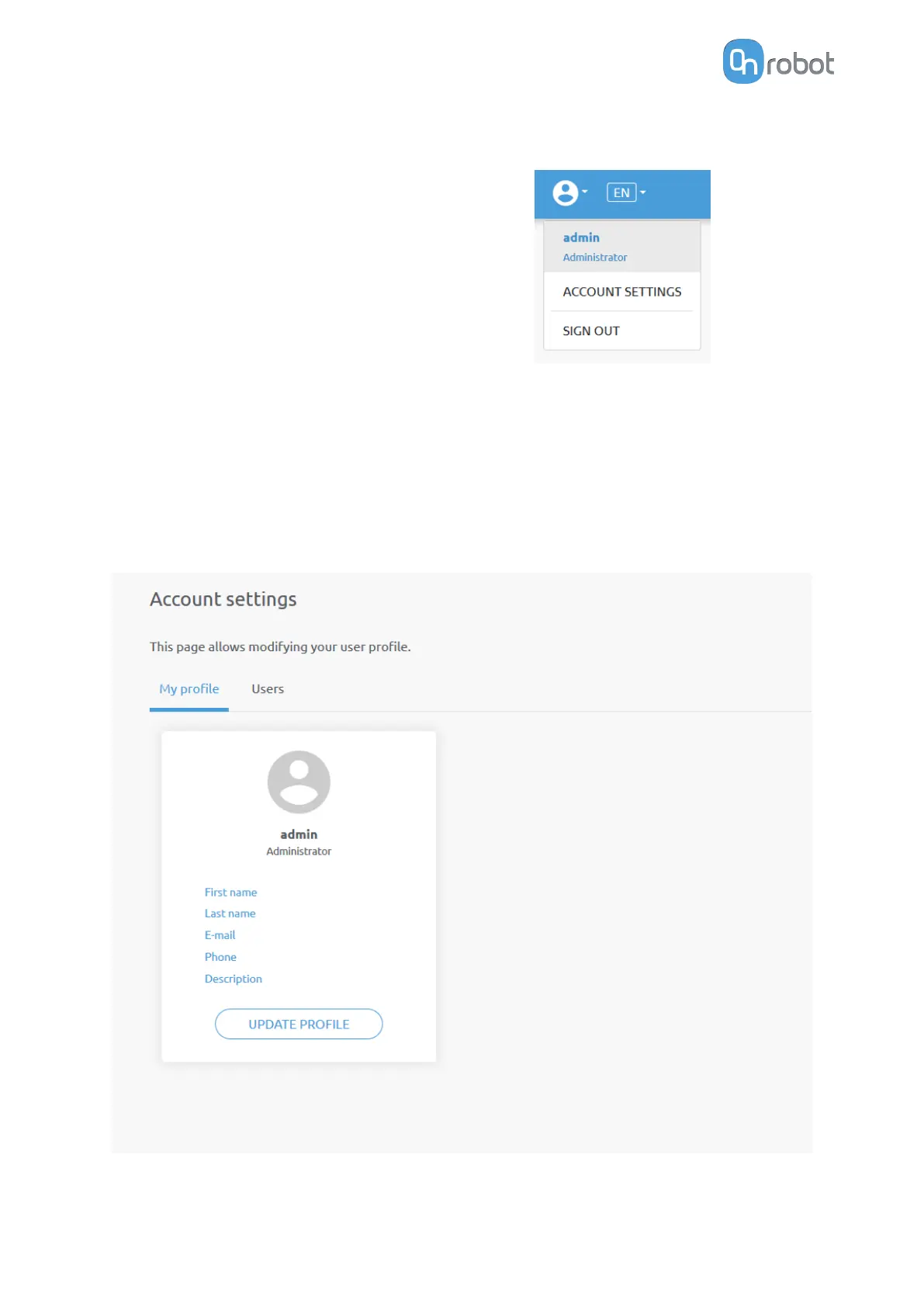
This menu can be used to:
•
See the currently sign-id user
•
Go to Account settings
•
Sign-out
Account settings:
This page has two tabs:
•
My
profile - to see and update the currently logged in users' profile (e.g.: change
password)
•
Users - to manage users (e.g.: add/remove/edit)
On the My profile tab to change any profile data (e.g.: password) click on the Update profile
button.
On the Users tab click on the Add new user button to add more users:
ADDITIONAL SOFTWARE OPTIONS
161



 To Next Page