4.1.3.4. VGC10
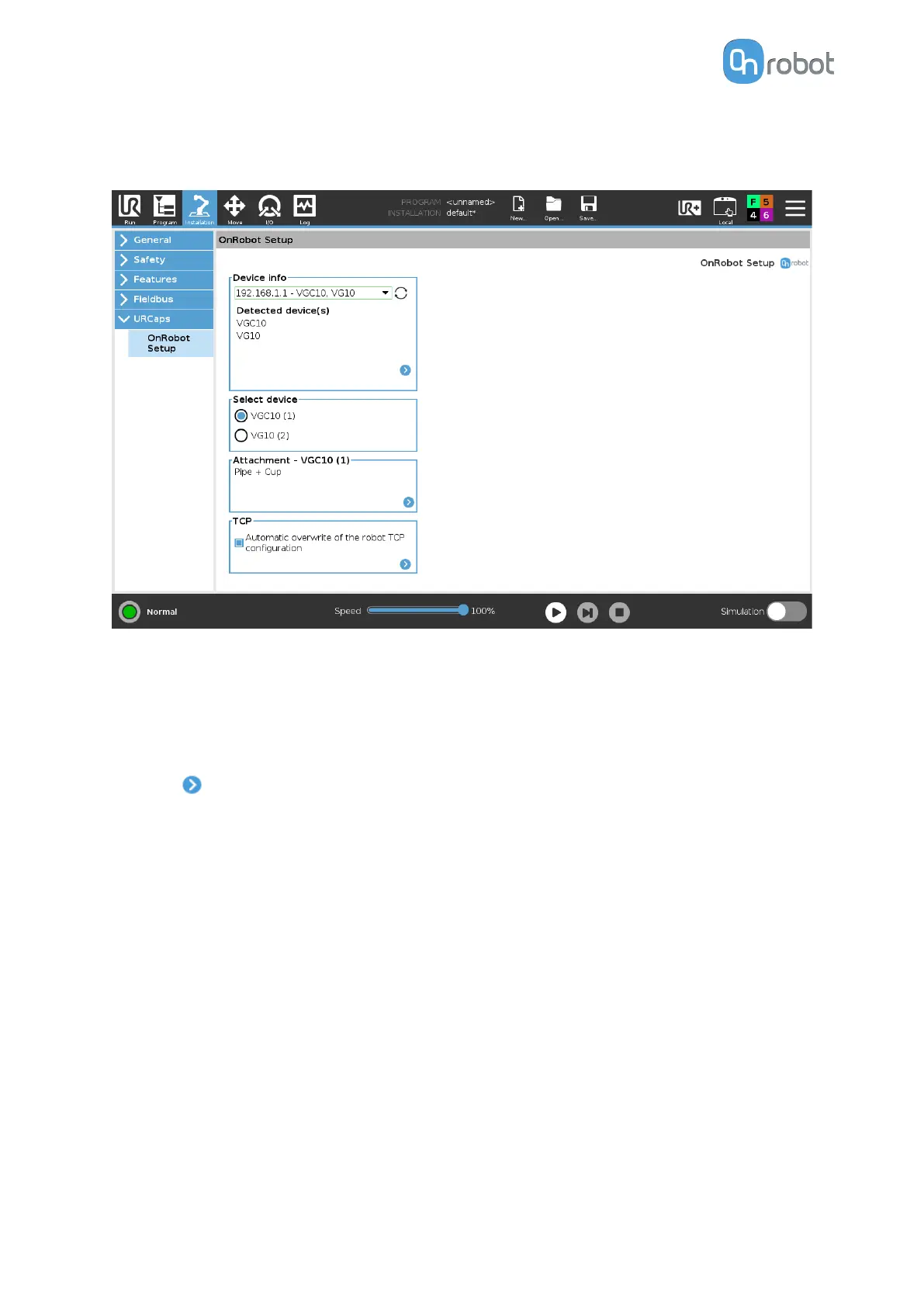
The configuration panels for the VGC10 are shown in the image below:
Attachment
In the normal view of the panel, the selected attachment types such as Standard, Pipe + Cup,
Adaptor + Cups, Adaptor + Pipe + Cup and For customization are mentioned. This
configuration panel is used to set the TCP in the right position as well as to move the Center
of Gravity of the workpiece to the new TCP. To select a dierent attachment configuration
press on .
SW INSTALLATION
35



 To Next Page