5. Initialize the robot. 5. Initialize the robot.
4.1.3. URCap Setup
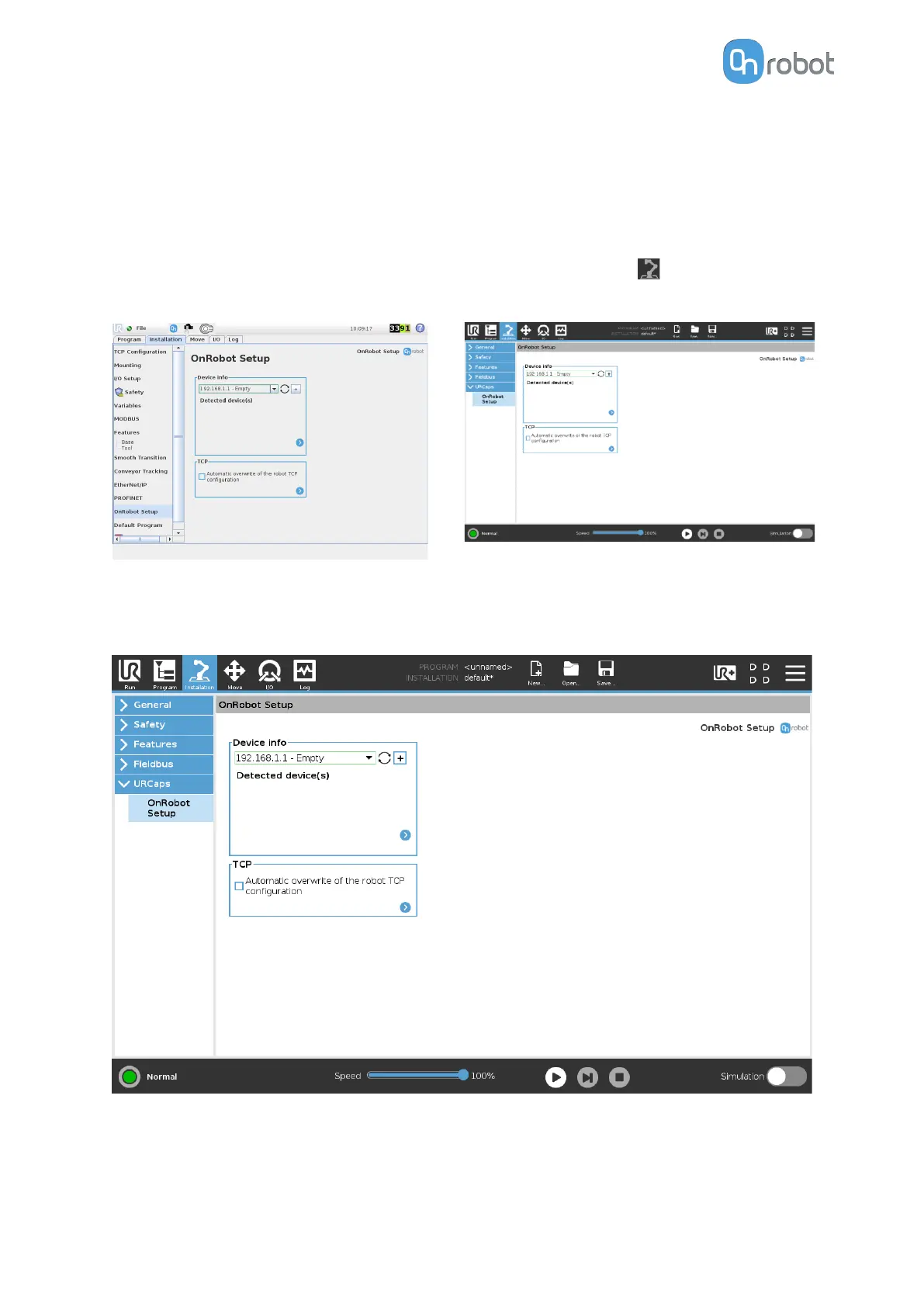
UR CB3 UR e-Series
Select the Installation tab, then select
OnRobot Setup. The following screen is
shown:
Tap on the Installation tab in the top menu.
Then tap on the URCaps.
4.1.3.1. Device Info
In the normal view of the panel, the available functions are shown below:
Device info
Dropdown menu to select a device-robot communication channel: Discover the connected
devices.
SW INSTALLATION
26



 To Next Page