NOTE:
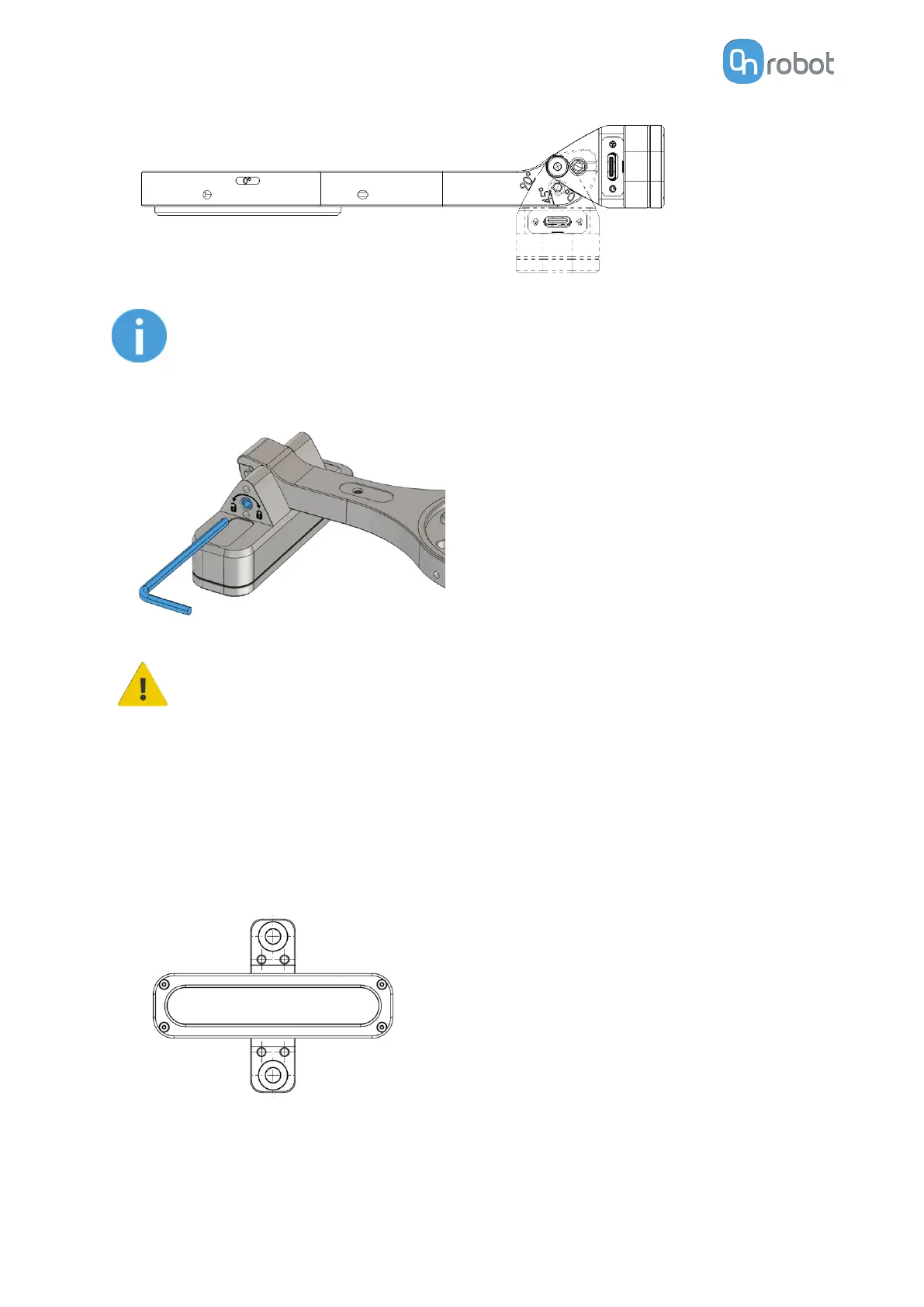
Make sure that the mount is in one of the supported positions. Do not use
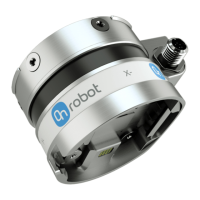
intermediate positions. Once a position is decided, secure the mount using
the tightening screw. Tighten the screw with 0.4 Nm torque.
CAUTION:
Make sure that the supporting screws are not tightened when you cahnge
the angle of the robot mount.
4.2.2. External Mount Settings
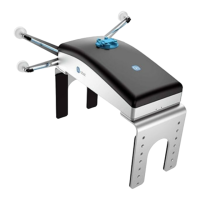
To use external mount, detach the camera component from the robot mount as follows:
•
Unscrew the SMSB 4.5-30 screw on the side of the camera component.
•
Detach the camera from the robot mount.
•
Attach the camera to the external mount.
•
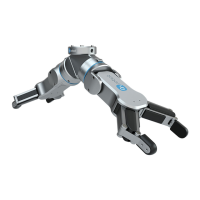
Attach the support piece to a
fixture using one of the multiple holes present on it.
Set the external mount settings as follows:
SW INSTALLATION
42


 To Next Page