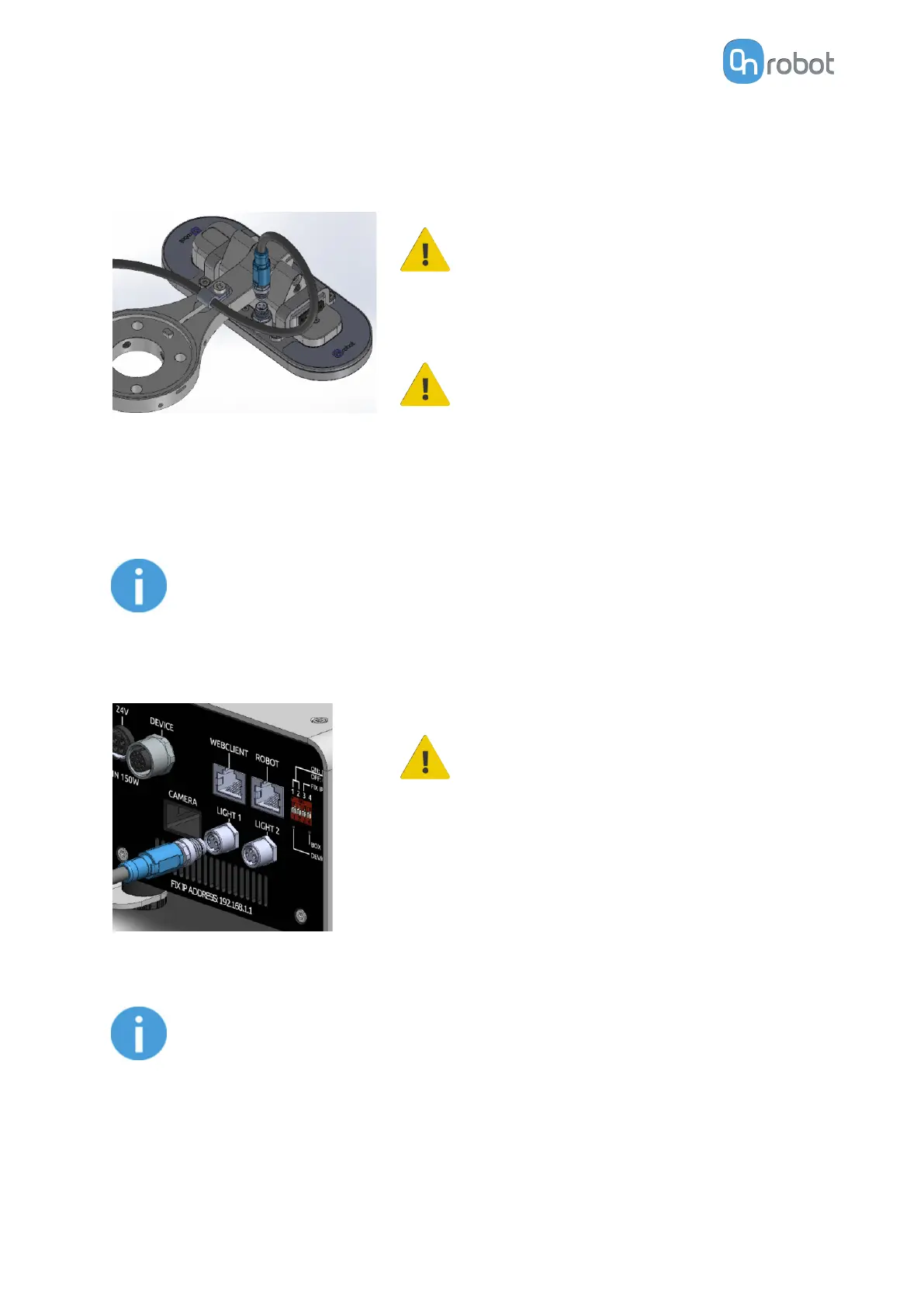
Use one of the cable holders on the Eyes. One cable
holder is placed on top and another one at the bottom.
CAUTION:
Ensure that the locking screws on the
Eyes end connector are fastened. Use a
maximum tightening torque of 0.2 Nm.
CAUTION:
Make sure to use the supplied cable
holder to prevent any excessive strain on
the connector caused by the rotation of
the cable.
Then route the Light cable to the Eye Box and use the supplied Velcro tape (black) to fix it.
NOTE:
Make sure that during the routing some extra length is used at the joints so
that cable is not pulled when the robot moves.
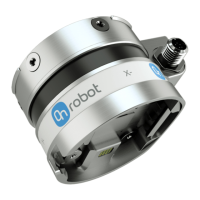
Connect the other end of the Light cable to the Eye Box's Light 1 or Light 2 connectors.
CAUTION:
Use only original OnRobot cables. Do not
cut or extend these cables.
3.5.3. Tool Data Cable
NOTE:
This step is only applicable when the Eyes is used with another OnRobot tool.
The data cable enables the Eye Box to be used with other OnRobot products.
3.5.3.1. Cable to HEX-E/H QC
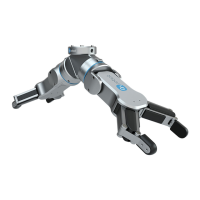
First connect the data cable to the tool.
HW INSTALLATION
19


 To Next Page