NOTE:
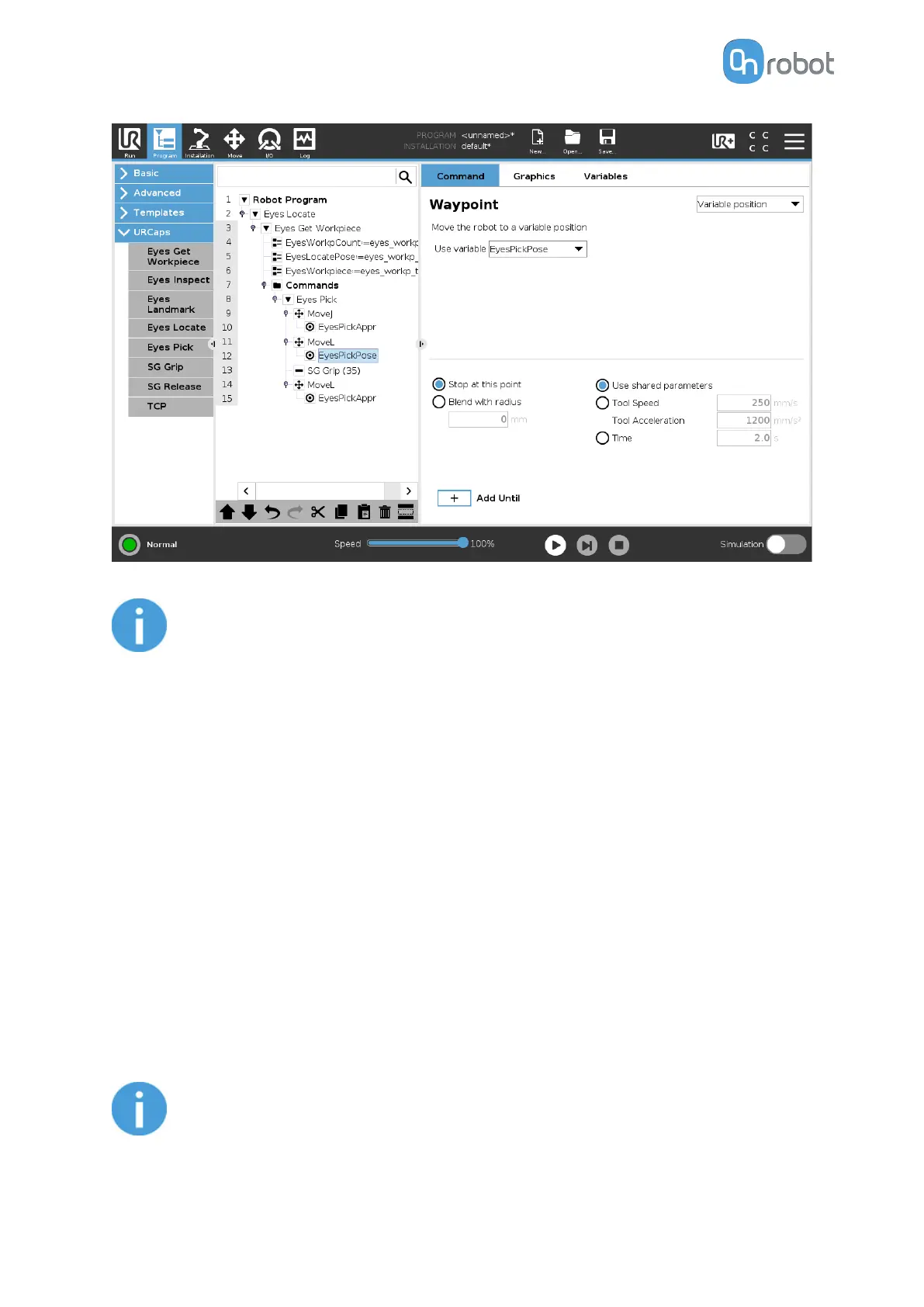
In some cases, the robot may not be able to find a viable path from the chosen
locate pose to the object pose. In these cases, it is recommended to add
waypoints closer to the physical area of where the objects are located.
5.1.1.6. Eyes Landmark
The Eyes Landmark command is used to locate the OnRobot landmark and, using a feature
point as reference in the moves, will reorient the robot position based on the position of the
landmark. The Landmark is detected using a dual capture approach.
This feature/command is very useful in the following cases:
•
When the robot is transported to the workstation and it is not always placed in the very
exact position.
•
When the workpiece is brought to the robot in a tray, trolley or the like and it is not always
placed in the same position.
The following steps will guide the user to create a robot program using the Eyes Landmark
command:
1. Go to the Installation tab, Features dropdown, press point to create it (on a CB3, tick this
as Variable) and press Set point.
NOTE:
The landmark command will change its value when executed, therefore this
point must not be used for anything else.
OPERATION
94


 To Next Page