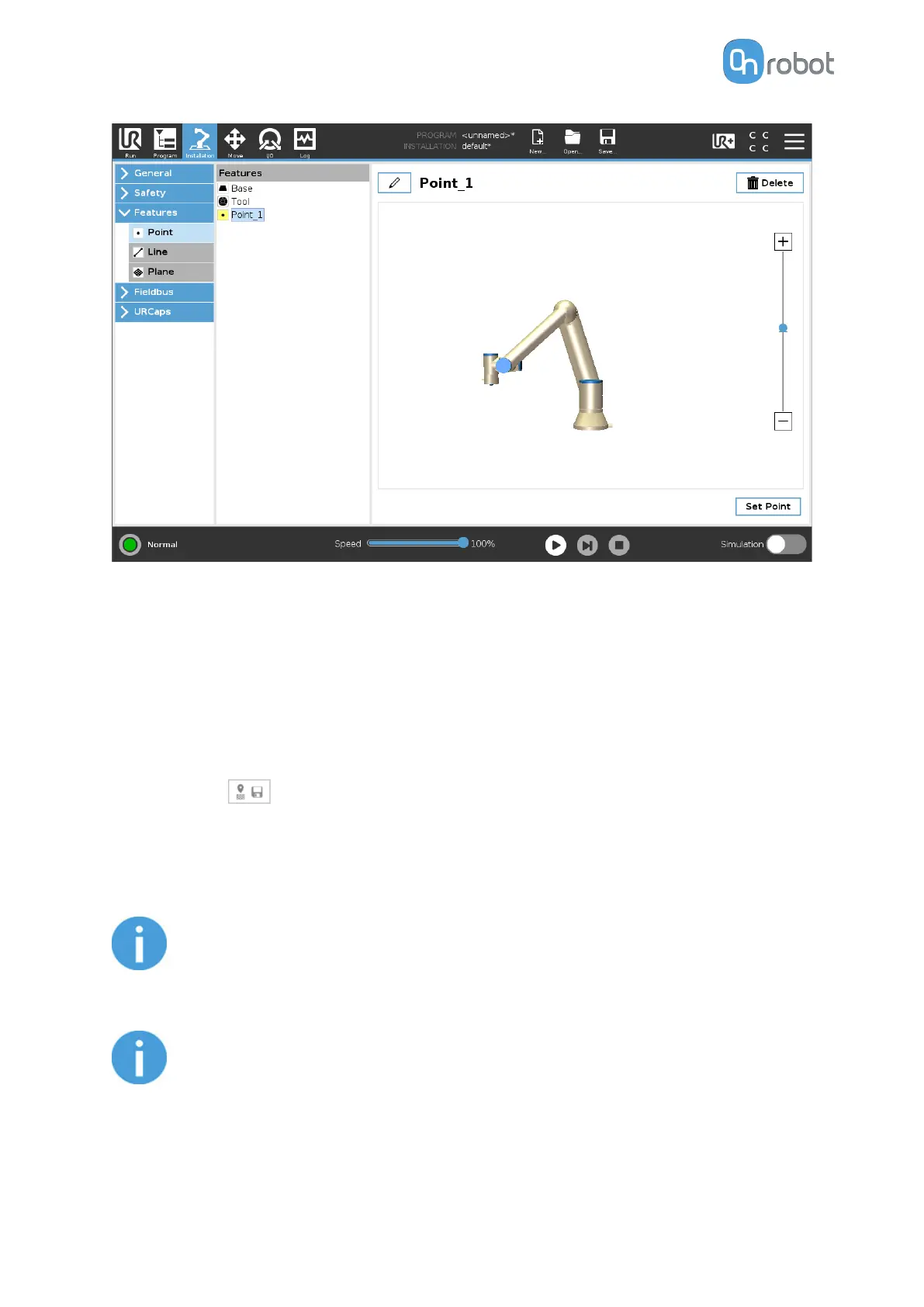
2. Go to the Program tab and add an Eyes Landmark command. The dierent functions are
explained below.
Select feature point
Select the desired feature point.
Save landmark
Place the landmark so that the camera can see it at 300 mm distance.
Then press the
button. This performs two actions:
•
Save the original landmark position.
•
Save the robot position relative to the landmark. The robot will move to the saved relative
position when executing the Eyes Landmark command in the robot program.
NOTE:
The TCP of the robot is set to Use tool flange on eSeries or Ignore Active TCP
on CB3 when teaching the Landmark.
NOTE:
Do not move the landmark until the whole program is set up.
OPERATION
95



 To Next Page