NOTE:
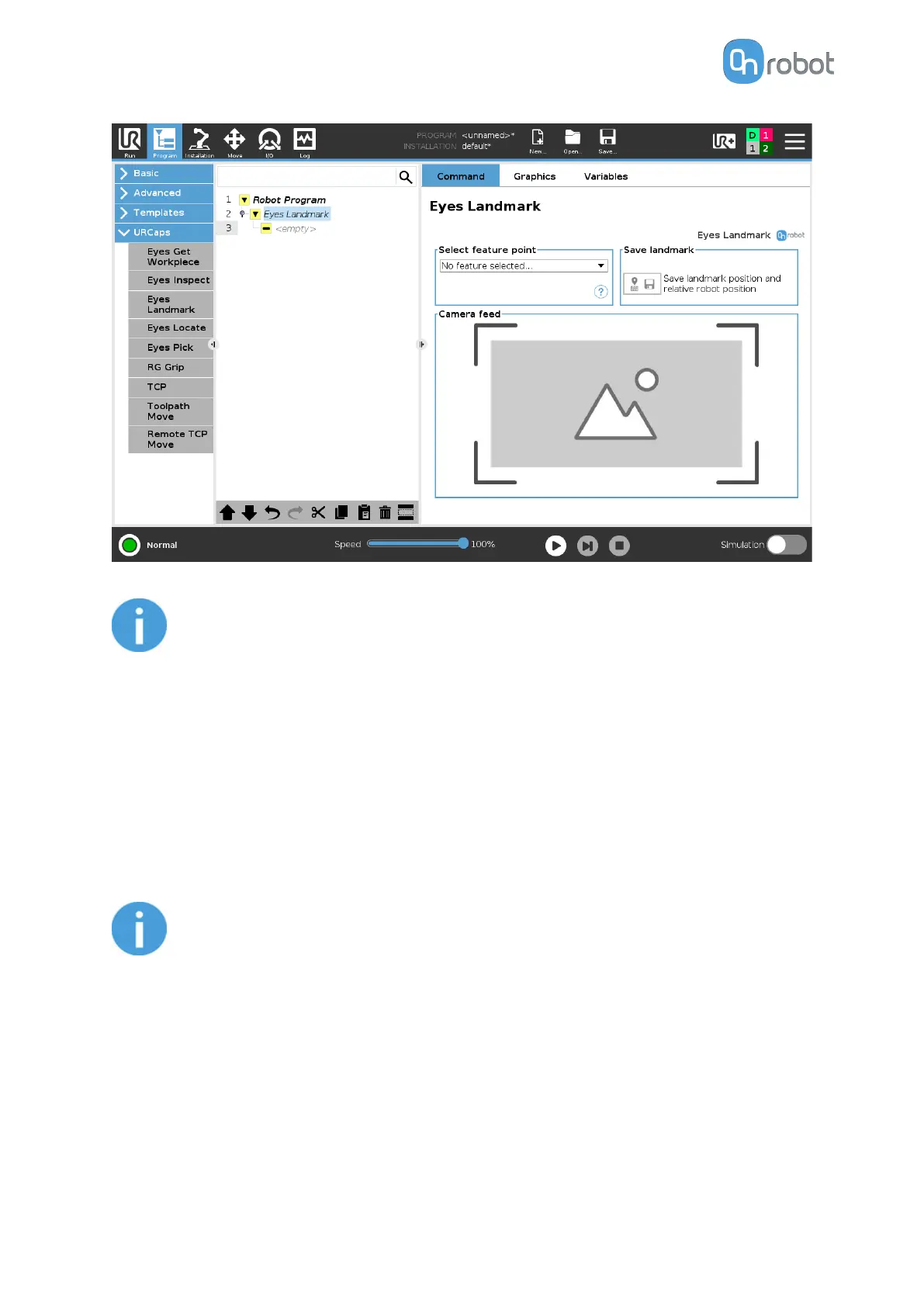
The Eyes Landmark command can be place in the BeforeStart sequence if it is
only required to run once on each program.
3. Outside the Eyes Landmark command, place a Move command.
•
Select a move type that allows you to set a Feature point (eSeries any move will allow
you, CB3 only MoveL and MoveP will allow you).
•
Set a TCP to use.
•
Select the feature point that was created at the beginning.
4. Go to the Waypoint and teach it. Add more waypoints if needed.
5. Repeat steps 3 and 4 if more moves are needed.
NOTE:
Any Move that is relative to the landmark must be placed after and outside the
Eyes Landmark.
No other nodes should modify the feature point.
If the original landmark needs to be re- taught, the waypoints that are using the
current feature point will require a reteach.
Each time the Eyes Landmark command is executed, the pose of the feature point will be
updated, and the Move command that uses the feature point will be modified accordingly.
In the robot program, the created variables and their assignations can be seen. These
variables are explained below:
OPERATION
96



 To Next Page