9.6.1.2. Auto-calibration Warning
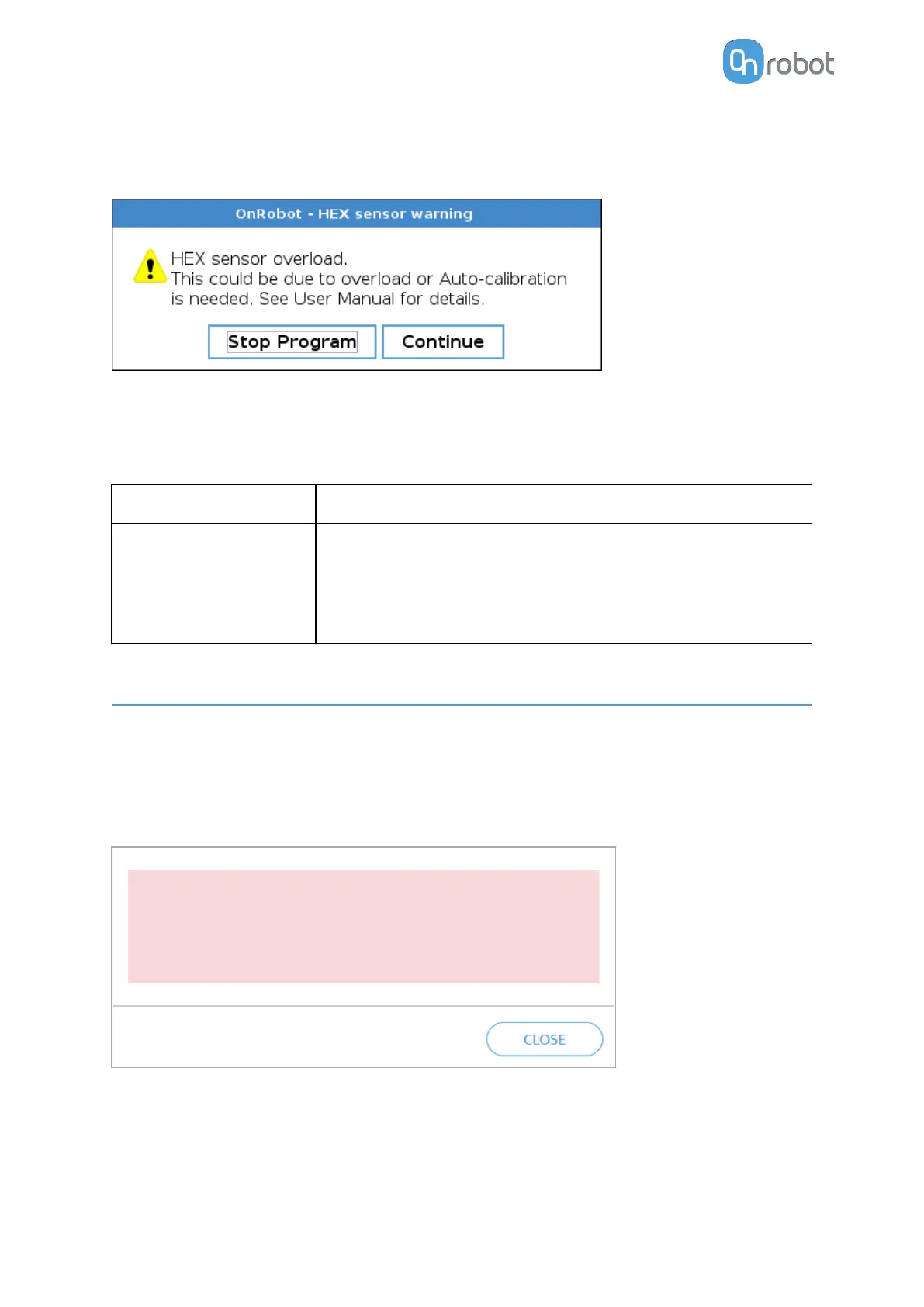
Displayed pop-up message
Error code (on the Web Client): 4096
Description: The HEX sensor requires Auto-calibration.
How to solve and clear the error:
Solution
Error Clearance
Use the Auto-calibration
function. See HEX-E/H
QC section.
Acknowledge the message in the pop-up dialog.
Perform the Auto-calibration process if possible.
If the Auto-calibration process cannot be performed, go to the
Auto-calibration part of the 4.1.3.3. URCap Setup - HEX
section to supress future warnings.
9.7. Web Client Pop-Up Messages
9.7.1. HEX-E/H QC
9.7.1.1. Error 128
Displayed pop-up message
•
HEX sensor overload. Eliminate cause of overload, if
already done, use Auto-Calibration function. Please see
User Manual under Auto-calibration for details.
•
Error code: 128
Error code: 128
Description: The HEX sensor is overloaded because of:
•
Case 1. Too much payload has been put on the robot.
or
TROUBLESHOOTING
196


 To Next Page