CAUTION:
Use only shielded, maximum 3m long
Ethernet cables.
NOTE:
The Ethernet cable to computer is only necessary during configuration of the
Eyes and during operation is not needed.
3.5.6. Eye Box DIP Switch Settings
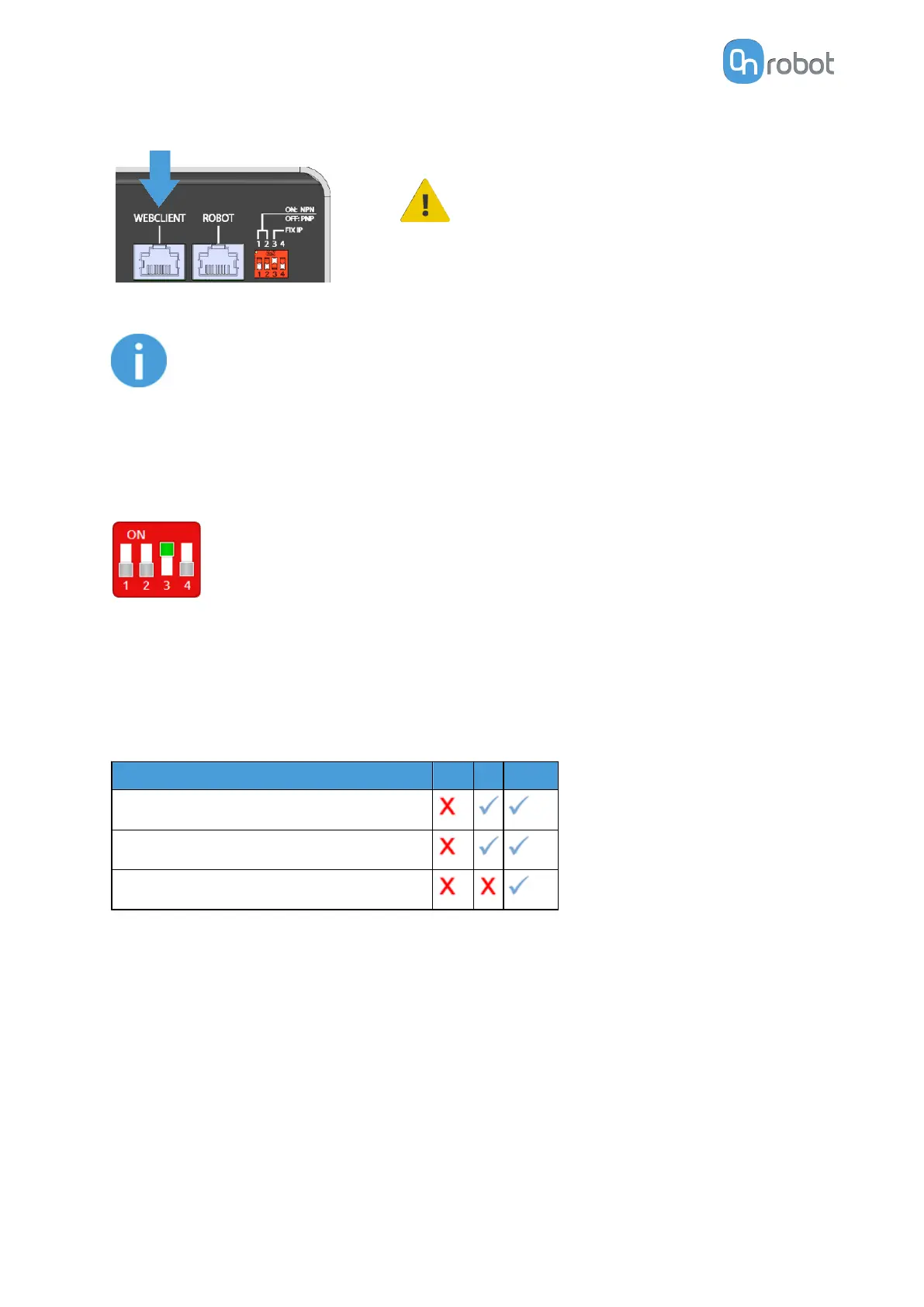
Set the DIP switches of the Eye Box as follows:
Set the DIP switch 3 to ON and the DIP switch 4 to OFF position.
For more information about the Ethernet interface settings, see 6.1.1. Ethernet Interface
Setup.
3.5.7. Power Supply
Power supply vs device compatibility table.
Power Supply
1.5A 5A 6.25A
Eyes alone
Eyes with other OnRobot device
Eyes with OnRobot Screwdriver or VGP20
HW INSTALLATION
22



 To Next Page