The contributions for the values of the dierent axes X, Y and Z and their rotations rX, rY and
rZ can be edited by pressing on the input field and selecting a new value. The changes will
automatically be seen in the camera feed.
5.1.1.3. Eyes Inspect
Configure the Eyes Inspection Application
NOTE:
Each workpiece is stored with the camera view used to define it.
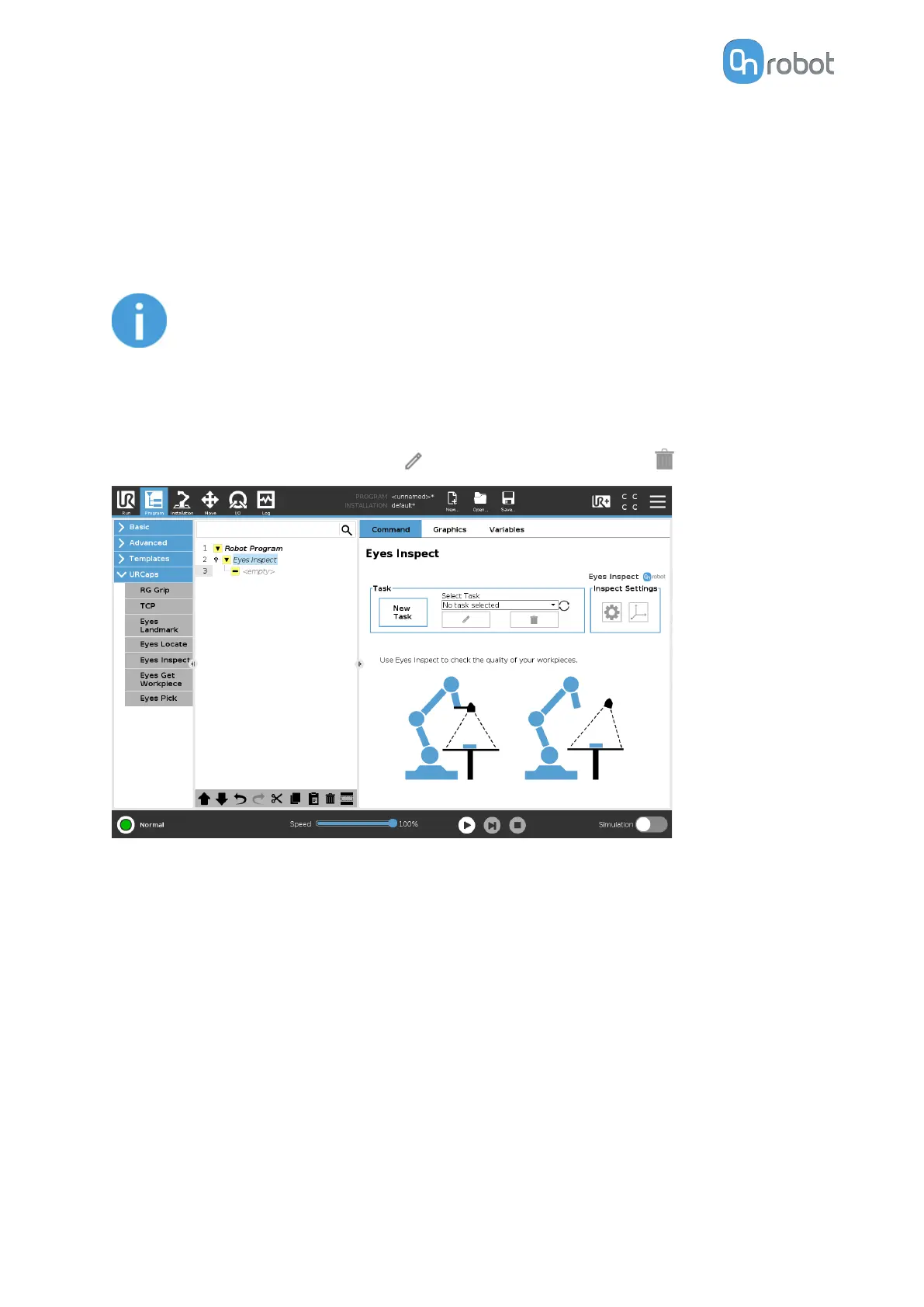
I. Select an Existing Eyes Task
Under Task, select an already existing Eyes task from the drop-down list.
If you want to edit the Eyes task, press
. To delete an Eyes task, press .
II. Create a New Eyes Task
Under Task, press New Task to create a new Eyes task.
OPERATION
68



 To Next Page