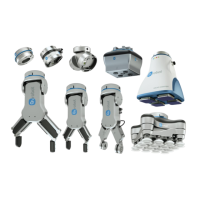
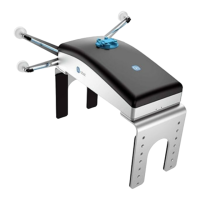
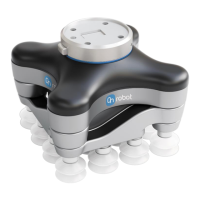
3.2.2. Tools
3.2.2.1. VGC10
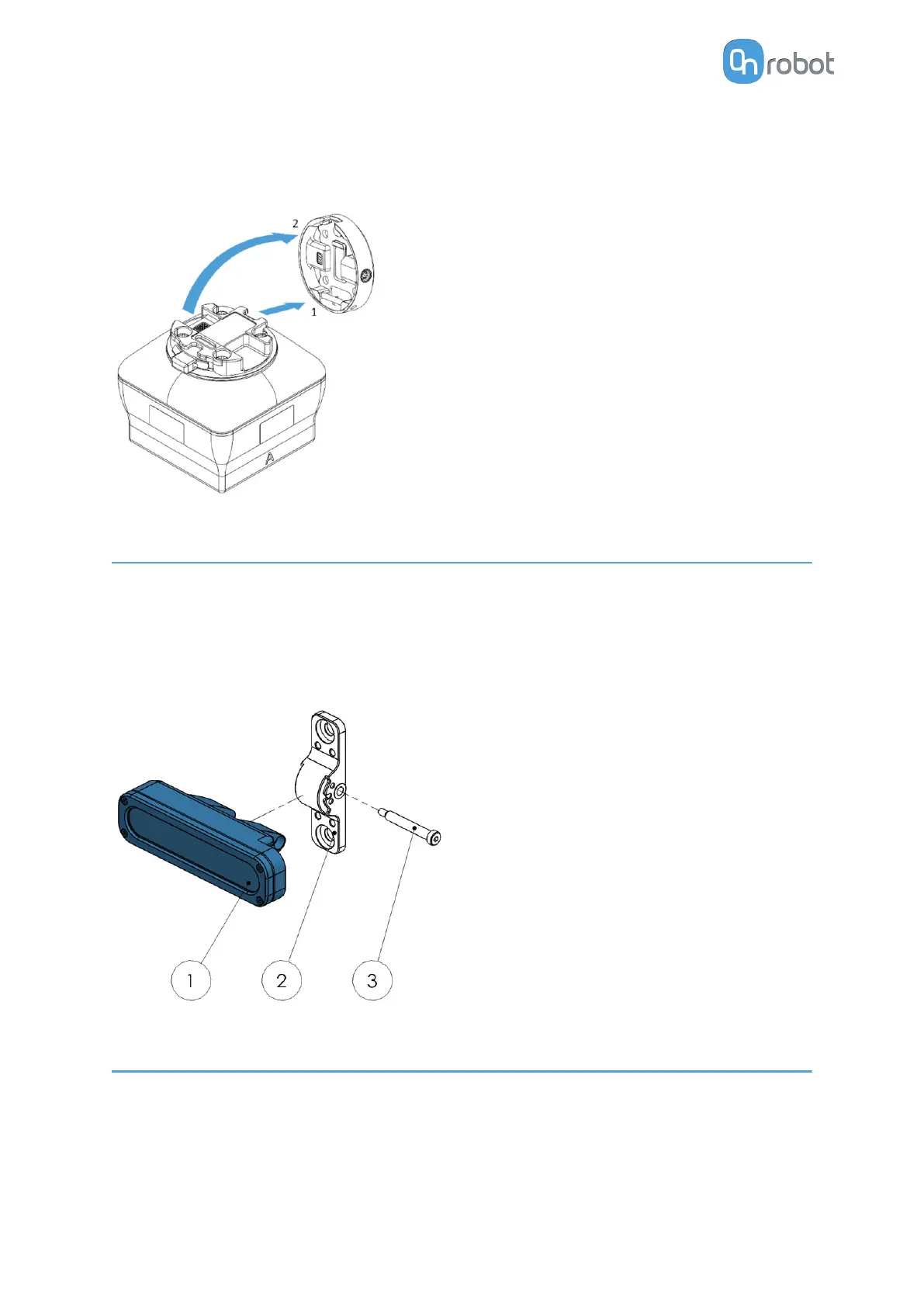
Step 1:
Move the tool close to the Quick Changer as
illustrated.
The hook mechanism (rod and hook tongue)
will keep the lower part locked once mounted.
Step 2:
Flip the tool until it is fully mated, and you hear
a clicking sound.
To unmount the tool, press the aluminum
button on the Quick Changer and repeat the
steps in the reverse order.
3.3. External Mount
The External Mount allows the Eyes to be mounted externally to the robot. Here, the
mounting option is left for the user to decide. A calibration step needs to be performed for the
Eyes to find the spatial relation between robot and Eyes.
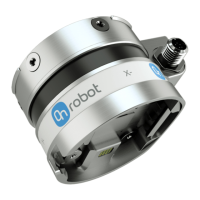
To ease mounting the Eyes externally, OnRobot provides an External Mount piece. It can be
mounted, for example, on a wall, ceiling or a
fixed location available in the workspace.
External Mount
1. Eyes Camera HEAD
2. External Mount
3. SMSB 4.5-30
Use 3.5 Nm tightening torque for SMSB
4.5-30.
3.4. Eyes Lighting Kit Mount
Optionally, use the Eyes Lighting Kit to achieve more accurate detection and inspection
results with Eyes.
You can mount the Eyes Light on the camera or you can use it externally with the provided
mount.
HW INSTALLATION
15


 To Next Page