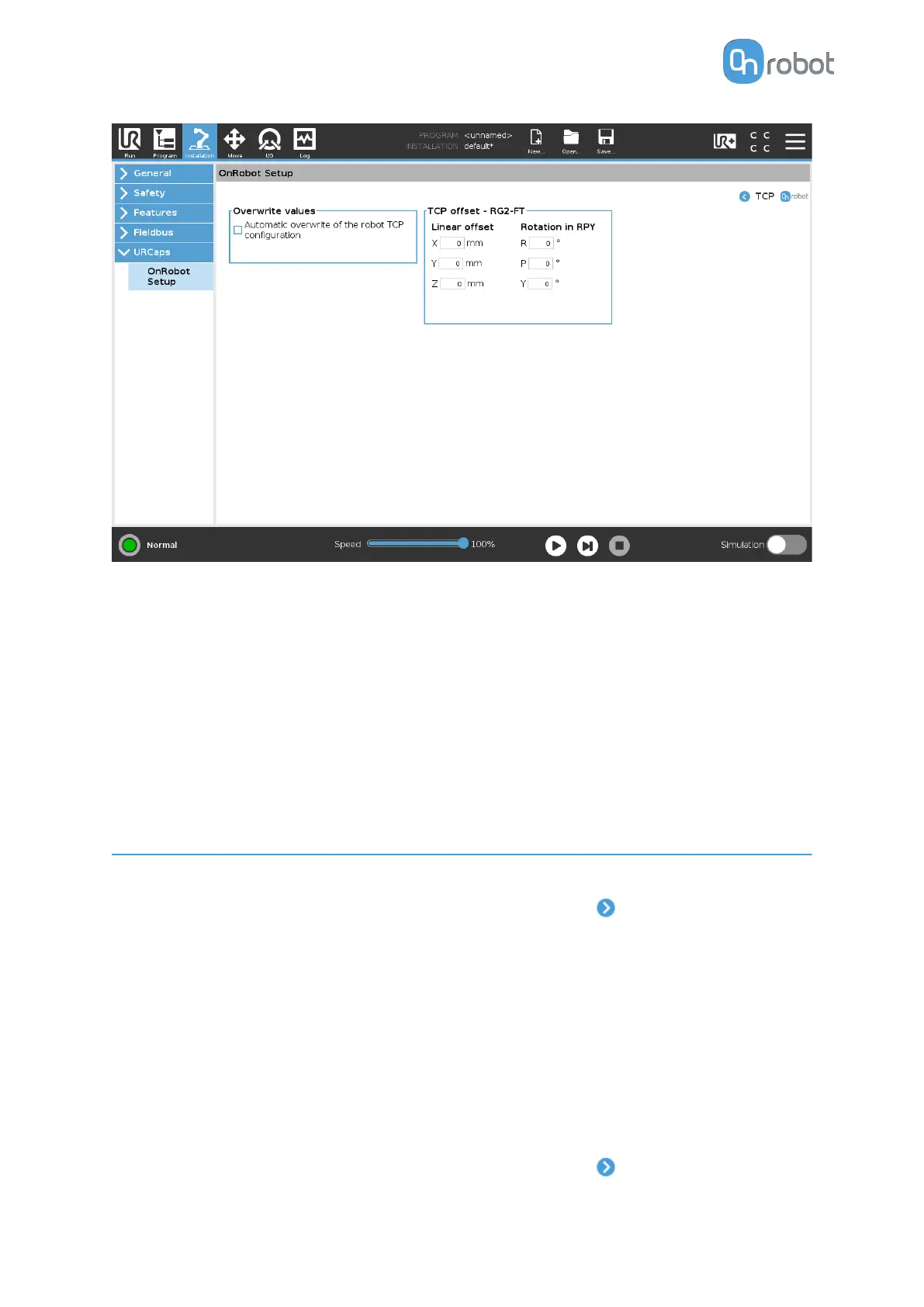
Overwrite values
Automatic overwrite of the robot TCP configuration: when checked, the UR's TCP
configuration is automatically overwritten (Dynamic TCP mode). When unchecked the TCP
is left unchanged (Static TCP mode).
For further information and best practices on the TCP setting see TCP
Configuration
section.
TCP oset
Set the Linear oset (X,Y,Z) and the Rotation in RPY (Roll-Pitch-Yaw) values to adjust the
OnRobot device dependent calculated TCP.
4.2. Eyes Software Settings
Configure the Eyes software settings as follows:
•
Go to the Eyes Setup page. Under Mounting Settings, press
.
•
Select the camera mount:
•
ROBOT - The Eyes is attached to the tool
flange of the robot.
This is the default option.
•
EXTERNAL - The Eyes is mounted externally.
4.2.1. Robot Mount Settings
By default, the camera mount is robot mount. The robot mount option supports multiple
hardware configurations using rotation and tilt adjustments.
Set the robot mount settings as follows:
•
Go to the Eyes Setup page. Under Mounting Settings, press .
SW INSTALLATION
39



 To Next Page