NOTE:
The hand guiding could be configured (in the OnRobot installation page) to be
enabled with a single tap on the enable button (instead of holding)
and stopped with a second tap. However, the holding behavior is
recommended for increased safety.
NOTE:
Please always set the speed slider of the robot to 100% while using the hand
guiding to have an optimal user experience.
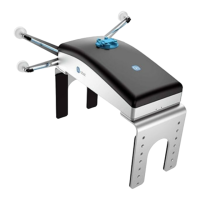
The zero button is intended to be used when the tool orientation is changed during hand
guiding, so that the eects of gravity or changes in the load of the robot can be neutralized.
The snap to axes button rotates the axes of the tool coordinate system to align with the
closest axes of the base coordinate system, disregarding negative or positive directions. This
allows the user to set the tool to face precisely horizontally, or vertically, after guiding by
hand.
NOTE:
If you are experiencing vibration, grab and guide the tool at the Center of
Gravity (roughly it is at the center).
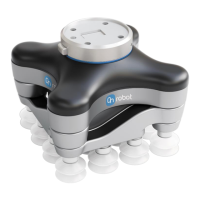
5.2.3. VG10 / VGC10
To open up the toolbar, follow the instructions under How to Access the Toolbar in the 5.2.
URCap Toolbar section.
The toolbar for the VG grippers is shown below.
OPERATION
137



 To Next Page