NOTE:
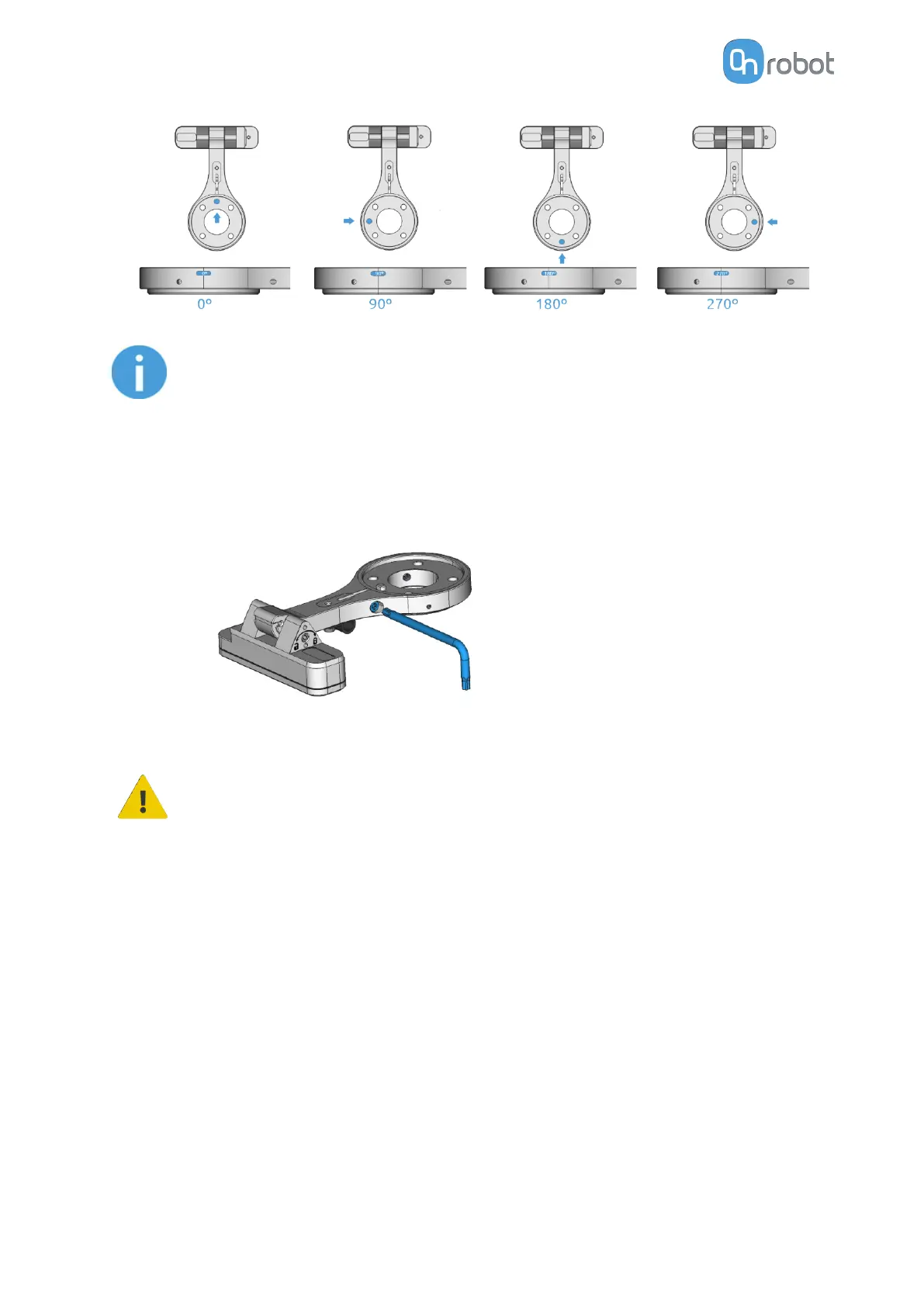
Make sure that the mount is in one of the supported positions. Do not use
intermediate positions. Secure the structure with the provided supporting
screw (labeled as “Screw for Camera lock” - M4x16mm). Tighten the screw
with 1 Nm torque.
CAUTION:
Make sure that the supporting screws are not tightened when you change
the angle of the robot mount.
Tilt (°)
The tilt parameter specifies the orientation of the robot mount’s head, which holds the
camera. Adjust the tilt of the mount by rotating its head. The angle can be seen on the
side of the mount head and it can be one of the following values:
•
0 degree
•
45 degrees
•
90 degrees
SW INSTALLATION
41



 To Next Page