Method Strengths Limitations
Workpiece's
outline
•
Requires few parameters
to adjust
•
Provides fast cycle time
•
Cannot inspect the inner
features of the object
•
Cannot handle adjacent or
touching objects
Workpiece's
inner features
•
Inner region of interest is
available
•
Can inspect workpieces
with inner defects
•
Color check is done pixel
by pixel
•
Perspective distortion on tall
objects could aect the
outcome of the inspection
•
Cannot handle adjacent or
touching objects
•
Provides variable cycle time
•
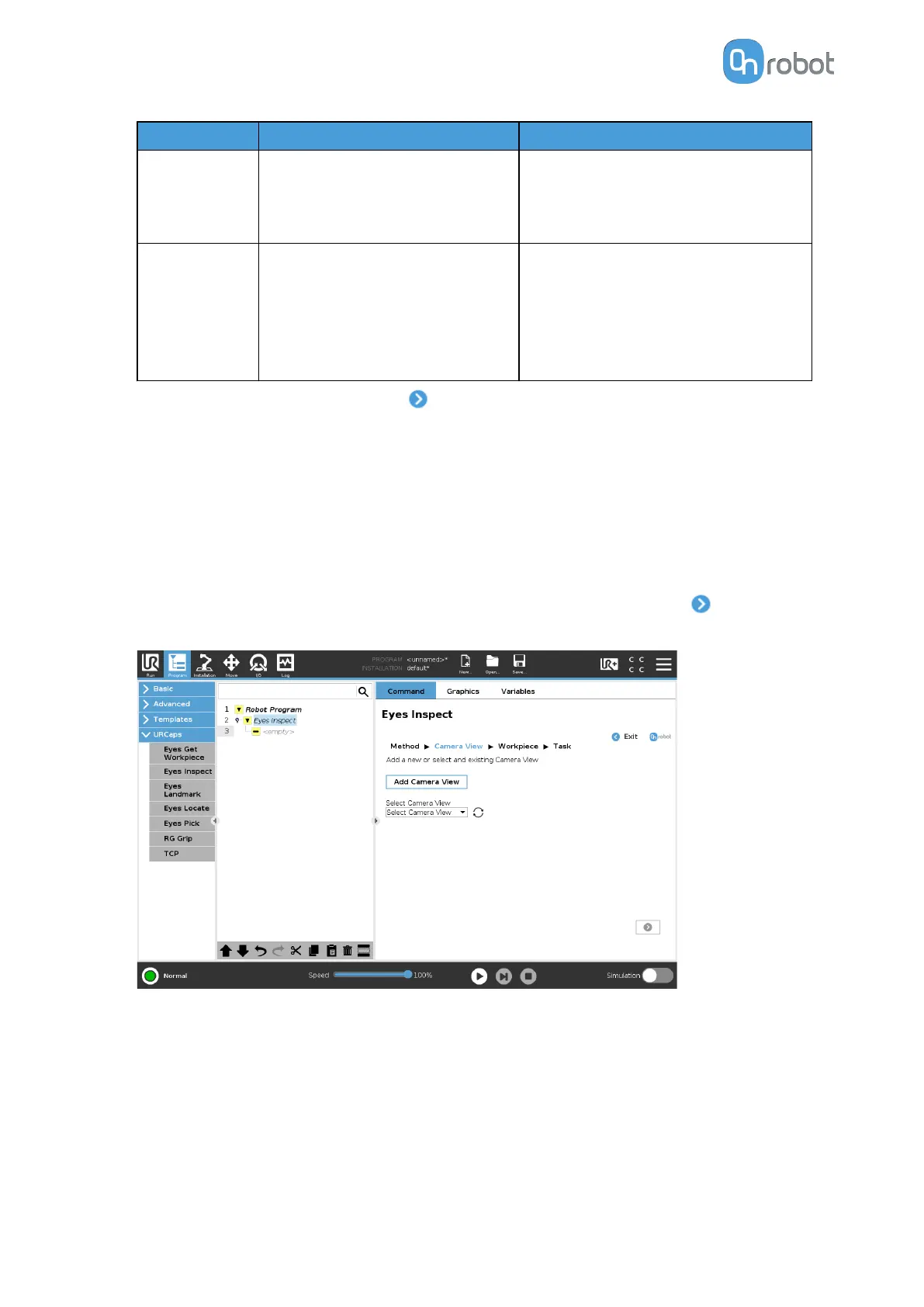
If no camera view is selected, press
.
II/2. Camera View
The Camera View is an area which the Eyes will look at to detect workpieces. The area
should be a
flat surface and its background's color should be distinctly dierent to color of the
workpieces to be detected. Eyes is robust to light changes, but it is advisable to limit lighting
changes, changing shadows or strong
reflections in the camera's view.
Position the camera as parallel to the surface as possible.
•
To use an existing camera view, select it from the dropdown list and press .
To create a new camera view, press Add Camera View.
•
Select the camera view type.
For inspection applications, Eyes supports two types of camera views depending on the
distance between the objects and the camera.
•
Standard Camera View: The camera should be placed between 400 mm and 1000 mm
from the objects. When using this type of inspection, the 3D position of the object will
be available, however, the level of details to be inspected is larger.
•
Close-up Camera View: The camera cannot be placed closer than 50 mm to the
object. The 50 mm distance between the object and the camera allows the inspection
OPERATION
70


 To Next Page