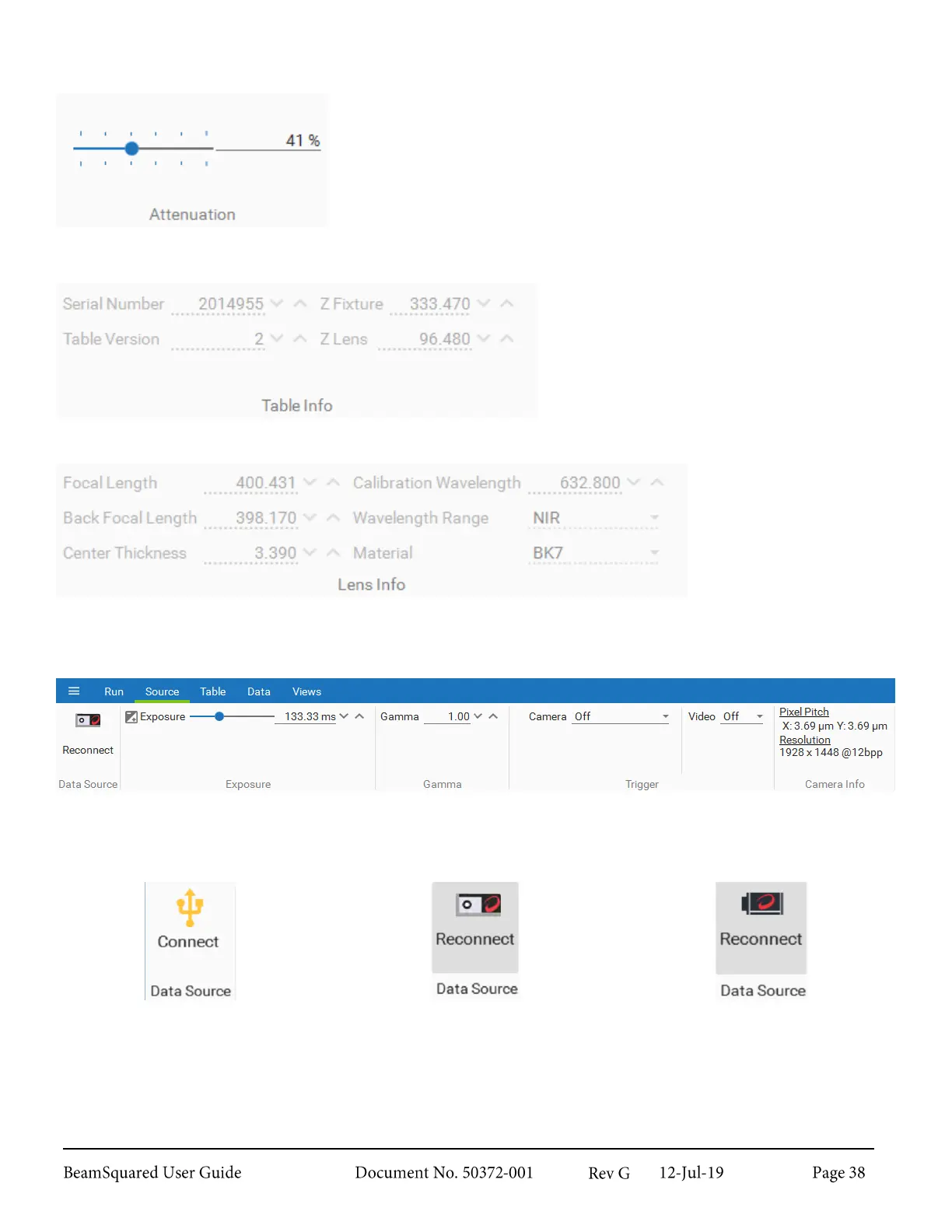
Attenuation 3.4.2
This panel controls the internal attenuation as a percentage of the total
available attenuation. The user can drag and drop the slider bar or enter
a percentage value between 0% and 100%.
Table Info 3.4.3
This panel displays the settings of the
currently connected BeamSquared system.
The values are informational and cannot be
changed.
Lens Info 3.4.4
This panel displays the
settings of the currently
inserted lens. The values
are informational and
cannot be changed.
Source Ribbon
3.5
The Source ribbon contains controls that vary by camera.
Data Source 3.5.1
Camera & BeamSquared not
Connected
Camera & BeamSquared Connected
On startup BeamSquared automatically connects to the first BeamSquared licensed camera found. If a camera
is plugged in after the software launches, select Data Source to find the camera. The software can only view
one camera at a time and is unable to switch to an additional camera.



 To Next Page