The user-entered laser serial number. This value can be changed in the Run Info
dialog box.
The serial number of the camera in use.
The hardware settings were not saved with the data file prior to version 2.5 and therefore the values
will not be displayed unless the data was collected using version 2.5 or later.
Real Time
Real Time results only appear when the application is running in Real Time M
2
Mode (section 4.1.5).
The far field divergence of the laser. If the result name appears as Fitted
Divergence, it denotes that the divergence results are obtained from the fitted
curve rather than the beam width values at the focal length.
The beam propagation ratio.
Positional Stability
When the Positional Stability window is open an extra set of results become visible in the Results window
(section 3.7.6).
The coordinate position of the centroid of the histogram.
The angular direction of movement.
The computed 4σ of the displacement positional result along the X/Y direction of
the azimuth angle, orthogonal to the axis of the azimuth, and radially when the
distribution of the motion is random and lacks a clearly definable azimuth
direction.
The Δs standard deviation represents the radial Positional Stability value when the
histogram plots a radially symmetric or random scatter plot having no meaningful
azimuth angle.
The total number of data points in the histogram. Once 1000 frames are logged
frames begin logging in a first in, first out method. A minimum of 1000 samples is
required to satisfy the ISO requirement for the results items.
Result Settings 3.7.5.1
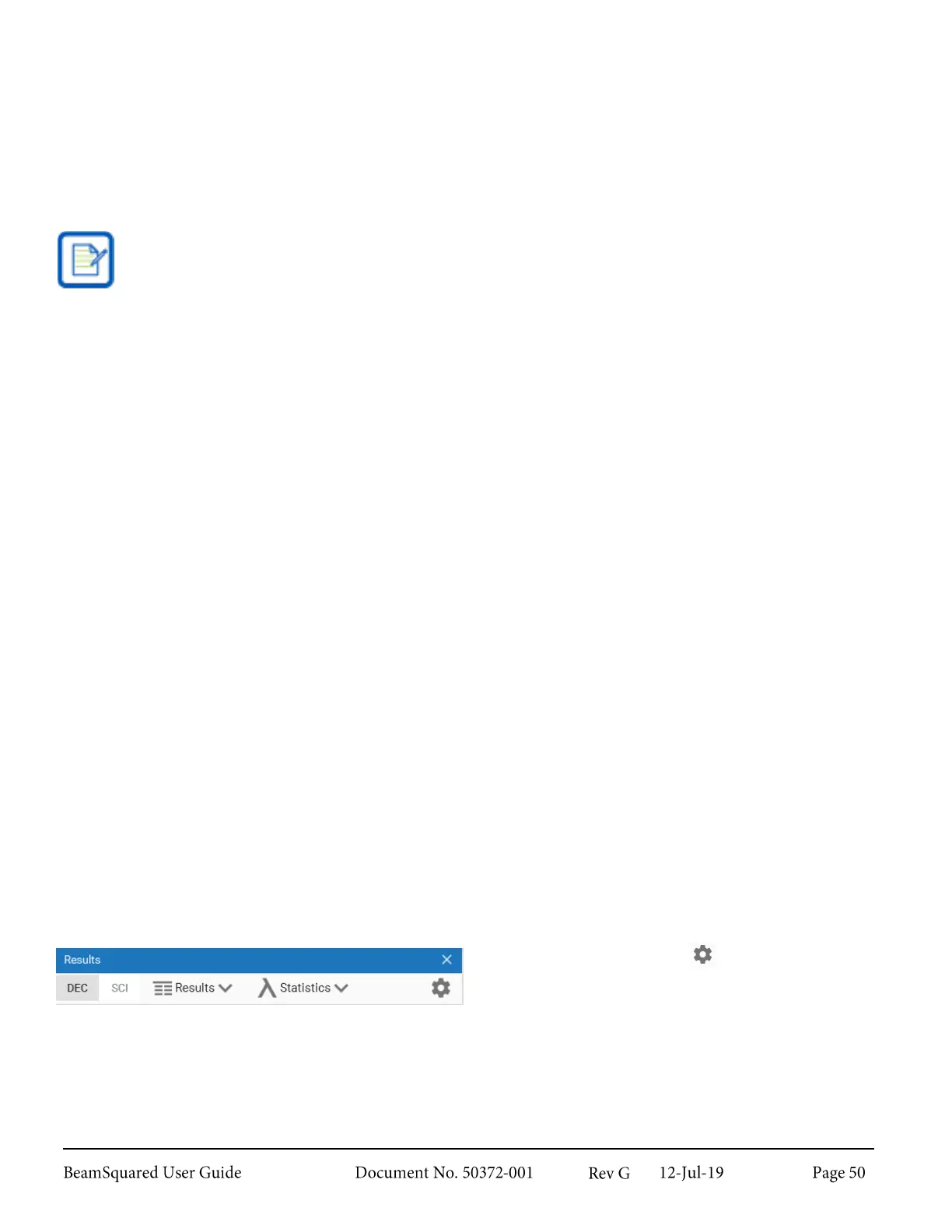
Select the Settings icon to open the Results
Settings window. These settings govern how results
are calculated and displayed.



 To Next Page