Data Logging 3.6.1
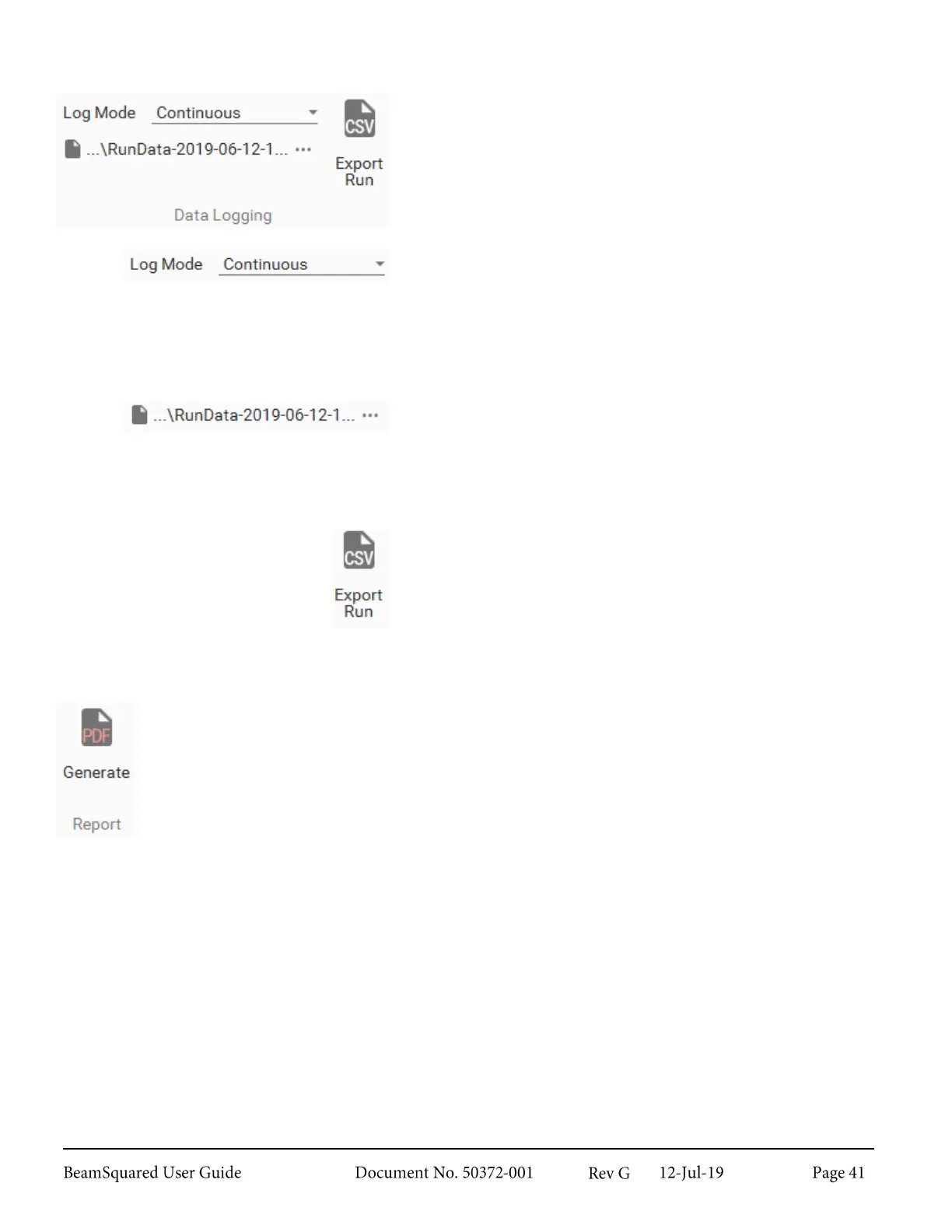
The Data Logging panel contains controls for exporting data
as .csv files.
Log Mode
Select the drop down to enable or disable logging. Data logging
can only be set to Continuous. When enabled, data will be
saved while the run is in process. After setting Continuous
logging a Windows Explorer box opens allowing you to select
a location to export .csv data.
File Location
Displays the path where the .csv file will export. Select the
ellipsis to change the save location or file name. If the file
becomes read-only during a run, upon completion of a run, you
are prompted to select a valid file in which to save the data.
Export Run
Export Run is only available after a run has been completed
and exports data from only the most recent run into a .csv file.
The file contains enabled results data from Laser, After Lens,
and every frame from the run.
Report 3.6.2
Generate PDF Report – The report feature generates a PDF file with data from the previous
run. The report includes information entered in the Configuration wizard and all enabled results
in the Laser and After Lens groups. Results from all other groups are not included.
Reports also display a 3D Profile along with an altered Measured Caustic Fit chart that
displays the X and Y profiles laid out like a beam caustic rather than side by side as they appear
in BeamSquared. Vertical lines are drawn at the waist location and first Rayleigh length for each
axis. Manually excluded points appear gray and automatically excluded points appear purple in
both the Measured Caustic Fit and the 3D Profile displays.
When clicked, a Windows Explorer dialog box opens. Enter a file name and select the save
location, then select Save. The report will save and open automatically using your default PDF
viewer program.



 To Next Page