Run Steps 3.7.4
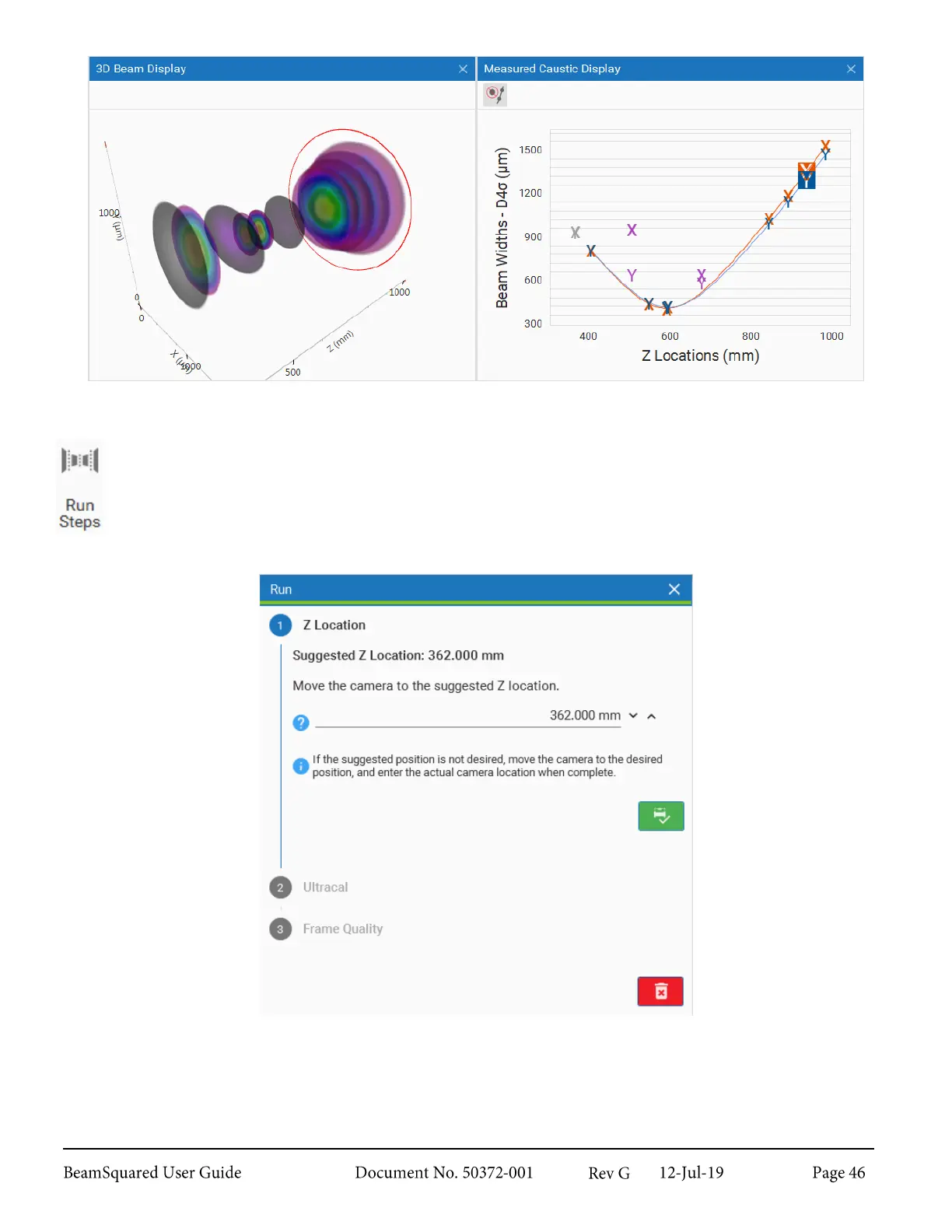
This button opens and closes the Step by Step wizard. To start a run, click Start in the Source
ribbon or step through the Configuration wizard by clicking Configure. When a run is completed,
the wizard closes. If the window is closed before the run is finished or aborted, it can only be
reopened with the Run Steps button.
For more information on the Step by Step wizard, refer to section 4.2.2.



 To Next Page