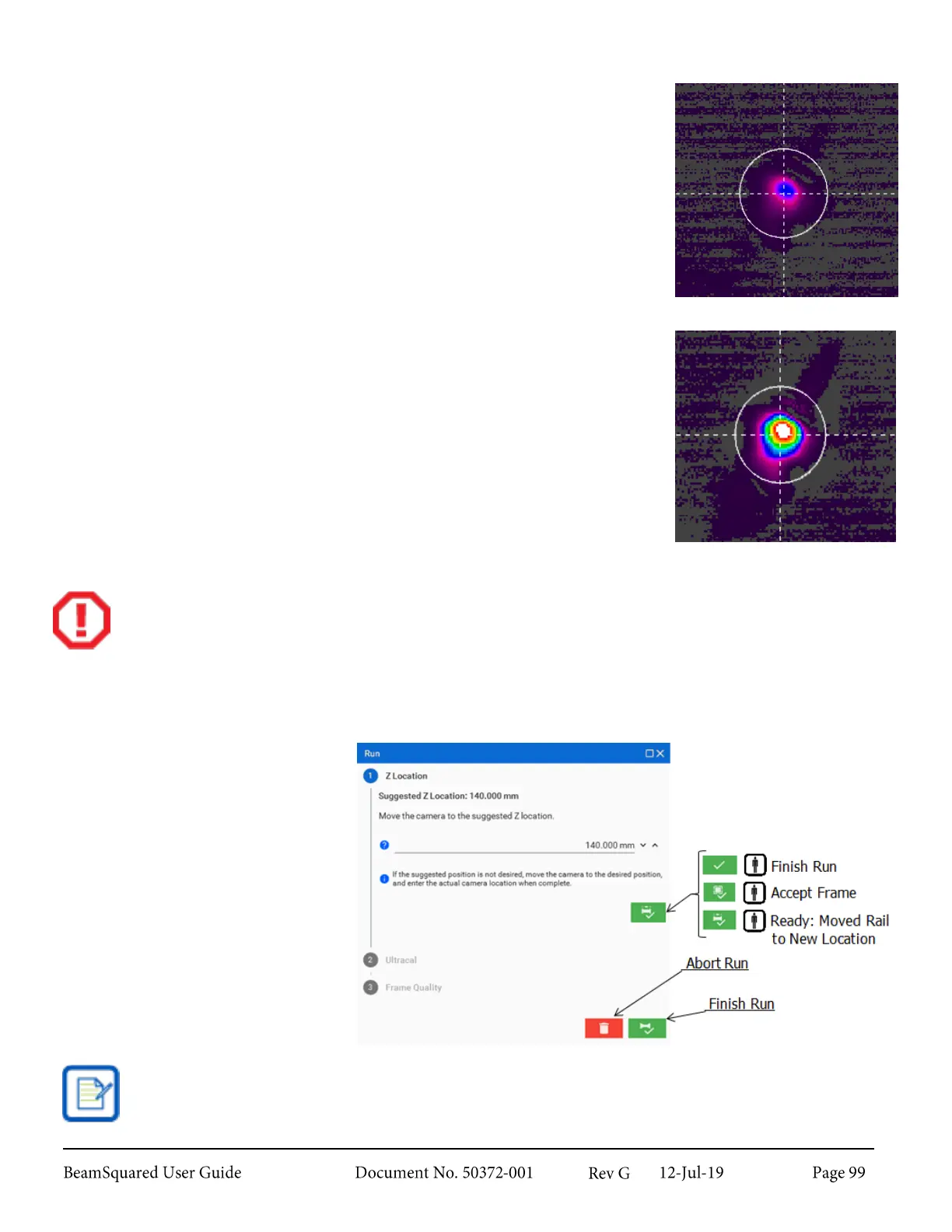
Beam Energy too Low
When the peak energy reported in the Results window falls below 50% of the
camera’s dynamic range, the beam profile does not present sufficient contrast
from the background. The beam energy is too low.
To remedy this situation, reduce the attenuation. If this cannot be done, accept
the low quality frame or end the run. Use judgment when deciding if the beam
intensity is too low to be useful. If the noise level is low, a reasonably good
measurement can still be made if the peak energy is above 30%. Low beam
energy often occurs at the extreme ends of an M
2
run, particularly when
measuring a low power laser.
Beam Energy too High
When the peak energy reported in the Results window is above 90% of the
camera’s dynamic range, the beam profile displays saturated areas where the
beam intensity on the camera is too high. The color of the saturation depends
on the selected color palette. When using the OSI Rainbow, these appear
white.
The beam intensity must be decreased in order to obtain an accurate
measurement. This can be accomplished by adding attenuation or modifying
the measurement setup.
Failure to properly attenuate the beam may cause damage to the camera.
Step by Step Wizard 9.3.4
Follow the steps to collect data at
each of the positions configured in
the Configuration wizard.
At any point, the run can be aborted
by clicking the Abort Run button at
the bottom of the window. If the
window is closed before the run is
complete or aborted, reopen it
through the Views panel. Until the
run has concluded, other controls are
unavailable.
The Finish Run button does not appear until a beam caustic is computed.



 To Next Page