Remove the lens from the BeamSquared unit and select Live Playback from the Run ribbon to
begin collecting Positional Stability data. Positional Stability cannot be enabled with the lens
inserted.
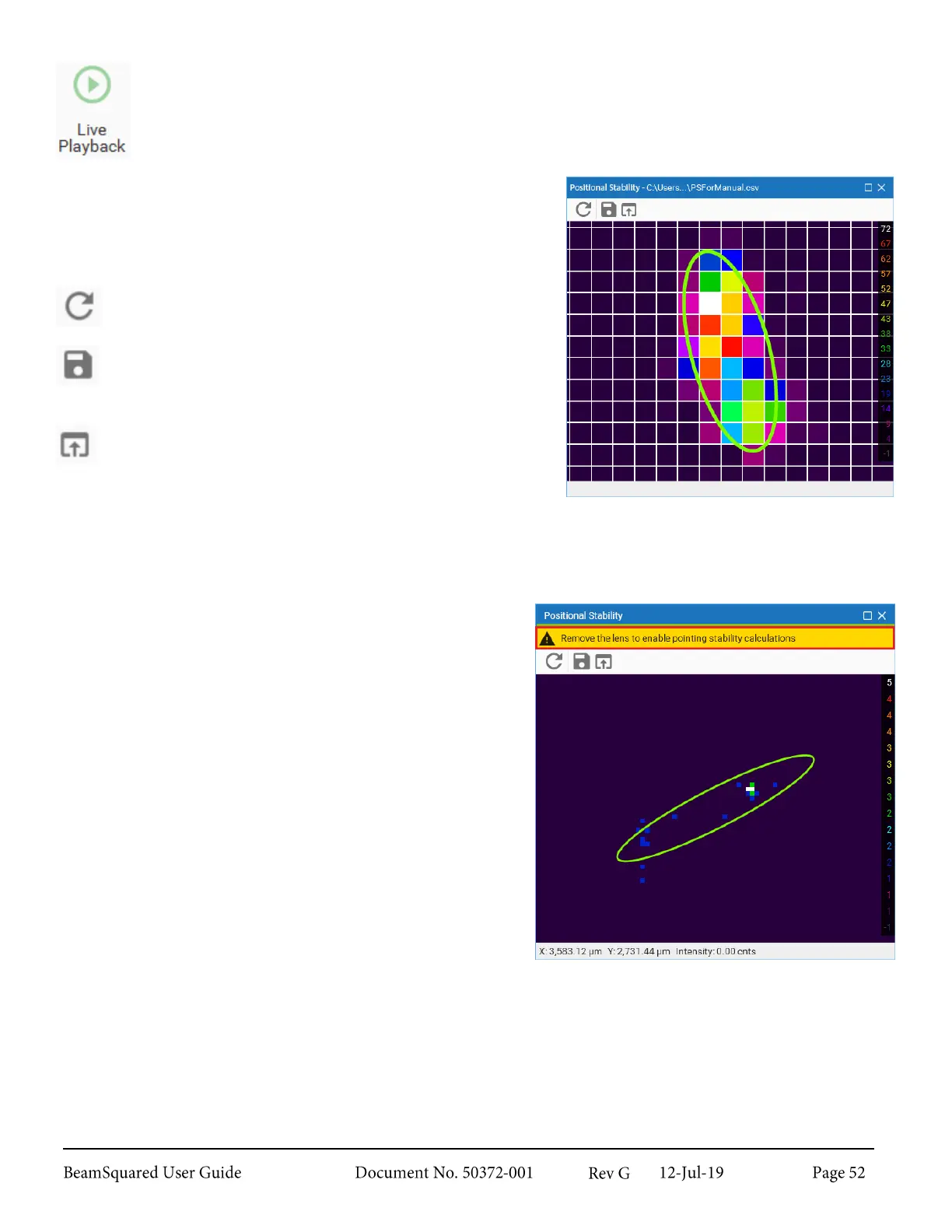
This figure shows the Positional Stability histogram for a
beam that displays negative angular movement in relation to the
camera’s X-axis.
The icons in the top left are specific to this window.
Reset
Clears the chart and results.
Save
Opens Windows Explorer to select a location to save a
.csv file of the results.
Load
Opens Windows Explorer to load a previously saved
chart file.
If the lens is inserted, a yellow bar displays above the chart
space meaning that Positional Stability cannot be run.
Once the lens is removed the bar disappears and Positional
Stability can be started by selecting Live Playback.
If a file is loaded and Live Playback is enabled, the file
closes, the chart space resets, and begins collecting new
data.



 To Next Page