During the M
2
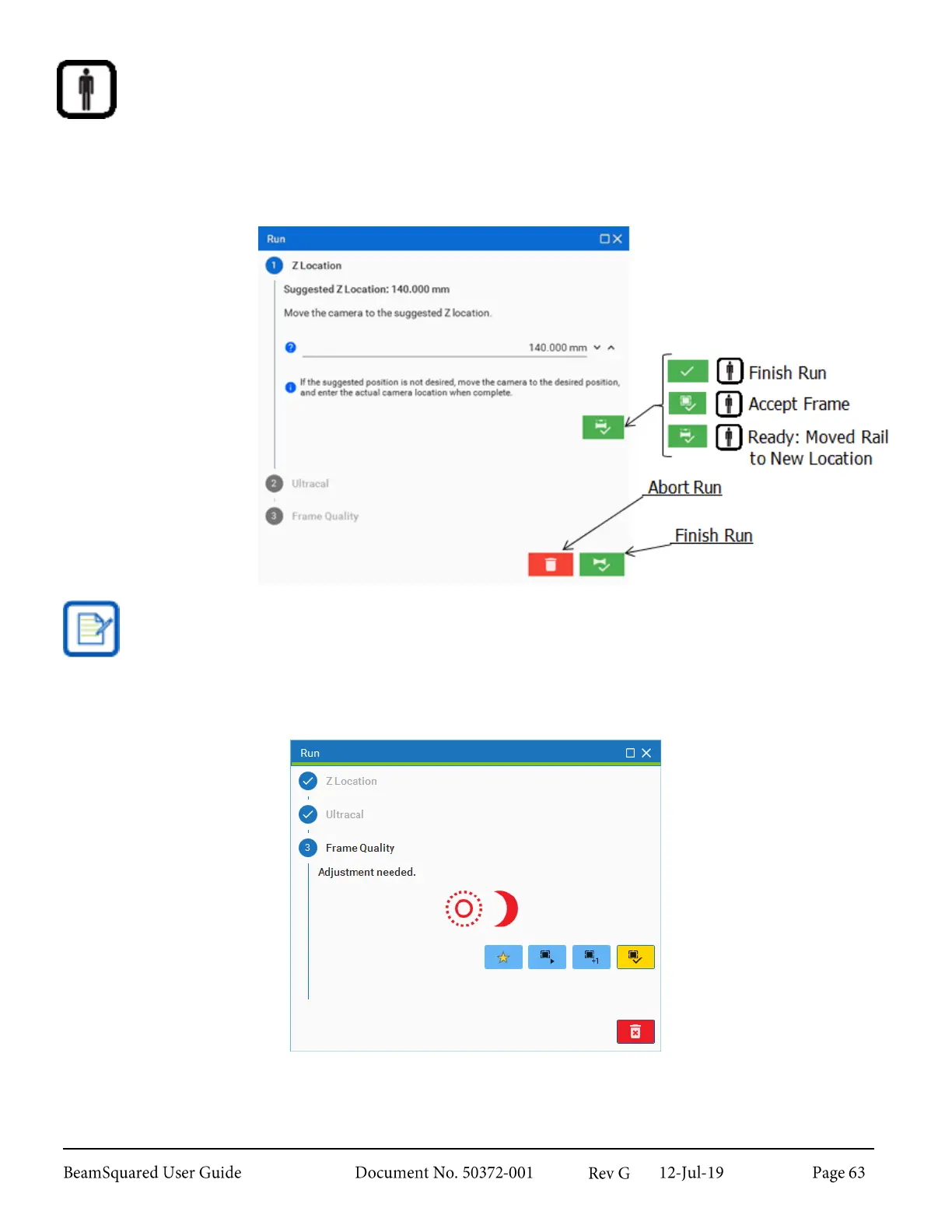
run, the system prompts you to move the camera to a series of locations. At your
discretion, accept and use the suggested value or move the camera to a different location and enter
the custom position.
At any point, the run can be aborted by clicking the Abort Run button at the bottom of the window. If the
window is closed before the run is complete or aborted, reopen it through the Views panel. Until the run has
concluded, other controls are unavailable.
The Finish Run button does not appear until a beam caustic is computed.
Frame Quality
The software performs an image quality check and indicates if there are any recommended corrections.
A frame that has quality issues can still be accepted, but doing so is discouraged. The possible warnings are:



 To Next Page