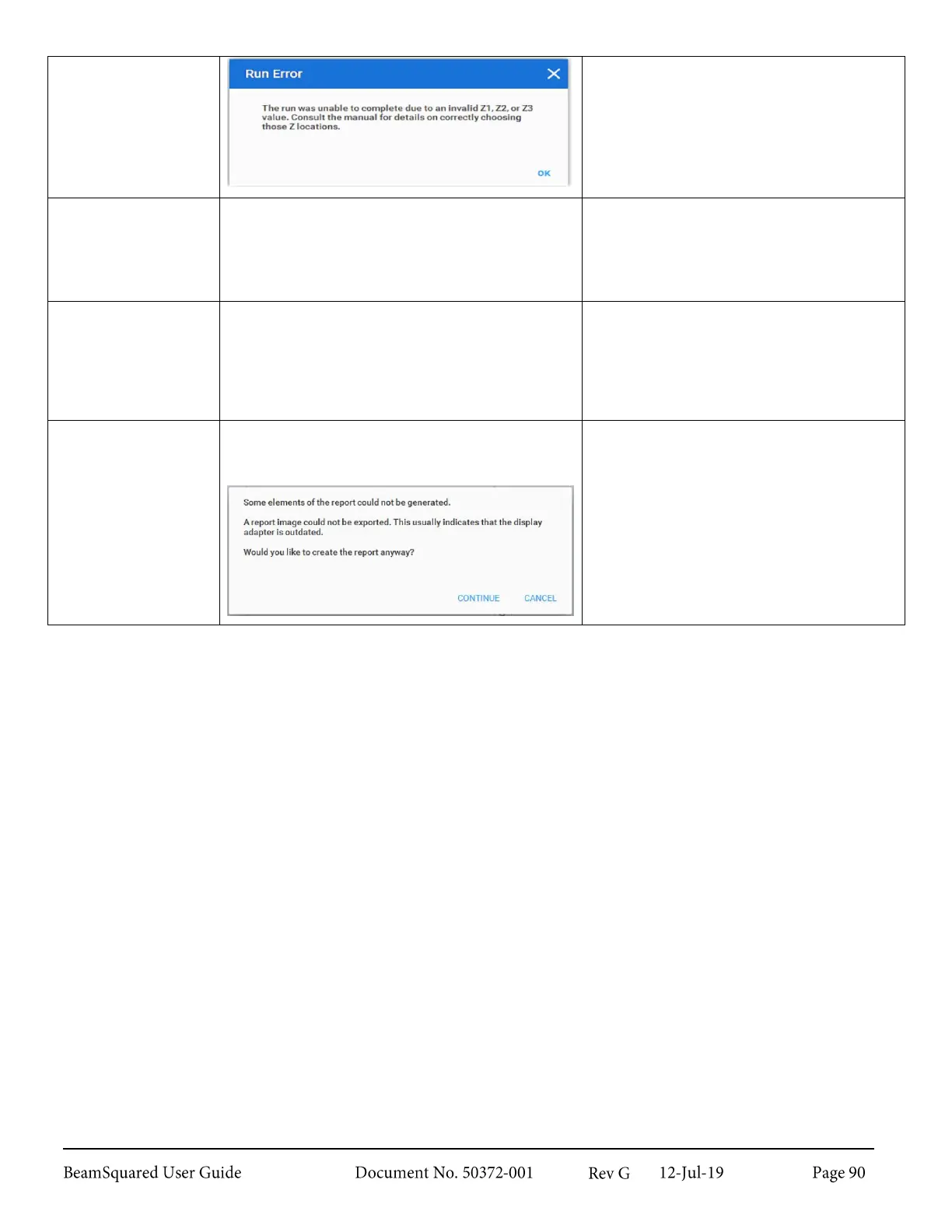
A Four-Cuts Mode M
2
measurement is
incorrectly configured.
Return to the Configuration Wizard
(via the Configure button on Run
ribbon). Review the Z locations of Z1,
Z2, and Z3. Ensure that they meet the
criteria described in section 4.1.3.
After a run you are
unable to click to
select (or double click
to disable) sample
points in the caustic.
Mouse clicks on points in the Caustic Display do
nothing.
If Live Mode is enabled, turn it off.
If Live Playback is enabled, turn it
off.
The measurement run
does not include a
sample taken at the
effective focal length
of the lens.
The Divergence result in the Results window
displays as Fitted Divergence.
The Z position at the effective focal
length is less than the first sample Z
position. Re-configure your run
parameters to start the run somewhere
between the minimum table position
and the effective focal length.
Error generating a
PDF report.
Generating a PDF Report shows the following
error. Continuing will generate a report but the
3D display is missing.
The graphics card in the PC may be
outdated. Replace the graphics card or
generate the PDF Report on a different
PC.



 To Next Page