C200 SOFTWARE
Instruction Manual C200 Part2 A1.doc
optek Danulat GmbH • D-45356 Essen • Germany
page 97
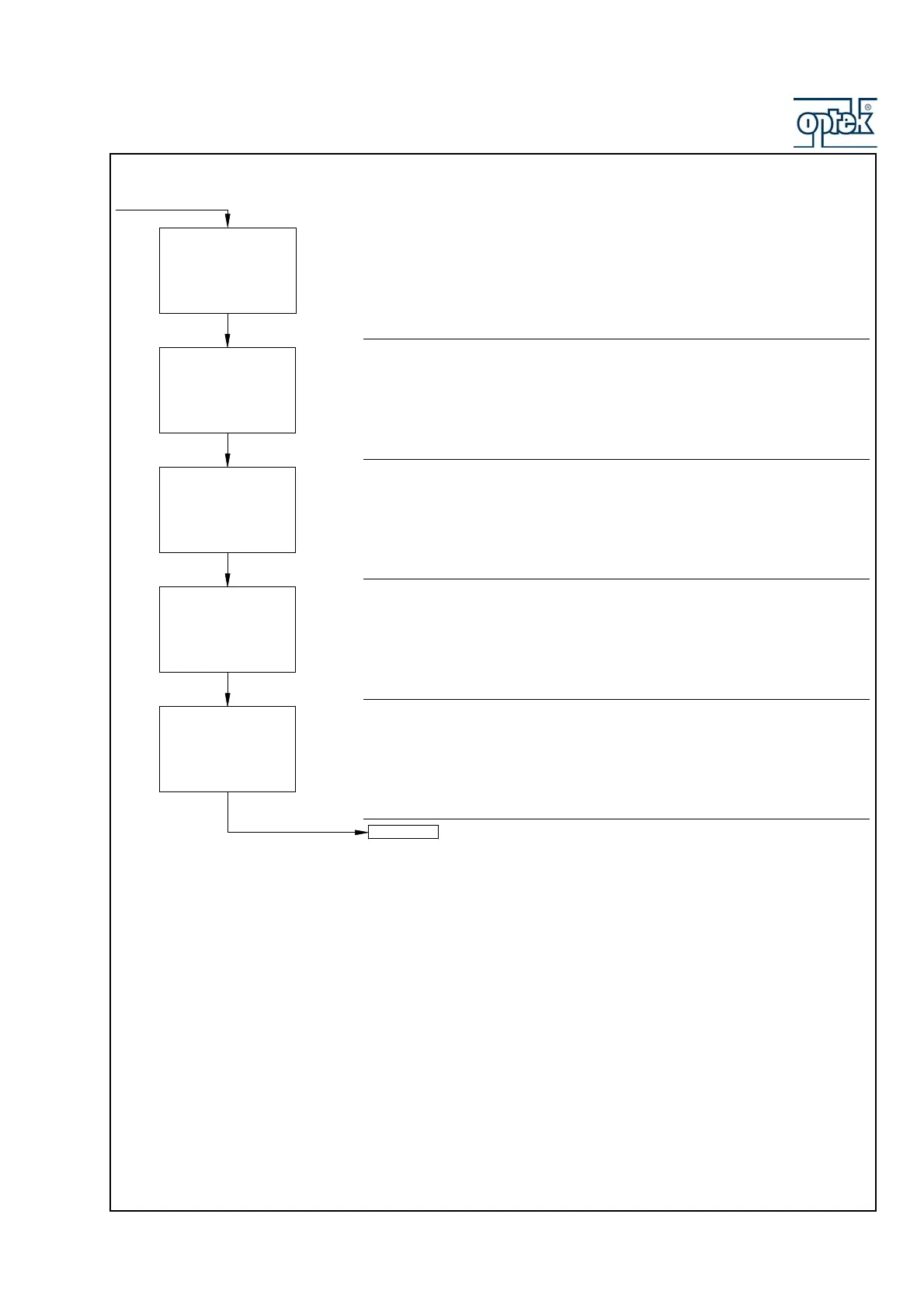
Resistance Span (25Ω)
Set the cell simulator to 25Ω
The display advances automatically to the next step once a stable and valid
value is recorded.
Resistance Span (2.5Ω)
Set the cell simulator to 2.5Ω
The display advances automatically to the next step once a stable and valid
value is recorded.
Resistance Span (0.5Ω)
Set the cell simulator to 0.5Ω
The display advances automatically to the next step once a stable and valid
value is recorded.
Temperature Zero (1KΩ)
Set the temperature simulator to 1kΩ
The display advances automatically to the next step once a stable and valid
value is recorded.
Temperature Span (1K5)
Set the temperature simulator to 1.5kΩ
The display advances automatically to the next step once a stable and valid
value is recorded.
Continued on next page.
A: Res 2.5 ohm
2.500
2.500
A: Res 25 ohm
25.00
25.00
A: Res 0.5 ohm
0.500
0.500
A:T.Zero (1K0)
1000
1000
A: Ref. Checking
A:T.Span (1K5)
1500
1500
Ohms
Calib
Ohms
Calib
Ohms
Calib
Ohms
Calib
Ohms
Calib



 To Next Page