C200 SOFTWARE
Instruction Manual C200 Part2 A1.doc
optek Danulat GmbH • D-45356 Essen • Germany
page 98
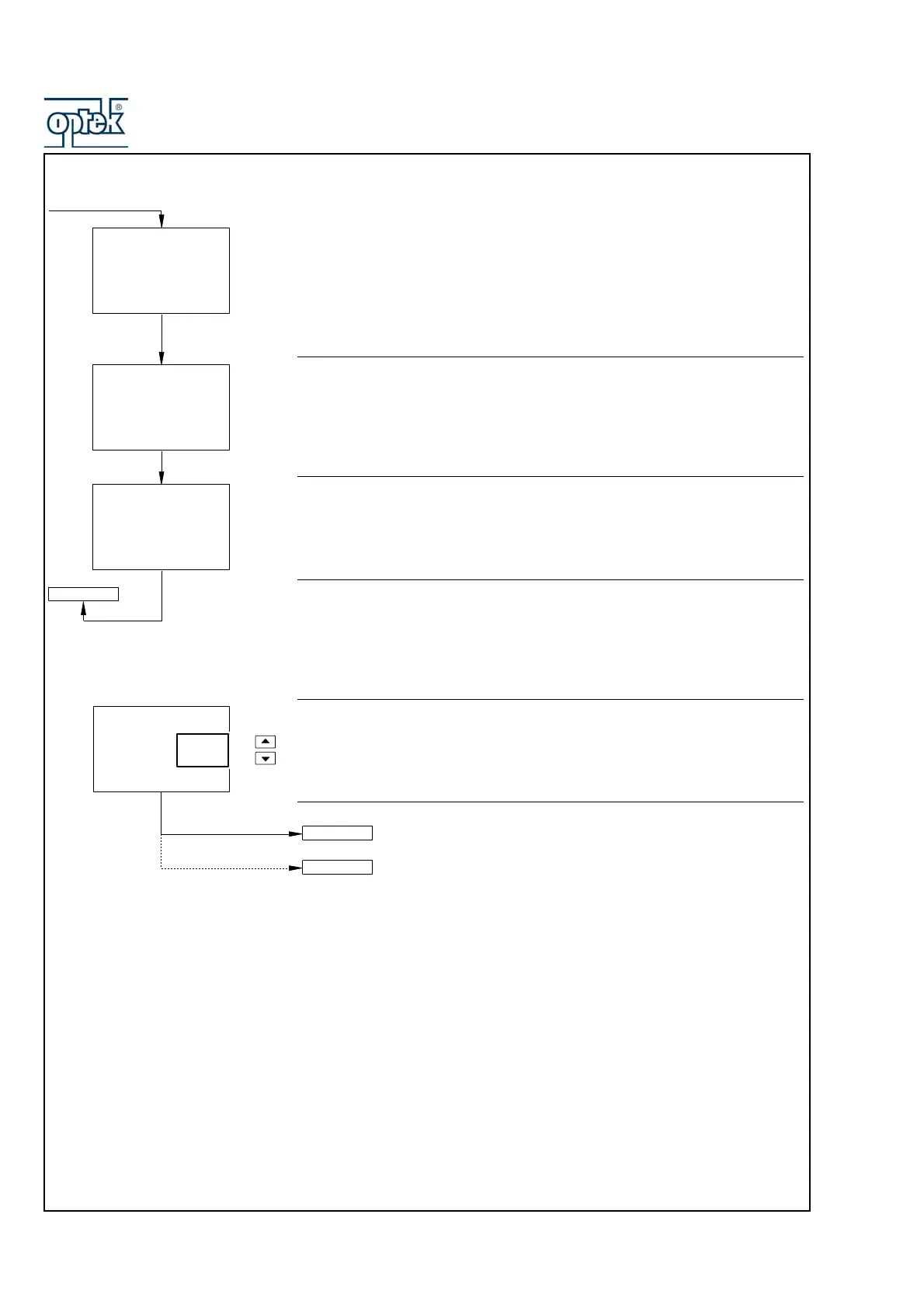
Reference Resistance Checking
The analyzer calibrates the internal reference resistance automatically to
compensate for changes in ambient temperatures.
The display advances automatically to the next step once a stable and valid
value is recorded.
Temperature Zero (2KΩ)
Set the temperature simulator to 2kΩ
The display advances automatically to the next step once a stable and valid
value is recorded.
Temperature Span (5KΩ)
Set the temperature simulator to 5kΩ
The display returns automatically to Cal. Sensor A once a stable and valid value
is recorded.
Abort Calibration
Select Yes or No
Yes selected:
– before completion of A: Res 0.5 ohm frame – calibration advances
to A:T.Zero (1K0) and continues.
– after completion of A: Res 0.5 ohm frame – the display returns to
the Calibrate Sensor A page.
No selected – calibration continues from the point at which the
DOWNSCROLL key was pressed.
A: Ref. Checking
A:T.Zero (2K0)
A:T.Span (5K0)
100.0
100.0
Ohms
Calib
2000
2000
Ohms
Calib
5000
5000
Ohms
Calib
Cal. Sensor A
A: Abort Cal.
-----
A:T.Zero (1K0)
No
Yes
CAL. SENSOR A



 To Next Page