152
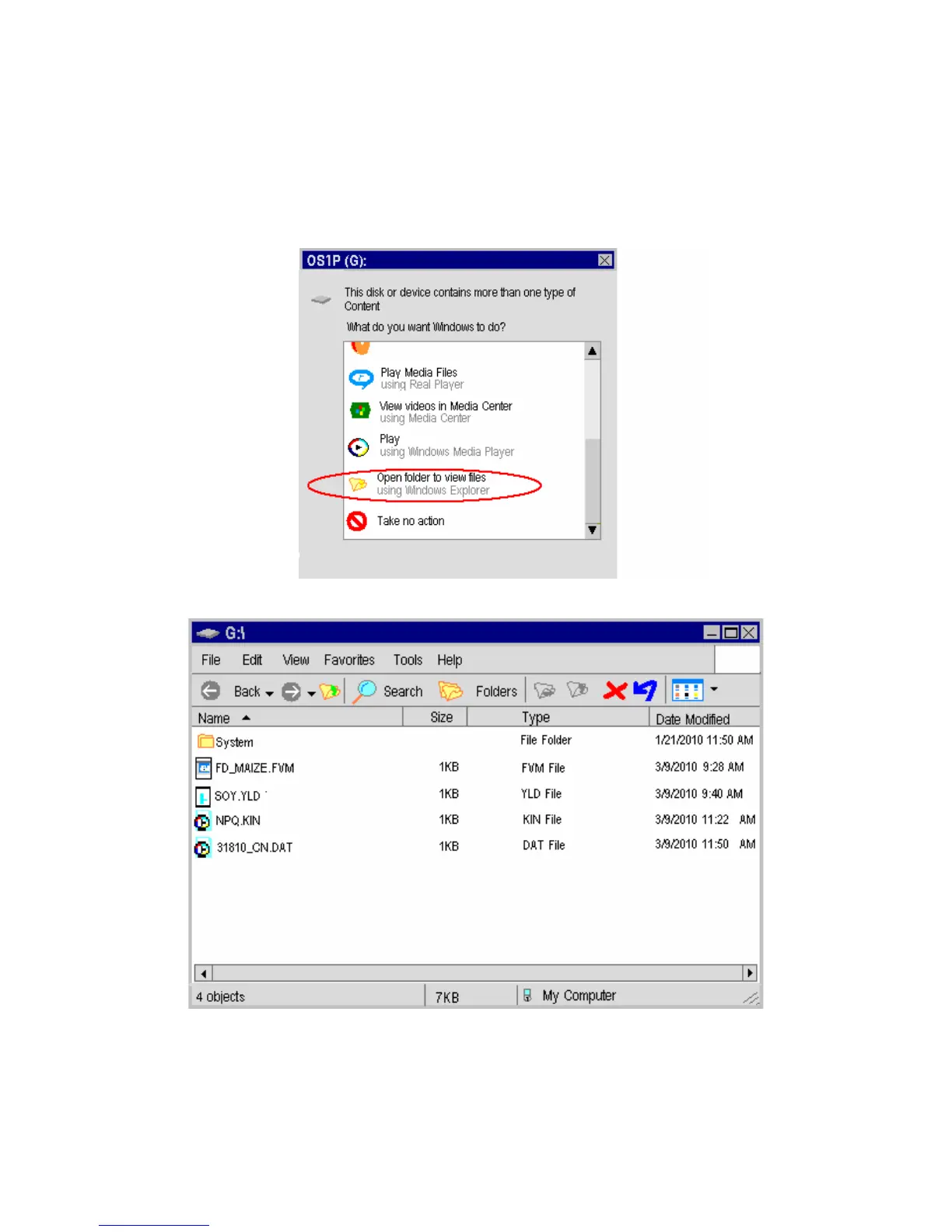
With many versions of the Windows operating system, a small window appears on the
PC screen that should look something like the one pictured below. If it does not appear
then go to the page section shown below the computer mouse
Select the “Open folder to view files” option.
After clicking on “Open folder to view files”, the following window will appear.
Microsoft Windows Screen on a PC
From this window, the various files may be opened using Excel for viewing, analysis or
graphing. Files that end in .DAT are data measuring files. Files the end in
FVM,YLD,KIN, or some other suffix are measuring recipes.



 To Next Page