153
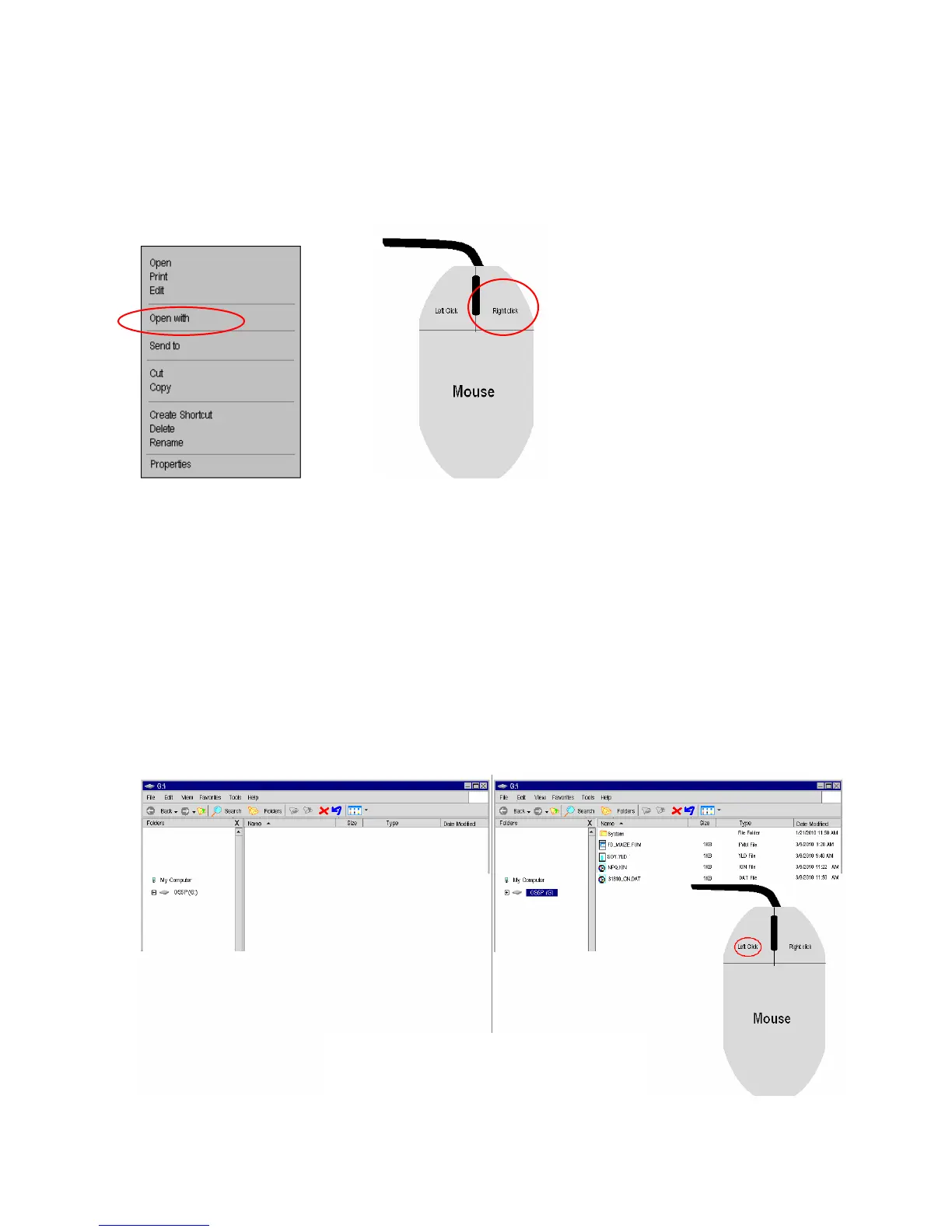
If the file will not open in Excel, highlight the file of interest using a mouse, and right
click the file. A small window will appear like the one below. Select the option
“Open with”, and select Excel.
Microsoft Windows Screen on a PC
If the removable drive window shown above does not appear on your screen, then
follow the directions listed below.
Open Windows Explorer, and click on “My Computer”. The image should look
something like the one shown below. The OS1p drive may be listed as OS1P and the
appropriate new drive letter designation. Below, the drive is listed as G, but it may be any
letter. In some cases, a new drive will appear without the OS1p designation. In this case,
left click on the new drive and the files that are currently present on the MMC/SD Data
Card will appear as shown below. These files may be opened in Excel for analysis and
graphing. If they do not automatically open in Excel when clicked, right click the file and
select “Open with…” and choose Excel.
Microsoft Windows Screens on a PC



 To Next Page