INF-28
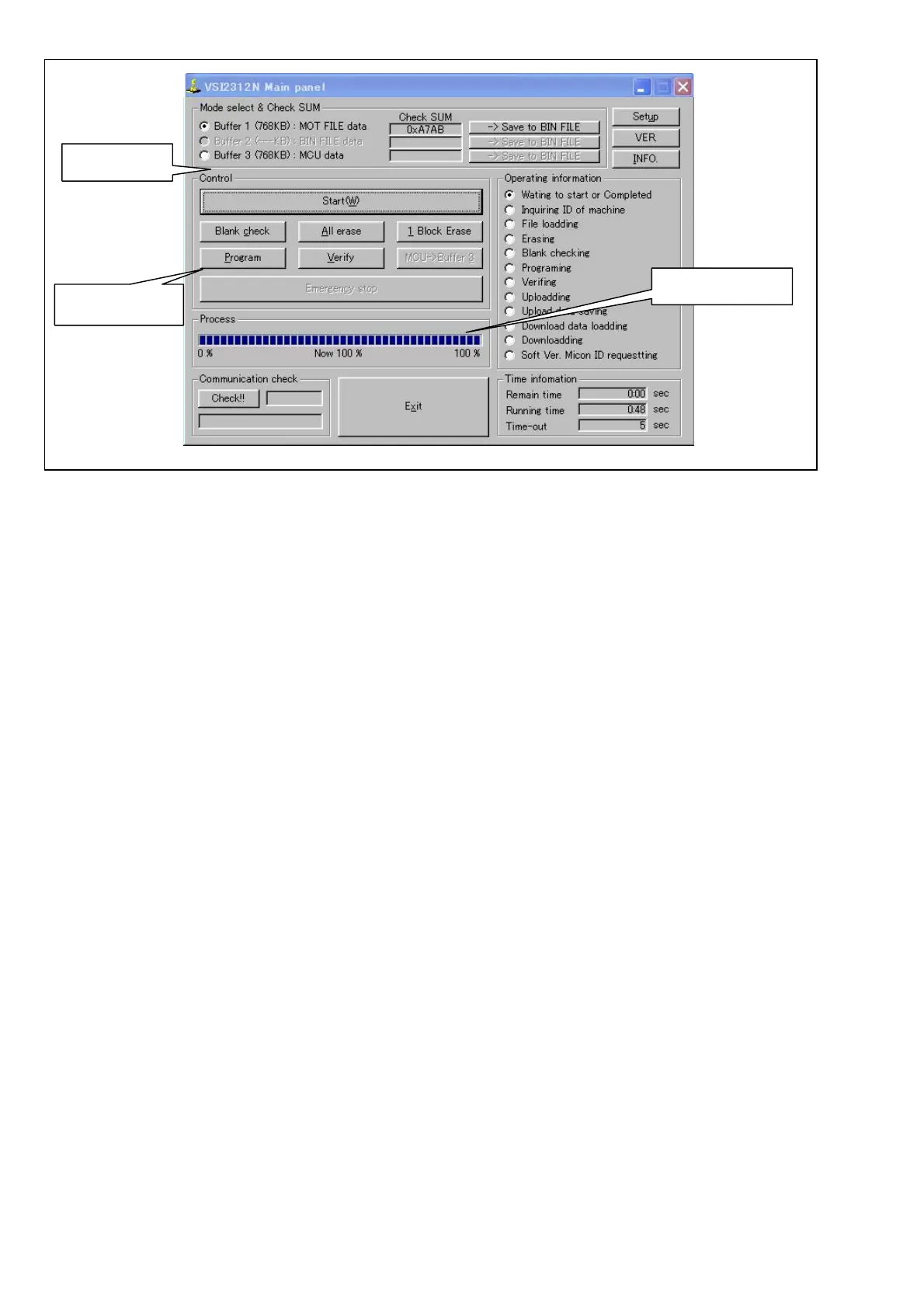
Figure 12-2D-3
9. Click “Exit” button to end the program.
* If the error occurs during above process, repeat the process from step 7 again.
10. Turn off and on the power of VTR in order to reboot the machine.
11. Confirm that the software version is updated.
12. Turn off the VTR power and remove the Flash memory version up tool and cables.
Click “Start”
Confirm “100%”
Click “Exit” button














 To Next Page