Getting started
FP Web-Server V2.810 EN 9
In case you lack knowledge about HTML, Panasonic provides you with a
brief introduction in the section First HTML Page Including PLC Data. In
addition, we have inserted examples on HTML (see "Description of the
HTML examples" on p. 173) on the CD (supplied with the FP Web-Server).
You can install and modify them easily without knowledge of HTML.
1.2 Product numbers and versions
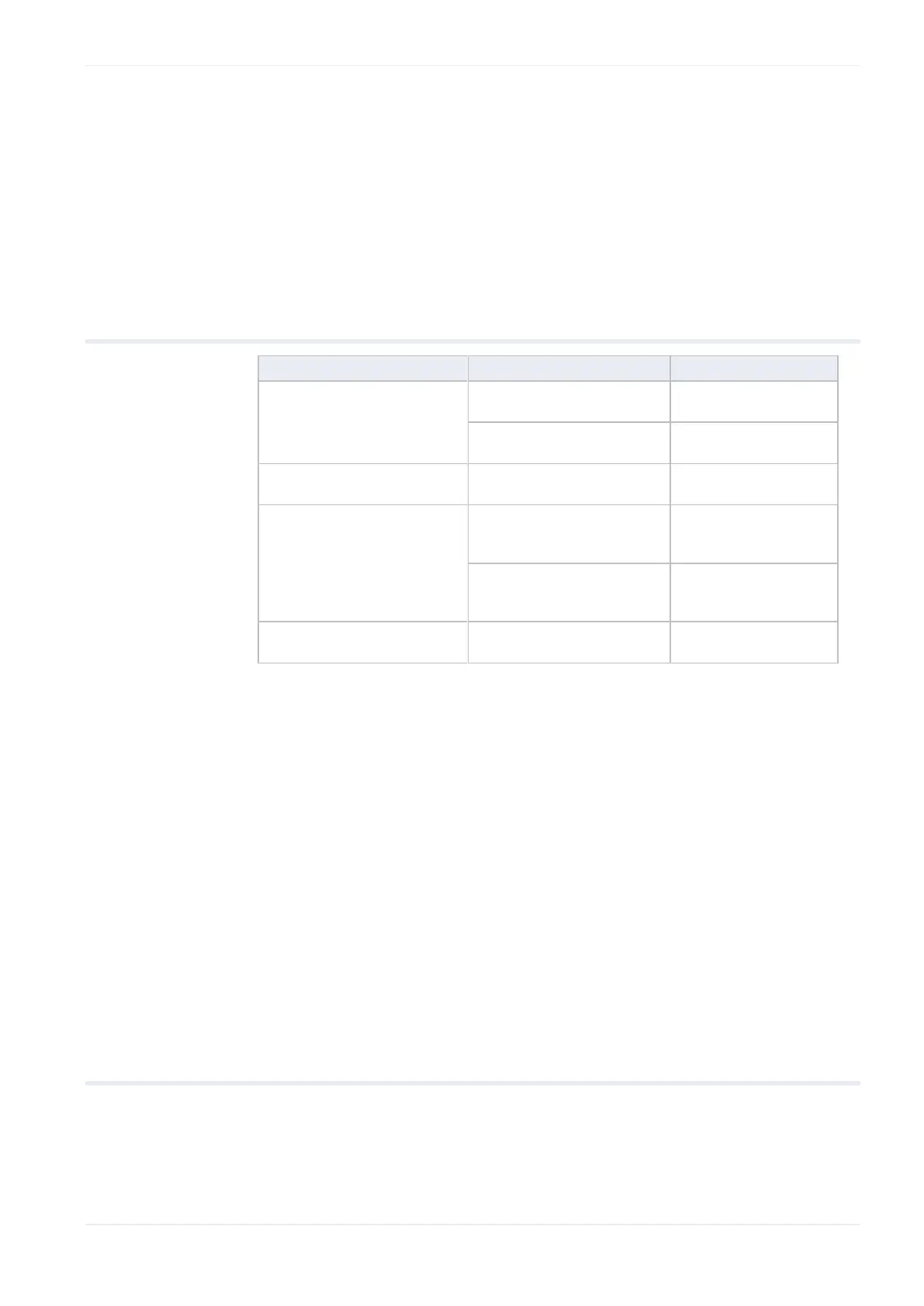
FP Web Expansion
(Hardware)
FP Web Configurator Tool
Ver.2.810
FPWEBTOOL2
(Japan:
AFPS30520-D)
FP Web Configurator Tool
Ver.2.810 Upgrade
FPWEBTOOLR2
(Japan:
AFPS35520-D)
Software for creating HTML
visualization for FP-WEB2
You can retrieve information on the following components by clicking on
the system icon (see p. 42) in the upper, left-hand corner and selecting
"About Configurator...":
Control FP Web Configurator Tool
Serial number
Name of owner and organization
The hardware version (see p. 16) is printed on the type plate of the FP
Web-Server.
1.3 System requirements
The FP Web Configurator Tool has the following system requirements:
Windows® 7, Windows® 8.x or Windows® 10
Hard disk with at least 27MB free disk space
Color or monochrome monitor












 To Next Page