Base configuration
FP Web-Server V2.810 EN 45
5.1.1 Ethernet IP address
Every Ethernet participant must have an individual IP address. This address
may not be used a second time in the same network. The IP address
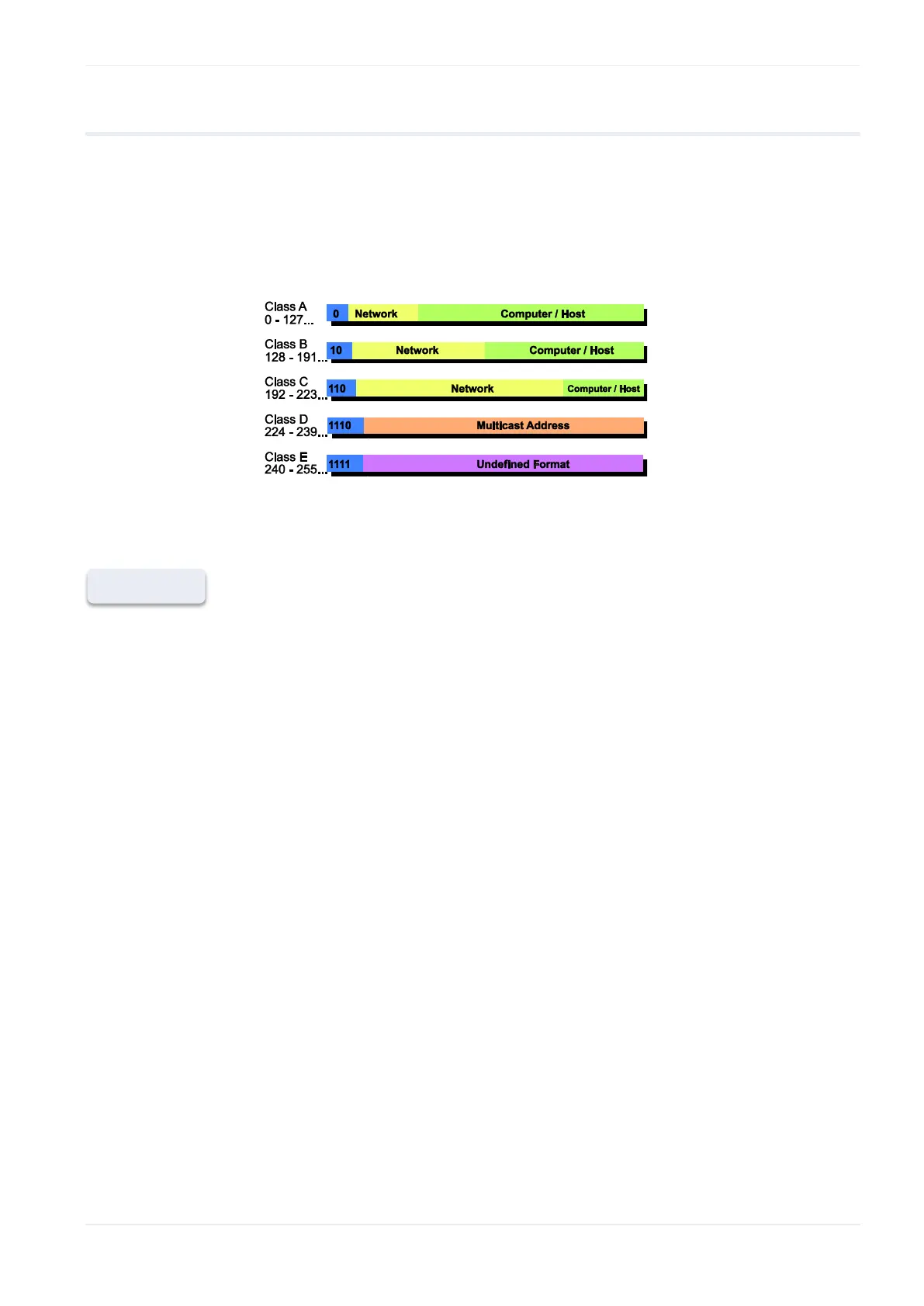
consists of 4 numbers (all numbers must be between 0 and 255, see also
IP and TCP/ IP (see p. 179)). The first numbers define the network
address, the other numbers define the participant's address.
The IP address of the FP Web-Server can be fixed or it can be allocated
dynamically by using a DHCP-Server.
1. In a "self set-up" network (see p. 181) (e.g. with only one switch), you
can assign the fixed IP addresses yourself
In many cases a class C network is used. The network is identified by 3
numbers. The participants (computers, units, FP Web-Server...) are
distinguished by the last number (1 to 254), e.g. 192.168.206.1 to
192.168.206.254.
If this network is connected to a second network via a gateway (e.g.
the computer for configuration might be in this network), the gateway
address also needs to be specified, e.g.:
Computer in x.y.206.z network with netmask 255.255.255.0, using the
x.y.206.1 gateway.
FP Web-Server in x.y.60.z network with the following settings:
IP Add=x.y.60.31
Netmask=255.255.255.0
Gateway=x.y.60.1
2. If the FP Web-Server should be connected to an existing network, the
following data must be requested from the network administrator:
Is there a DHCP server in the network? If NOT:
IP address: Which fixed IP address can be assigned to the FP
Web-Server?












 To Next Page