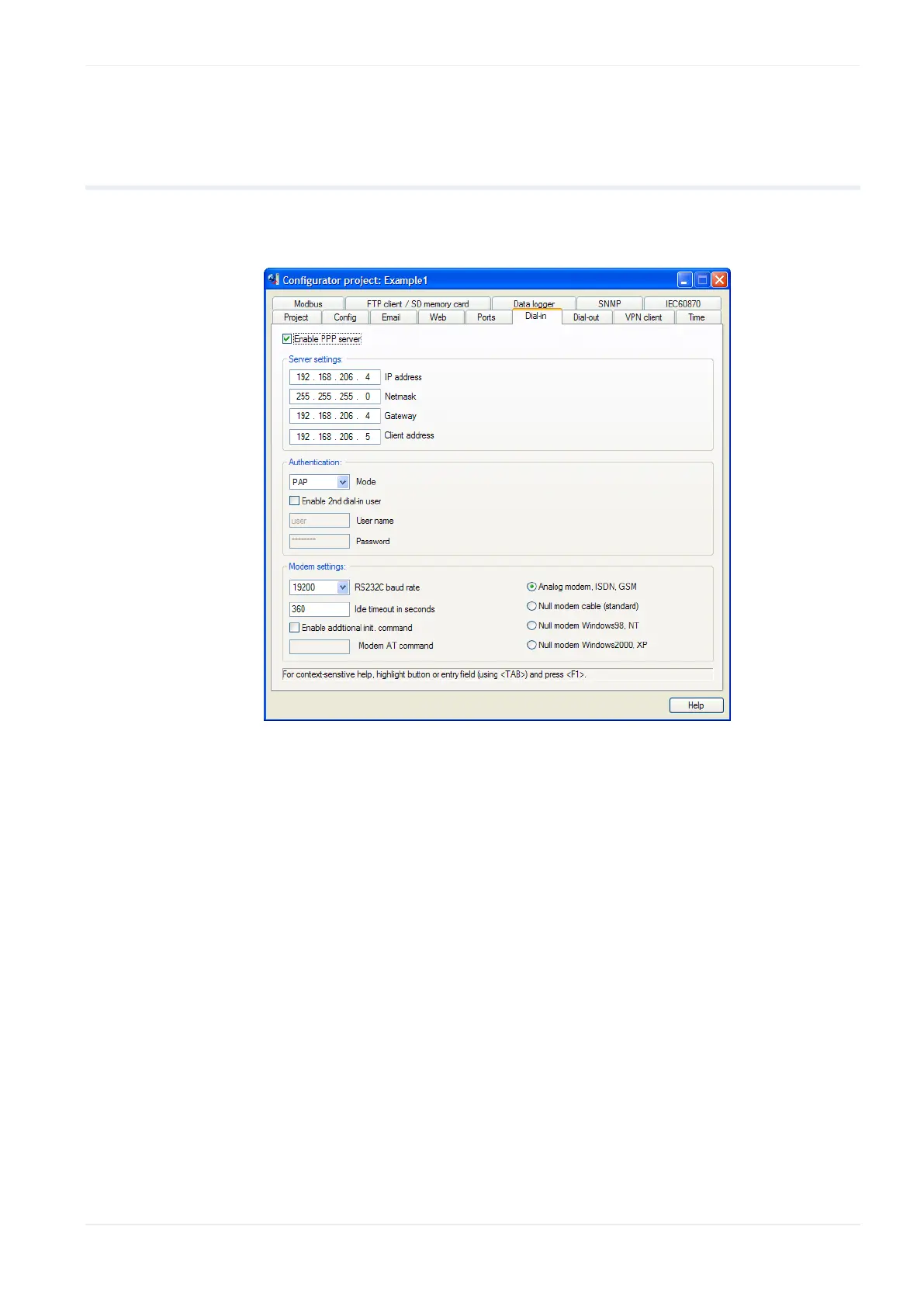
Dial-in setup for PPP server
FP Web-Server V2.810 EN 145
14.2 Dial-in inputs and parameters for PPP server
In the following, the input fields of the "Dial-In" tab of the Configurator for
the PPP server configuration are described.
For context-sensitive help, highlight the button or entry field (using
<Tab>) and press <F1>.
Comments:
The PPP-Client has to be set up in such a way that it accepts the remote
IP address from the PPP server.
The modem and the transparent TCP/ RS232C port cannot be used at
the same time (except when a second FP Web-Server unit is used).
The modem has to be connected to the 9-pin RS232C port of the FP
Web-Server. The modem must be set up to support the RTS/CTS flow
control.
For a detailed description of the cables refer to PLC Connection, Cable
Drawings, Modem (see p. 174).












 To Next Page