First steps
38 FP Web-Server V2.810 EN
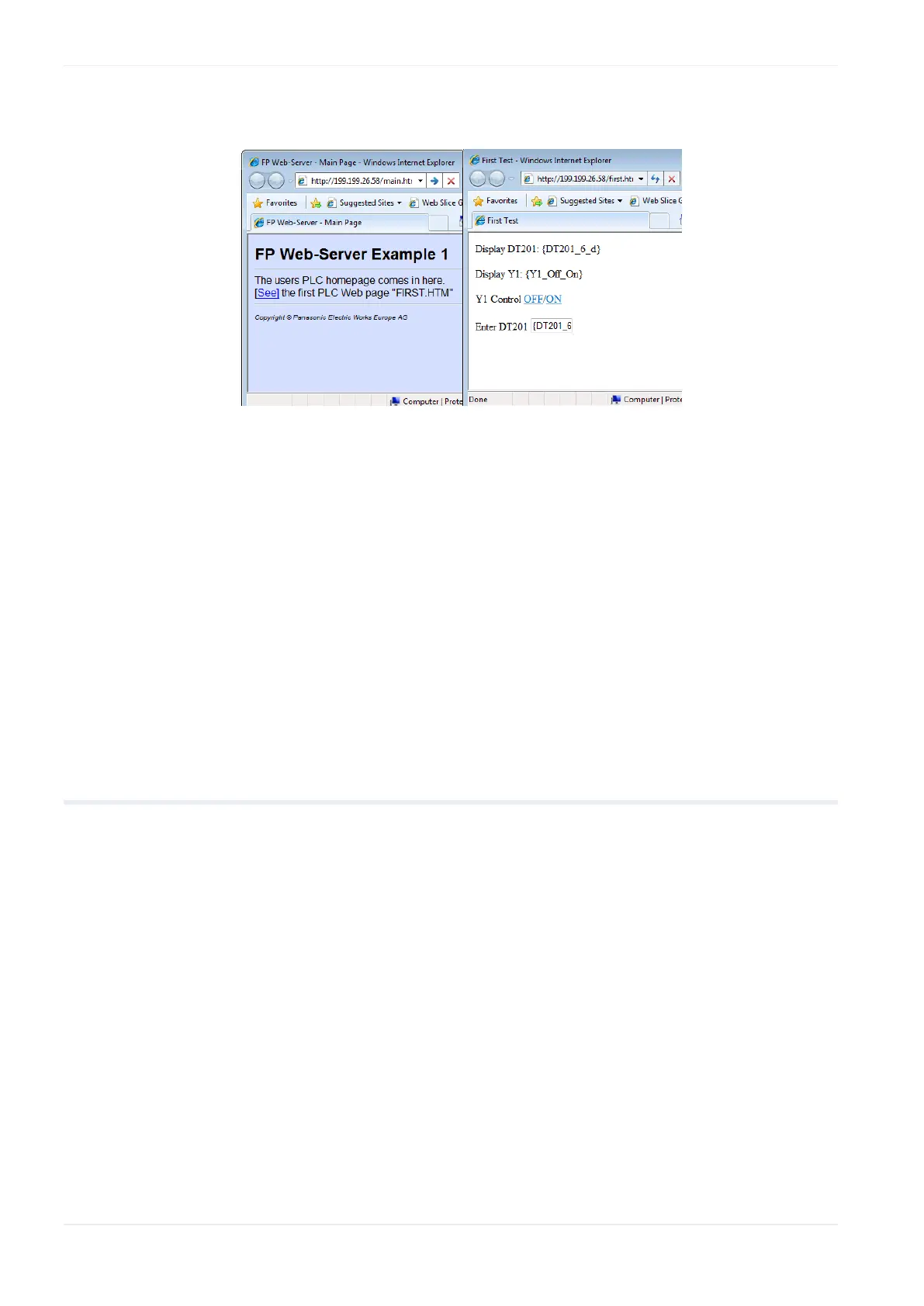
Or for "Example - First web page with PLC data" (with PLC data):
Comments:
Main.htm has the following restrictions: You cannot use PLC data items
and you cannot use password protection.
If the FP Web-Server is operated in an office network with a Proxy
gateway to the Internet, accessing the FP Web-Server HTML pages
might take a long time. In this case, shut off the Proxy function of the
browser for this specific IP address of the FP Web-Server. For the
browser setup also refer to TCP/IP Setup: Configurator/Browser
Operations Via LAN.
3.9 Further information
Details on FP Web-Server's web page functions (see p. 81)
The PLC sends e-mails (alarm e-mails with FPWIN Pro library (see p.
47))
Details on Ethernet/serial (RS232C, RS485, USB) ports (see p. 123)
Dial-up networking setup for computer and FP Web-Server (see "Dial-in
networking setup for computer/FP Web-Server" on p. 130)
IEC 60870 functions of the FP Web-Server (see p. 163)












 To Next Page