E-mail setup
50 FP Web-Server V2.810 EN
6.1.3 How to find out the address of the e-mail server
Normally the name of the e-mail servers can be found on the Internet
pages of the e-mail ISP. See sections on the Internet page called
"Technical details", "Experts" or "How to set up e-mail client program".
Please also make sure that no ASMTP (special encrypted login method) is
needed. The FP Web-Server only supports plain "SMTP after POP3" and
ESMTP authentication.
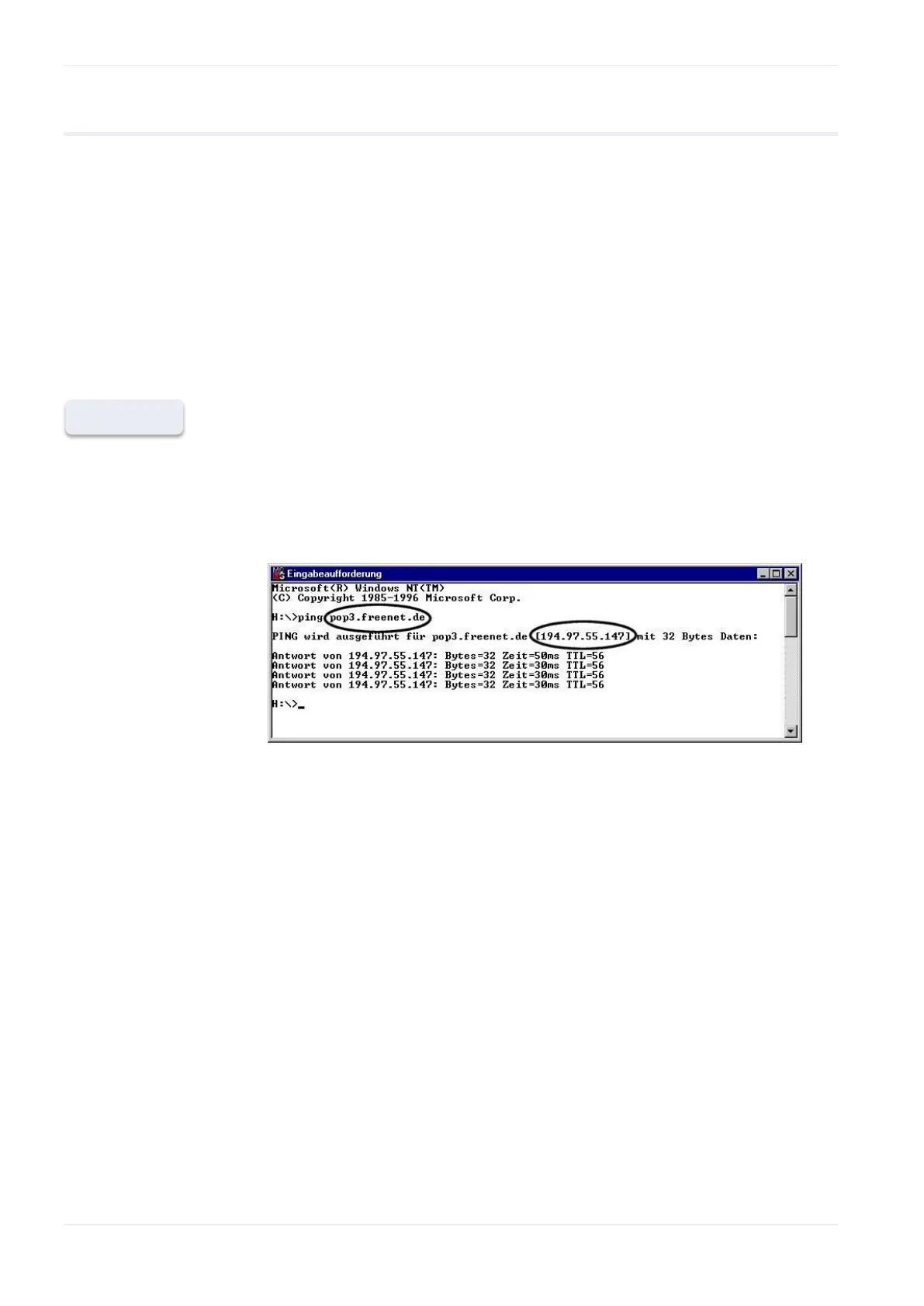
If possible, find out the names' IP addresses. You can request them from
the e-mail ISP or by using a Windows computer:
1. Configure and establish a remote network connection to the Internet
(via modem)
2. At the DOS command prompt, enter the command “PING xyz” which
displays the IP address
'xyz’ indicates where the SMTP (POP3) e-mail server name is.












 To Next Page