Data logger setup
FP Web-Server V2.810 EN 67
9.5 Configure log files
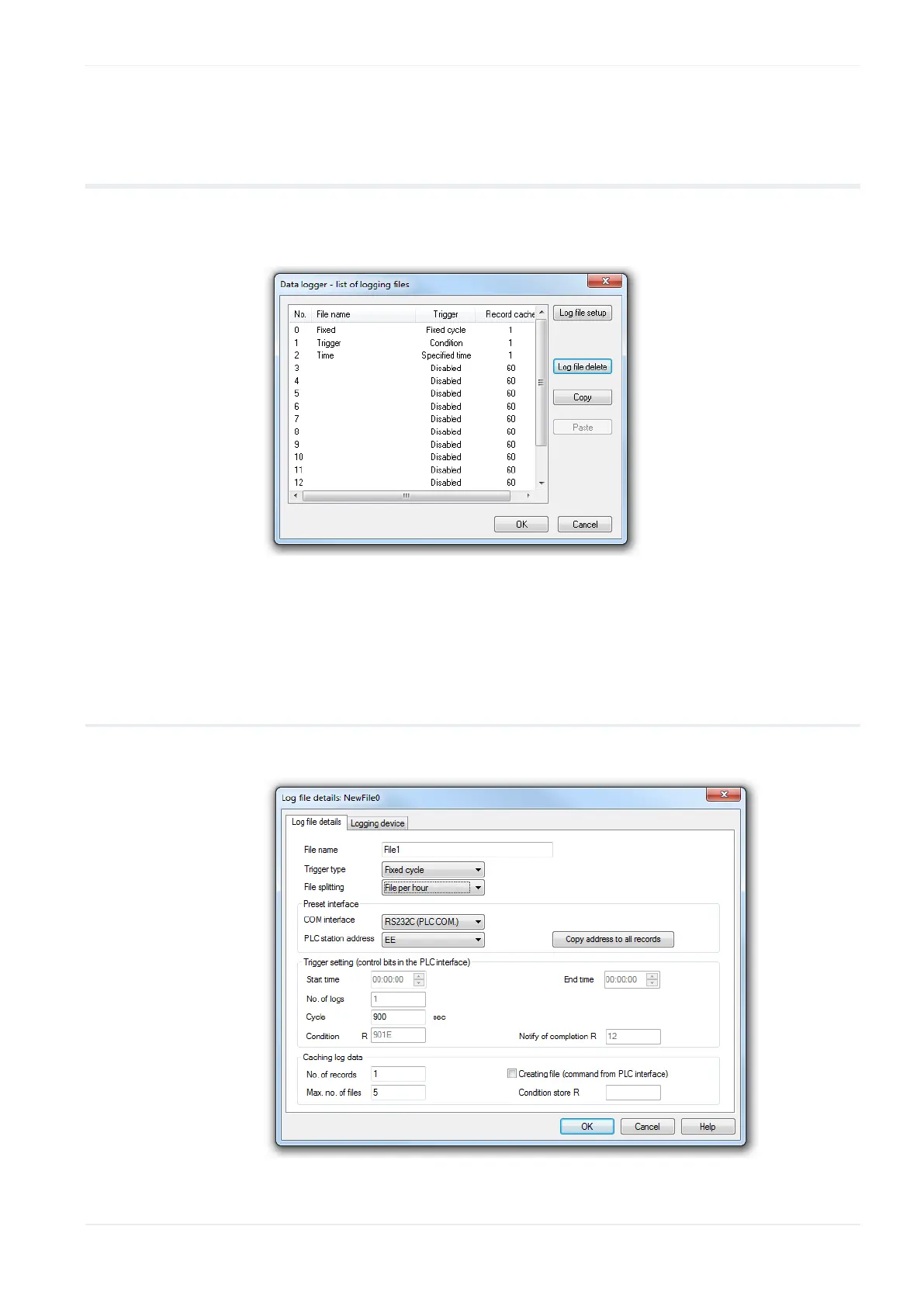
On the data logger tab, when you press [Configure log files], a list of
logging files opens.
To configure the individual log files, click on the file to highlight it and press
[Log file setup]. You can then specify log file details (see p. 67) and
configure the logging device (see p. 68) itself.
9.5.1 Log file details
Configure basic settings for the log file here.












 To Next Page