OpenVPN client
FP Web-Server V2.810 EN 59
B) Dialing up an OpenVPN server via a mobile network or the Internet:
An additional wireless unit (e.g. GPRS, HSPA, LTE) or a modem is
needed to dial up an ISP.
To set up the dial-up function, the e-mail function or a dial-up PLC
signal is needed. Please refer to Internet e-mail settings (see p. 146).
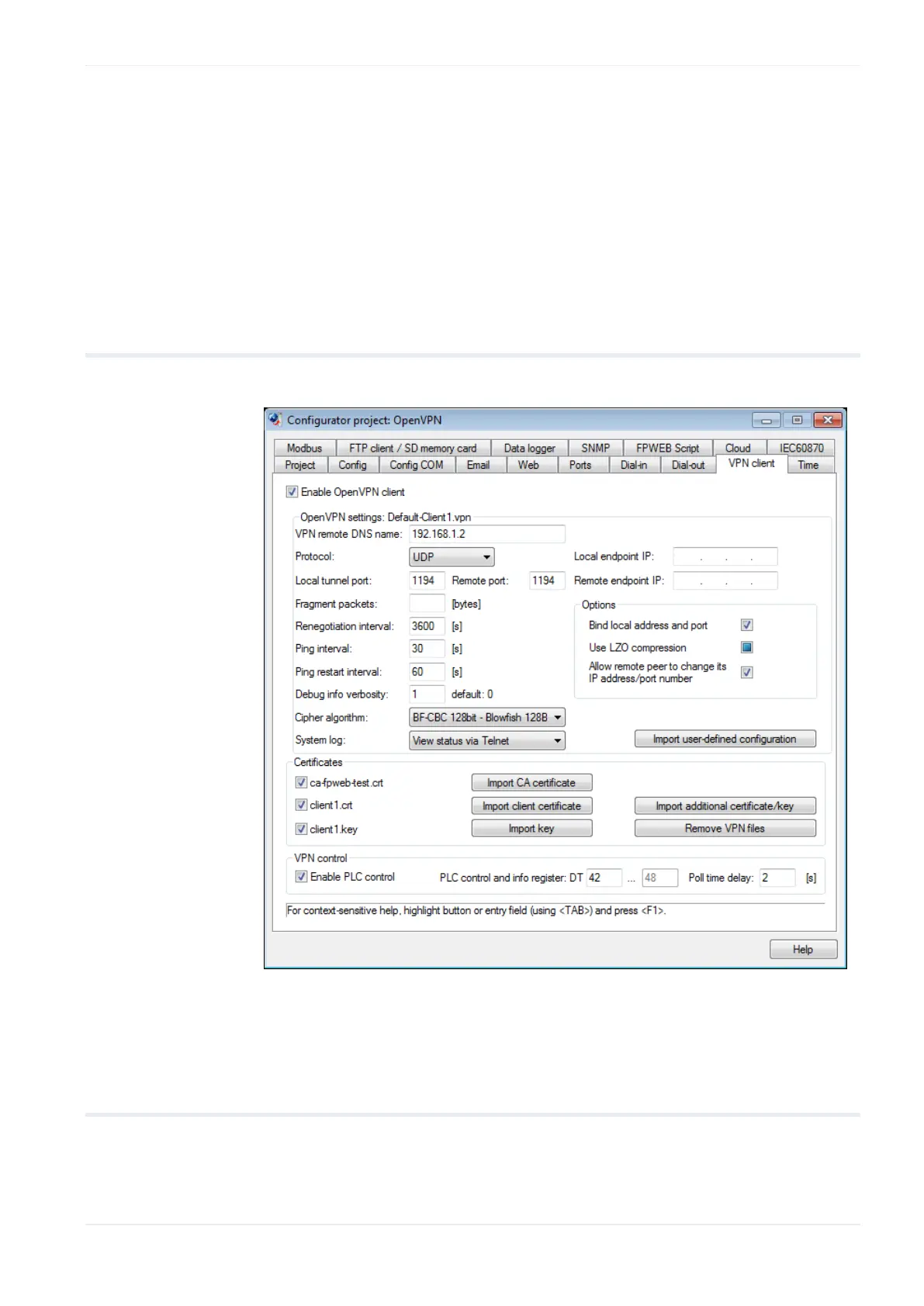
8.2 OpenVPN client settings
The input fields for the tab "VPN client" are described in this section.
For context-sensitive help, highlight the button or entry field (using
<Tab>) and press <F1>.
8.2.1 Enable OpenVPN client
If this function is enabled, the FP Web-Server can communicate with an
OpenVPN server, e.g. to specify security, and participate in a virtual private
network. The PLC program should also be prepared for the OpenVPN client












 To Next Page