Base configuration
44 FP Web-Server V2.810 EN
Chapter 5
Base configuration
5.1 Main settings ("Config")
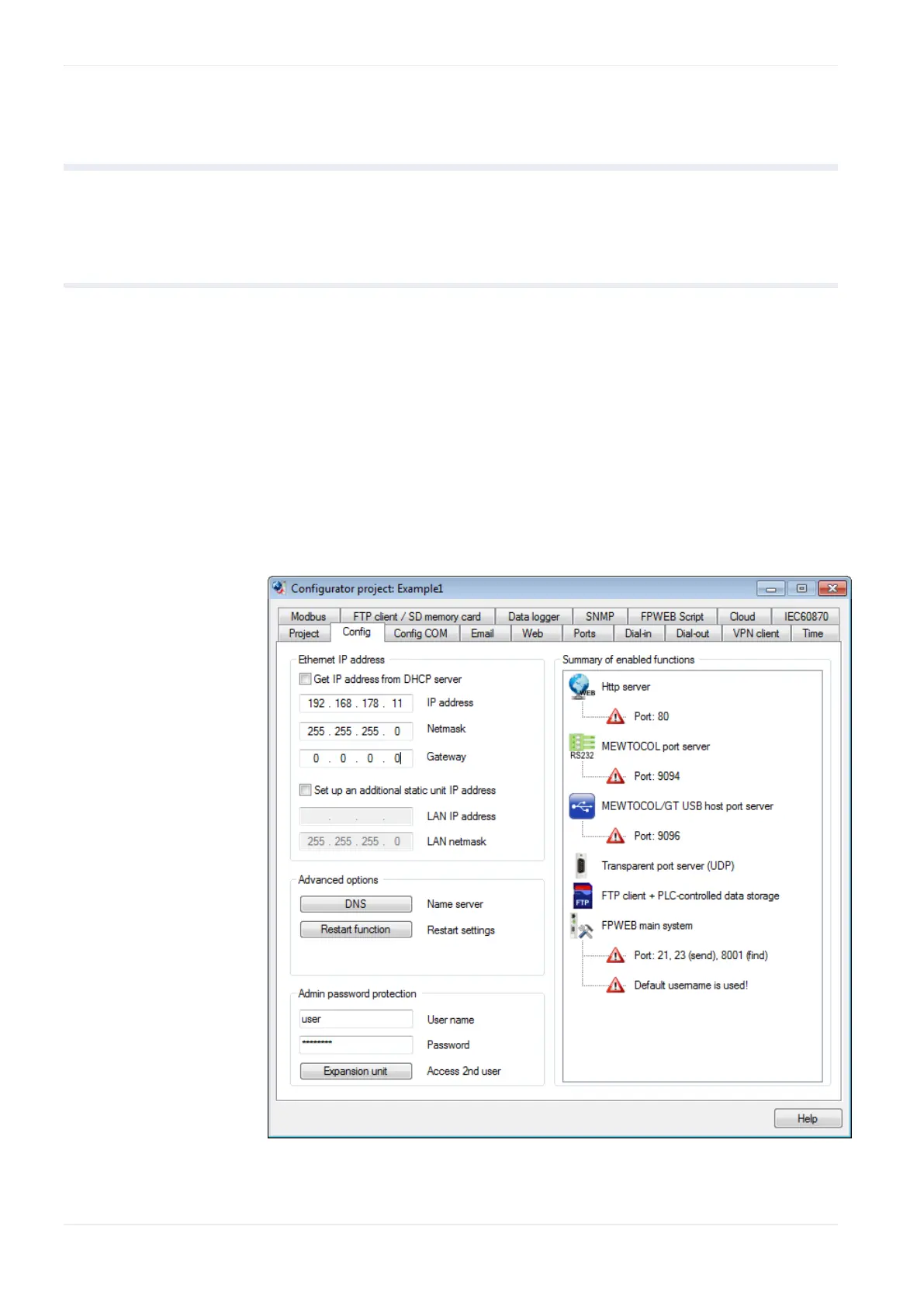
The main settings for the FP Web-Server are adjusted on the "Config" tab.
An Ethernet IP address (see p. 45) must be entered.
The parameters for the PLC interface may have to be adjusted (the
following figure shows the default settings).
We recommend that you specify a user name and password.
An additional static 2nd LAN IP address for the FP Web-Server unit can
be set, DNS can be enabled, the system restart function of the
FP-WEB2 can be activated and FTP access to the SD memory card of
the FP Web expansion unit can be restricted.












 To Next Page