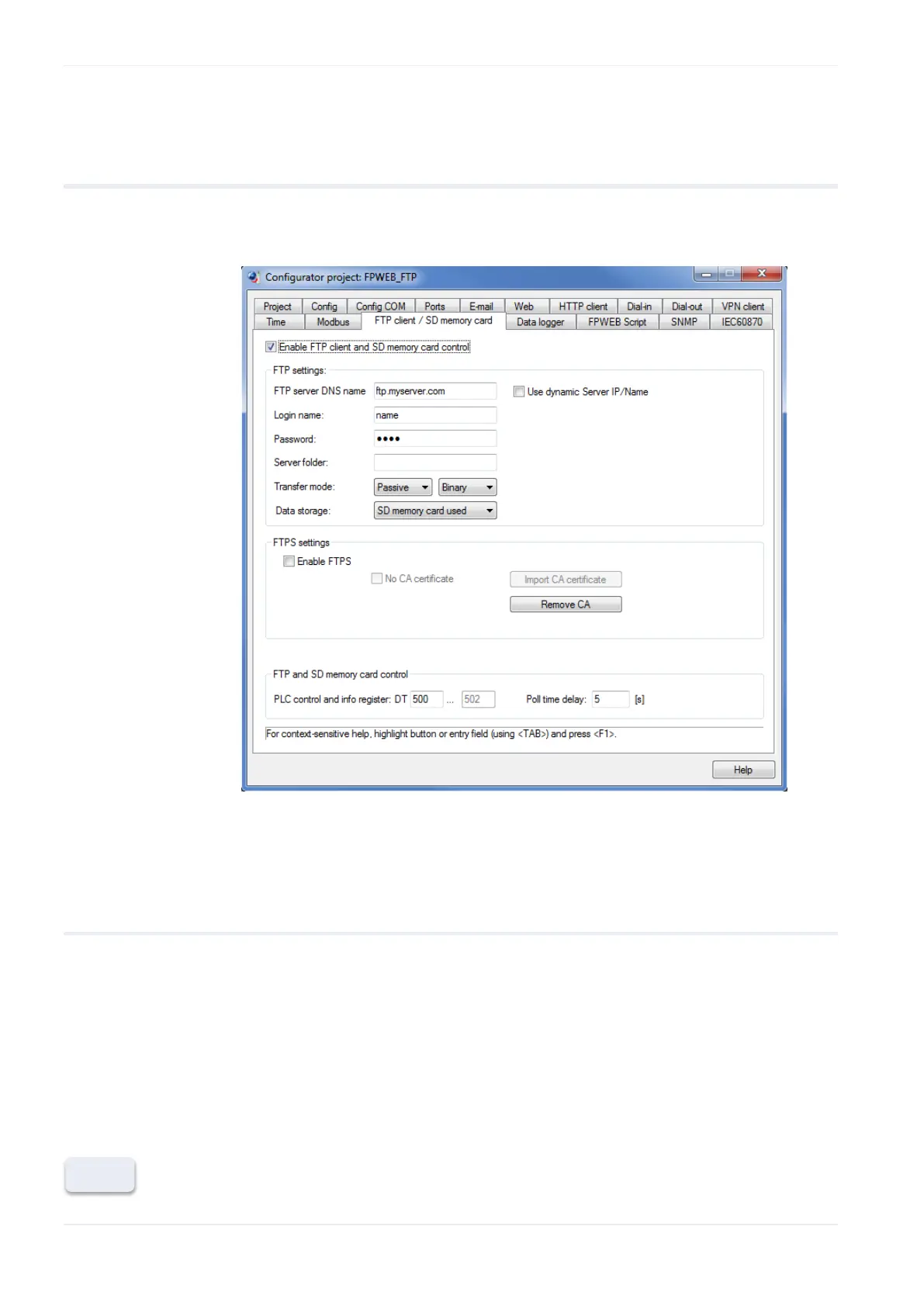
FTP client and SD memory card control setup
56 FP Web-Server V2.810 EN
7.3 FTP client / SD memory card settings
The input fields for the tab "FTP client / SD control tab" are described in
this section.
For context-sensitive help, highlight the button or entry field (using
<Tab>) and press <F1>.
7.3.1 Enable FTP client and SD memory card control
If this function is enabled, an FTP server must be available. The PLC
program should also be prepared for FTP client administration. As soon as
the FTP client function (see p. 52) is enabled, certain internal data registers
in the PLC will be polled by the FP Web-Server at regular intervals to detect
when an FTP client operation has to be started.
Disable this function if not used to save the FP Web-Server's memory.












 To Next Page