Configurator Software
FP Web-Server V2.810 EN 39
Chapter 4
Configurator Software
4.1 General information on the FP Web-Server Configurator
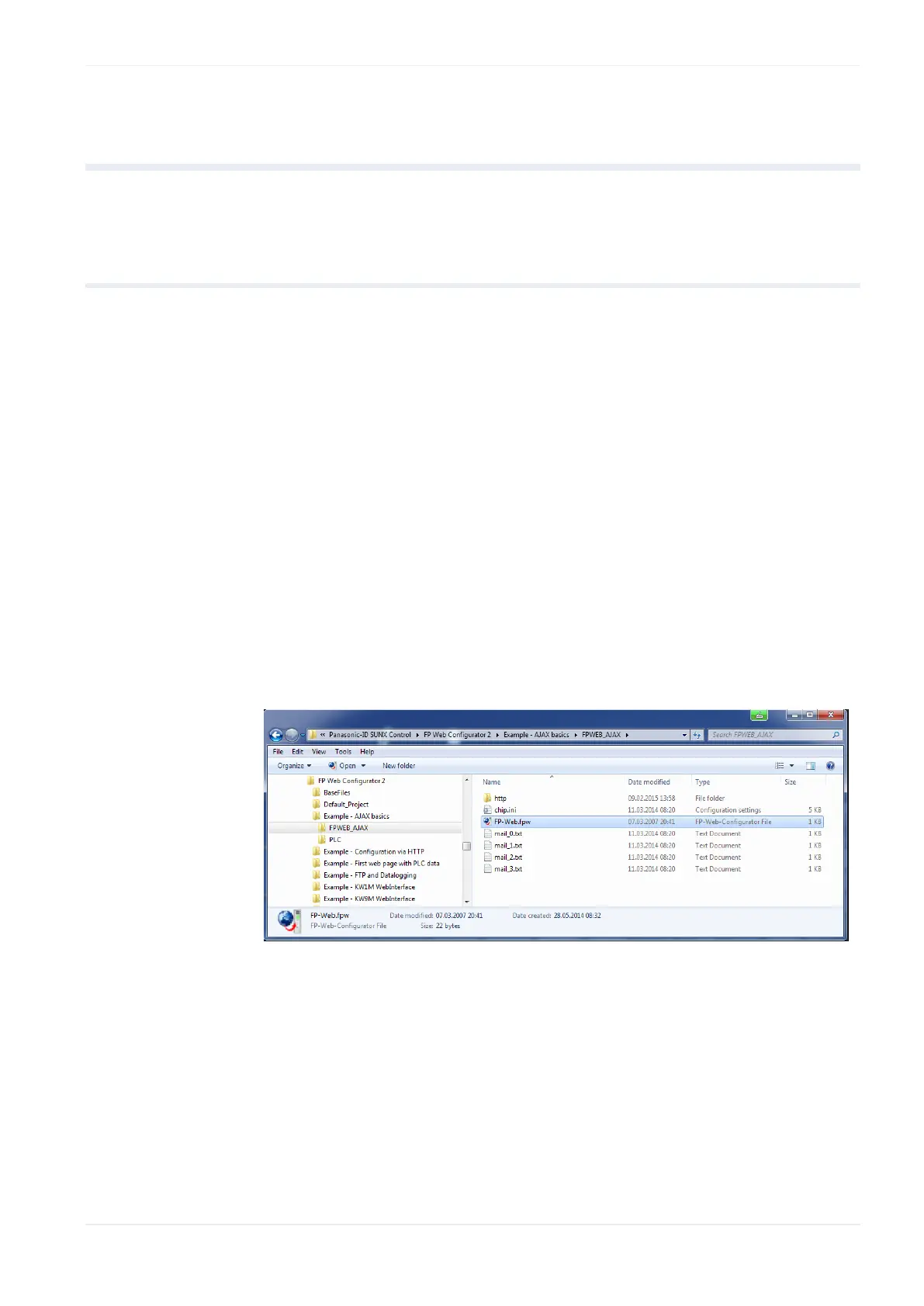
The FP Web Configurator administers "Configurator projects". These consist
of:
FP Web-Server project file (FP-Web.fpw)
FP Web-Server configuration (CHIP.INI file)
IEC 60870 configuration (mew60870.ini)
E-mail texts (MAIL_x.TXT files)
Data logger setting files (pewlog1.bin, pewlog2.bin)
Web files (MAIN.HTM; *.HTM; *.GIF; *.JPG; *.XML ...)
Certificate files for https
Every Configurator project is stored in a separate folder. A project consists
of e-mail text files, .INI text files and a sub-folder "http" in which all the
Web pages for the FP Web-Server are stored.
There are 3 ways to start the FP Web Configurator:
1. Start Program Files Panasonic-ID SUNX Control FP Web
Configurator 2 FP Web Configurator 2
2. Double-click the project file *.fpw of the project within the file explorer
3. Via a console command line that includes the configuration to be
opened
Select Start Run












 To Next Page