HTTP client
FP Web-Server V2.810 EN 79
If you use this option, stop using the variable "pFilenameOrURL" (from the
function block FPWEB_HTTP_Client). Add the file name or URL directly at
the input "pServerNameOrIP".
11.4 HTTP Client SSL Connection
For a secured connection between the client and server you can use a SSL
connection. For the SSL connection a certificate is needed.
Certificate name and path:
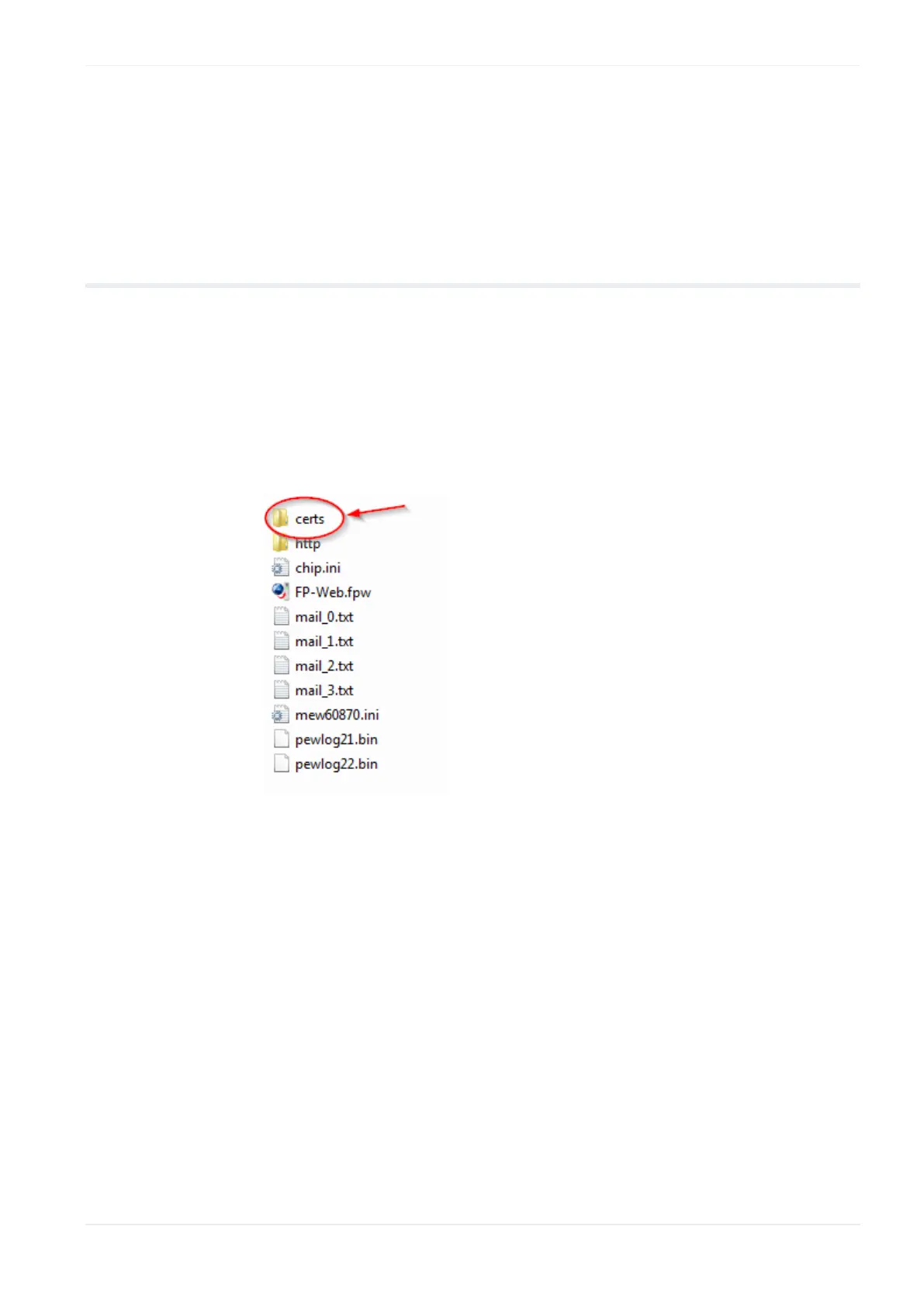
Copy the certificate to the subfolder "certs" of your FP Web Configurator
project folder.
The certificate must have the following name: cacert.der.
For more information about certificates and how to create certificates
please visit the OpenSSL webpage http://www.openssl.org/.












 To Next Page