Dial-out setup for PPP client
146 FP Web-Server V2.810 EN
Chapter 15
Dial-out setup for PPP client
15.1 The Internet dial-out function
15.1.1 Internet e-mail settings
The following step-by-step procedure enables e-mails to be sent via
Internet dialup:
1. Register an Internet e-mail account with your e-mail ISP if you do not
have an Internet e-mail account
2. Register an Internet dial-up account with your dial-up ISP if you do not
have an Internet dialup account
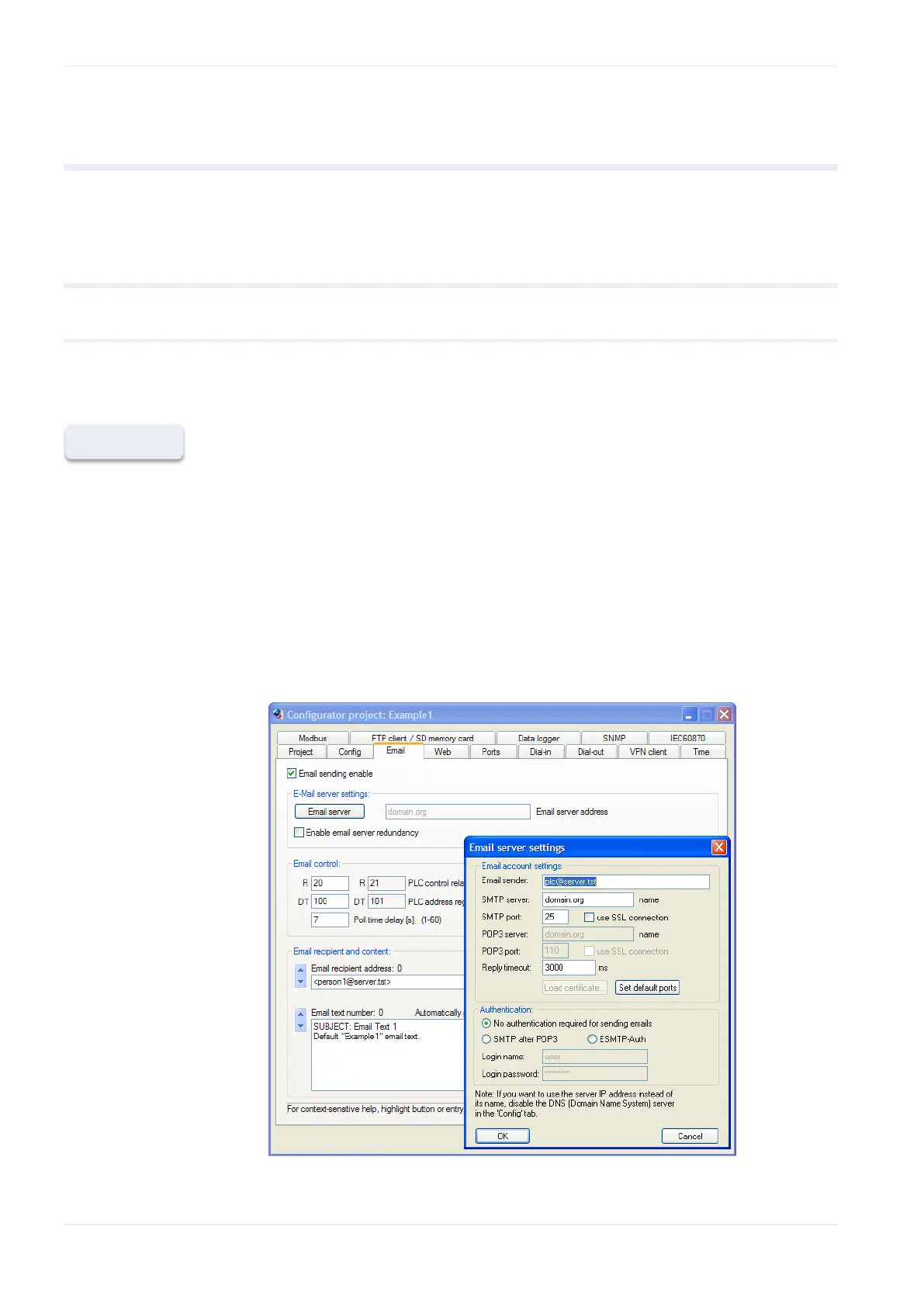
3. In the E-mail tab (see p. 50), enter the e-mail sender address of your
account
4. Select [E-mail server] to define the e-mail server settings including a
POP3 login name and password












 To Next Page