First steps
FP Web-Server V2.810 EN 37
If an error message is displayed, click [YES]. This sets the FP
Web-Server to the IP address entered in the current Configurator
project. After a short waiting period, click [FIND] again.
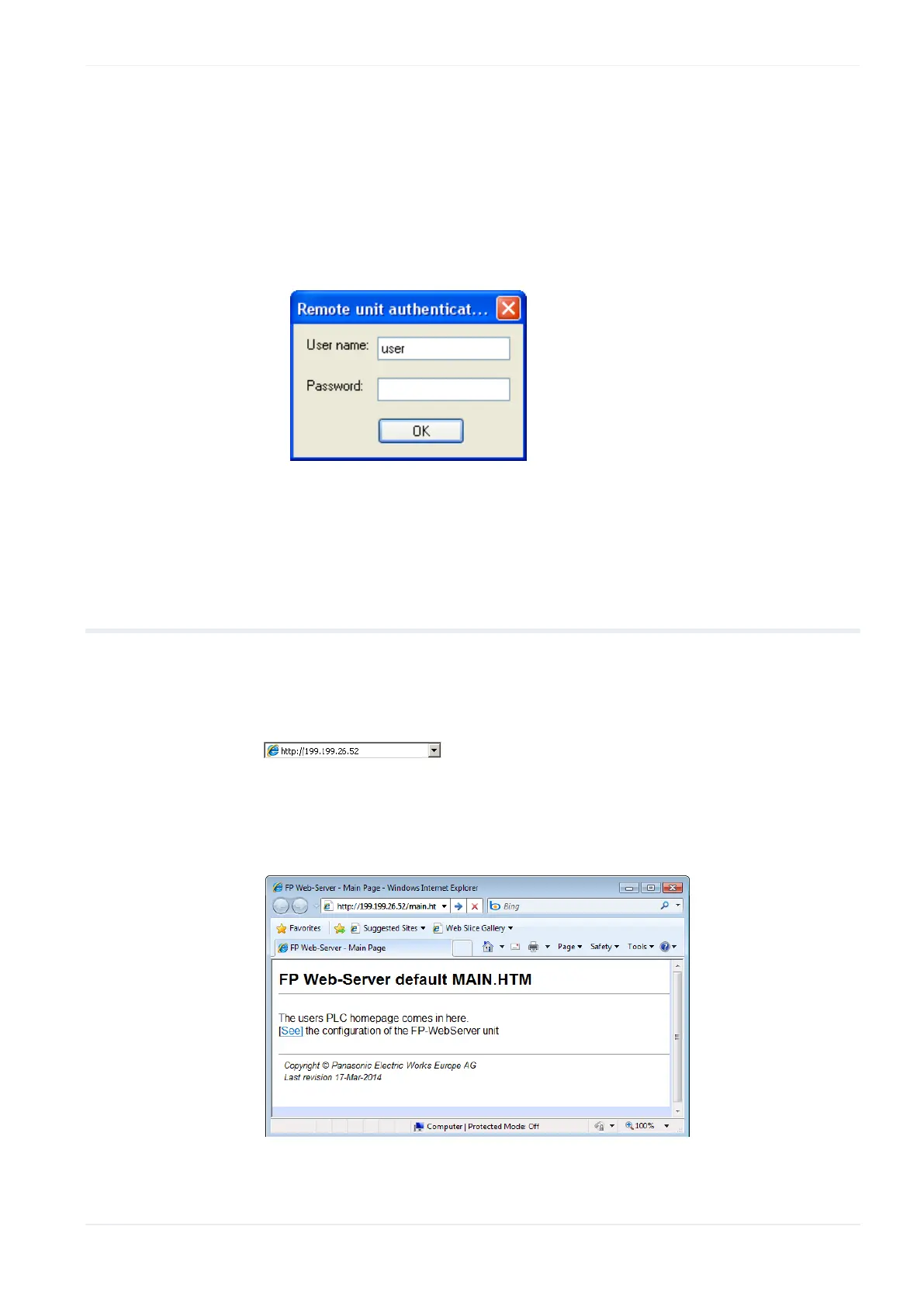
If the current password of the FP Web-Server is not the same as the
password of the project, the user name and the password are requested
before transmission and/or restart ([SEND], [INITIALIZE], [REBOOT]).
Please refer to "Trouble Shooting (see p. 185)" if any problems occur
with the functions FIND, SELECT, INITIALIZE or SEND.
3.8 Test the FP Web-Server with an Internet browser
The HTML pages of the FP Web-Server can be displayed with a standard
Internet browser. Start the Internet browser and enter the IP address of
the FP Web-Server into the address field.
The HTML page "main.htm" of the FP Web-Server will be displayed. For
the "Default_Project" (without PLC data, FP Web-Server may not be
connected to a PLC) for example:












 To Next Page