Data logger setup
68 FP Web-Server V2.810 EN
Restriction: the same settings can be used for multiple logging files.
However, a 1-second trigger can only be set for 1 file to avoid
performance problems resulting from overly fast polling for triggers and
intervals.
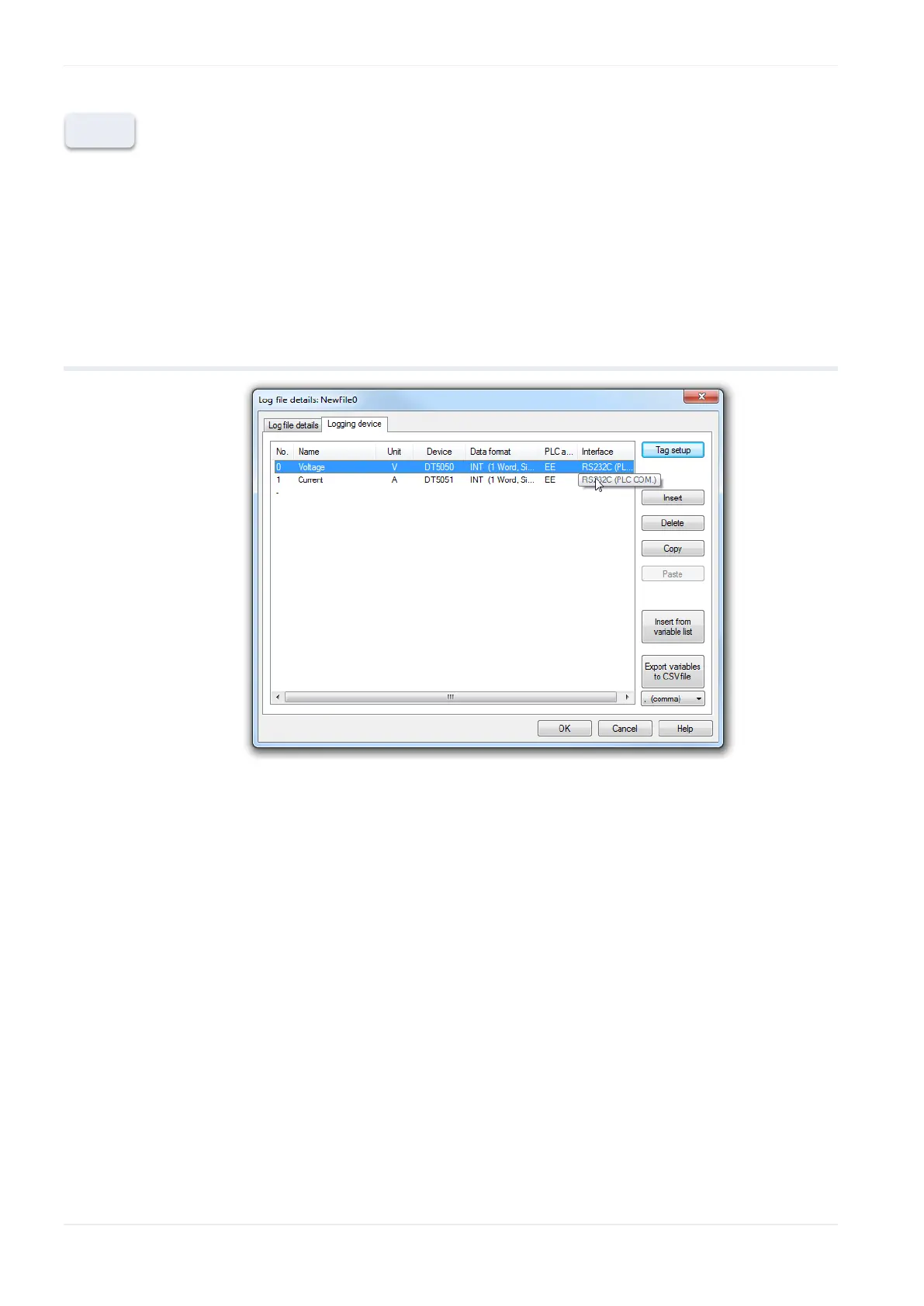
9.6 Logging device setup
The device list allows you to insert, duplicate or delete records. The
insert function increases the device address and the device name. With the
copy and paste function, a record will be duplicated without changes.
It is also possible to insert varibles from a CSV list (e.g. complete variable
list of an Eco POWER METER) or to export your prepared device list.
These options can help to speed up the setup of your data logger.












 To Next Page